---
Table of Contents
Table of Contents
- Thermostat Keep Losing Its Settings: Cause 1: Dead or Dying Batteries
- Cause 2: A Missing or Weak C-Wire
- Cause 3: Loose or Corroded Wiring
- Cause 4: Power Interruptions and Tripped Breakers
- Cause 5: A Failing Thermostat
- Cause 6: Software and Schedule Conflicts
- Cause 7: Wrong Location and Environmental Stress
- The Diagnostic Order
- When to Call a Professional
- Frequently Asked Questions
- References
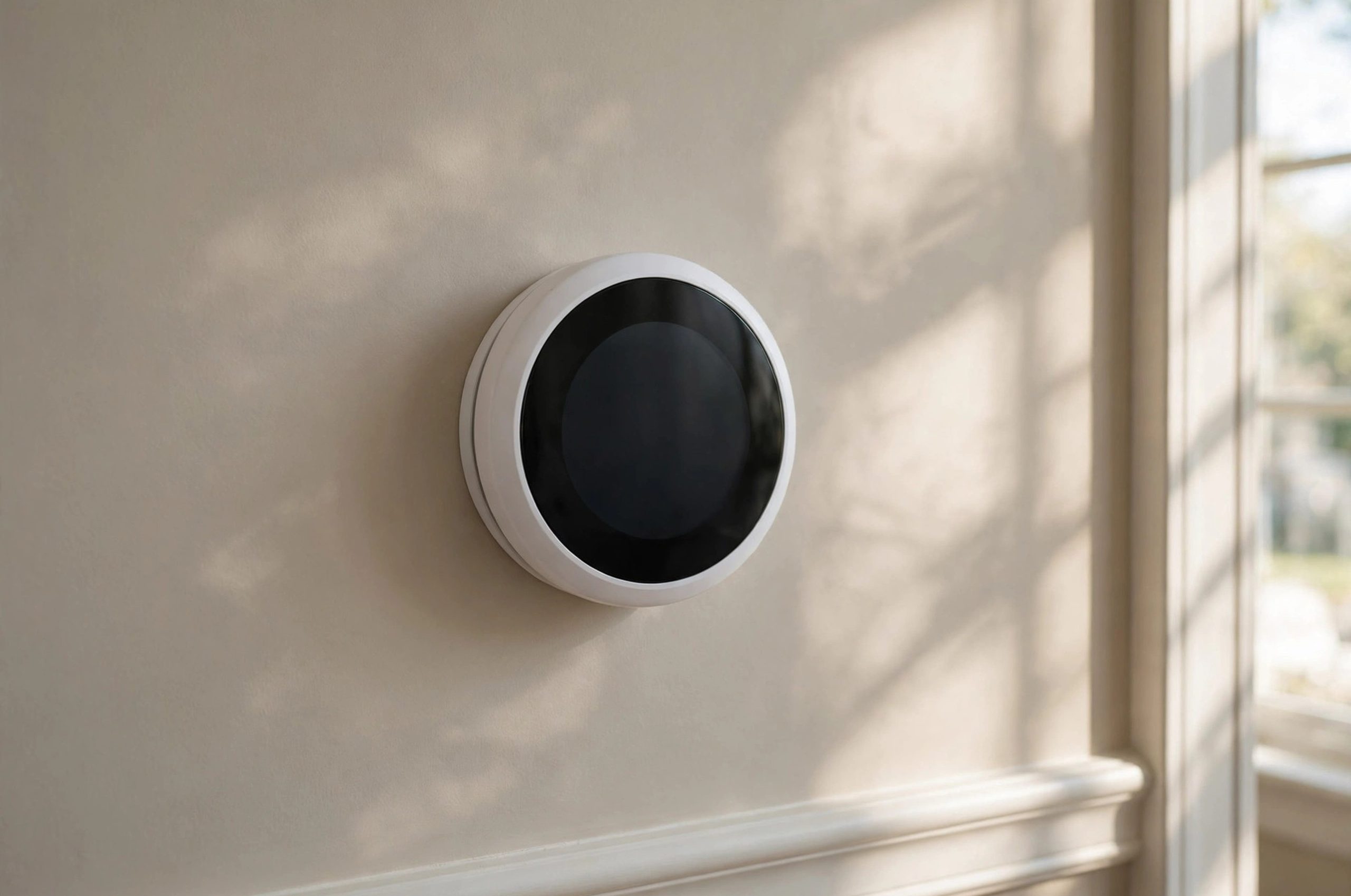
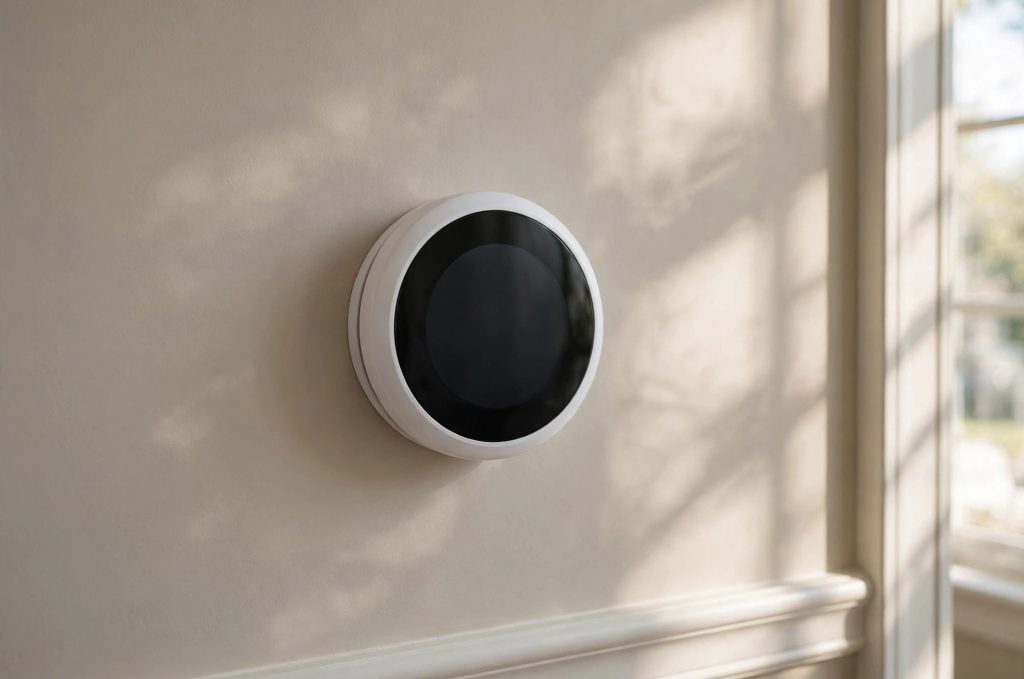
You program the thermostat on Sunday. By Wednesday it has forgotten everything: the schedule is gone, the temperature is wrong, and the house is cold when it should be warm. A thermostat that keeps losing its settings is maddening, but it is almost always a power problem, not a mystery. The thermostat's memory needs steady electricity to hold your programming. Take that away, even briefly, and it resets. Here is what to know about thermostat keep losing its settings before you start.
This guide walks through every common cause, from dead batteries to missing common wires, and the fix for each. Work through them in order and you will likely solve it without a service call. If your thermostat is simply old and tired, our comparison of ecobee vs Honeywell thermostats will help you pick a replacement.
Thermostat Keep Losing Its Settings: Cause 1: Dead or Dying Batteries
When it comes to thermostat keep losing its settings, getting the details right makes all the difference.
Many homeowners find that thermostat keep losing its settings is easier than they expected once they know the basics.
The simplest cause is the most common. Many thermostats run on AA or AAA batteries, and when the batteries die, the programming dies with them. Some models hold settings for a short grace period during a battery change, sometimes only a couple of minutes. Take too long swapping them and the schedule is gone.
Replace the batteries with fresh alkaline cells, not old ones from a drawer. Check the battery contacts for corrosion, the white or green crust that breaks the electrical connection. Clean the contacts gently with a pencil eraser or a cotton swab. If the thermostat ate batteries in weeks rather than months, something else is wrong; move on to the power causes below.
Cause 2: A Missing or Weak C-Wire
Many homeowners find that thermostat keep losing its settings is easier than they expected once they know the basics.
The key to thermostat keep losing its settings is choosing the right approach for your space and budget.
This is the number one cause of smart thermostat resets. The C-wire, or common wire, gives the thermostat a steady 24-volt power supply from the heating system. Older thermostats were simple switches that needed no power. Smart thermostats with Wi-Fi, bright screens, and sensors are hungry little computers, and without a C-wire they starve.
Without a C-wire, smart thermostats try to "steal" small amounts of power from the heating and cooling wires. Power stealing works badly. The thermostat's internal battery slowly drains, the screen goes dark, the unit reboots, and your settings vanish. This troubleshooting guide for smart thermostats that keep restarting puts a missing or improper C-wire at the top of its list and walks through the diagnostic steps. Nest owners see the same pattern: repeated shutdowns that trace back to power delivery rather than the thermostat itself.
How to check: pull the thermostat off its wall plate and look at the wire terminals. Is there a wire on the C terminal? Often it is blue, but colors vary. No wire on C means no common wire. Sometimes the wire exists in the wall bundle but was never connected at the furnace end. A look inside the furnace panel, with the power off, tells the rest of the story.
The fixes, in order of difficulty: connect the unused wire at both ends if one exists; install the manufacturer's power extender kit, which creates a virtual C-wire from existing wires; or have an electrician or HVAC tech run a new wire. Another detailed walkthrough focused on ecobee units covers the same three options with wiring specifics. Do not attempt furnace wiring with the power on.
Cause 3: Loose or Corroded Wiring
The key to thermostat keep losing its settings is choosing the right approach for your space and budget.
With a little planning, thermostat keep losing its settings can fit even a busy schedule.
Even with a C-wire present, a loose connection breaks the power path. Vibration, temperature swings, and sloppy original installation all loosen terminals over time. Corrosion does the same at a slower pace.
With the power off at the breaker, remove the thermostat and check that each wire is firmly seated in its terminal with clean copper showing. At the furnace end, check the low-voltage terminals on the control board. Snug every screw terminal. If you find green corrosion or burnt insulation, that wire needs professional attention. JustAnswer's HVAC experts point to the C-wire connection as the first thing to verify when a thermostat keeps resetting to defaults.
Cause 4: Power Interruptions and Tripped Breakers
With a little planning, thermostat keep losing its settings can fit even a busy schedule.
Before you start, it helps to understand how thermostat keep losing its settings works in real homes.
Every power outage is a reset risk for a thermostat with no battery backup. If your area loses power often, a thermostat without batteries or with dead backup batteries will forget its programming each time. Brownouts, brief flickers that you barely notice, can do the same.
Check whether the furnace breaker has tripped. A tripped breaker kills power to the transformer that feeds the thermostat, which looks exactly like a thermostat problem. If the breaker trips repeatedly, stop resetting it and call a technician; something downstream is faulting.
A whole-house surge protector is worth considering if outages and flickers are common where you live. Surges can also scramble a smart thermostat's memory or damage its electronics outright.
Cause 5: A Failing Thermostat
Before you start, it helps to understand how thermostat keep losing its settings works in real homes.
A good plan for thermostat keep losing its settings saves time, money, and frustration.
Thermostats wear out. Internal relays stick, sensors drift, and circuit boards develop faults. If the unit is more than ten years old, resets with fresh batteries and solid wiring, and behaves erratically in other ways, the thermostat itself is the likely culprit. Honeywell owners report the same end-of-life pattern: random restarts that persist through every fix short of replacement.
Before replacing, try a factory reset following the manufacturer's instructions. A corrupted setting or a firmware glitch can mimic hardware failure, and a clean reset sometimes clears it. If the problems return within days, replace the unit. Modern thermostats are inexpensive, install in under an hour, and hold their programming through outages far better than old ones. For senior-friendly simplicity, see our picks for the best programmable thermostats for seniors and the best learning thermostats for seniors.
A little planning makes thermostat keep losing its settings much easier.
Cause 6: Software and Schedule Conflicts
A good plan for thermostat keep losing its settings saves time, money, and frustration.
For most people, thermostat keep losing its settings comes down to a few smart choices.
Smart thermostats can lose settings for software reasons too. A failed firmware update can corrupt the schedule. Competing apps, where two family members control the thermostat from different phones, can overwrite each other's programming. Utility demand-response programs, which some homeowners enroll in for a rebate, can remotely change setpoints and make it look like the thermostat forgot.
Check the app for pending updates and install them. Make sure everyone in the house uses the same account or knows the house rules. If you enrolled in a utility program, check its settings before blaming the hardware.
Cause 7: Wrong Location and Environmental Stress
For most people, thermostat keep losing its settings comes down to a few smart choices.
A thermostat baking in direct sun, mounted above a heat vent, or sitting in a cold draft works its sensors overtime and can behave strangely. Extreme temperature swings at the thermostat's location stress its electronics. The fix is relocation to an interior wall, away from heat sources, sunlight, drafts, and supply vents, roughly at chest height in a room you actually live in.
If you have a multi-zone home, placement matters twice as much. Our guide to thermostats for two-zone systems covers the special considerations when one thermostat's confusion affects half the house.
The Diagnostic Order
If you are new to thermostat keep losing its settings, start with the simplest option and build from there.
Follow this sequence and stop when the problem is solved:
1. Replace the batteries with fresh alkaline cells and clean the contacts. 2. Check for a C-wire at the thermostat and the furnace. 3. Snug all low-voltage wiring connections with the power off. 4. Check the furnace breaker and look for a pattern with power outages. 5. Update firmware and check for app or utility-program conflicts. 6. Factory reset the thermostat. 7. Replace the thermostat.
Most cases resolve at step one or two. If you reach step seven, you have earned the new thermostat. Check our guide to smart thermostat installation costs if you would rather have a pro handle the wiring, and consider a Wi-Fi thermostat for a vacation home if remote monitoring would have caught the problem sooner.
When to Call a Professional
When it comes to thermostat keep losing its settings, getting the details right makes all the difference.
Call an HVAC technician if you find damaged wiring, a repeatedly tripping breaker, a furnace control board with burnt marks, or no C-wire and no comfort doing furnace wiring yourself. Low-voltage wiring is forgiving as DIY goes, but the furnace cabinet also contains high voltage and gas components. Know your limits.
Also call if the thermostat is new, wired correctly, and still resets. That points to a failing transformer or control board in the furnace, which is firmly professional territory.
Frequently Asked Questions
Will my thermostat lose its programming every time I change the batteries? Most models hold settings for a short time during a battery swap. Change them quickly, one at a time if possible, and keep the new batteries ready before you start.
Do all smart thermostats need a C-wire? Nearly all of them need continuous power. Some can limp along with power stealing or an adapter kit, but a real C-wire is the reliable solution.
Can a power outage damage my thermostat? Outages themselves usually just reset it. Surges that come with outages can damage electronics, which is why surge protection matters.
Why does my thermostat reset to the same wrong temperature? Many models have a factory default setpoint they fall back to when memory is lost. If yours always lands on the same number, that is the default, and the fix is restoring steady power. Once you try it, thermostat keep losing its settings gets easier each time.
References
- S3 Semi. (n.d.). Smart thermostat keeps restarting: Complete troubleshooting guide. https://www.s3semi.com/smart-thermostat-keeps-restarting-complete-troubleshooting-guide/
- S3 Semi. (n.d.). Ecobee turning off randomly: Complete troubleshooting guide. https://www.s3semi.com/ecobee-thermostat-turning-off-randomly/
- JustAnswer. (n.d.). Thermostat resetting to 44 degrees: Expert Q and A. https://www.justanswer.com/hvac/hkh8k-thermostat-keeps-resetting-itself-44-degrees.html
- U.S. Department of Energy. (n.d.). Home energy checklist. https://www.energy.gov/cmei/femp/home-energy-checklist
- Carrier Corporation. (n.d.). What is AC short cycling? Causes and troubleshooting. https://carrier.com/us/en/residential/hvac-resources/air-conditioners/ac-short-cycling/
- Remember The Filter. (n.d.). Short-cycling AC: Causes, costs, and fixes. https://www.rememberthefilter.com/blogs/news/the-consequences-of-a-short-cycling-air-conditioner
Was this guide helpful?

About My Garden US
The My Garden US editorial team writes practical, in-depth home and garden guides for American homeowners — tested advice, no fluff.
You May Also Like
Best Whole House Humidifier Reviews 2026 USA: A Practical Guide for Dry Homes
April 11, 2026 19 views
How to Clean Mini Split Filters USA Guide: Step-by-Step Care for Cleaner Air
September 14, 2026 22 views
Best Fire Pit for Backyard Reviews USA: A Plain Guide
August 9, 2026 19 views