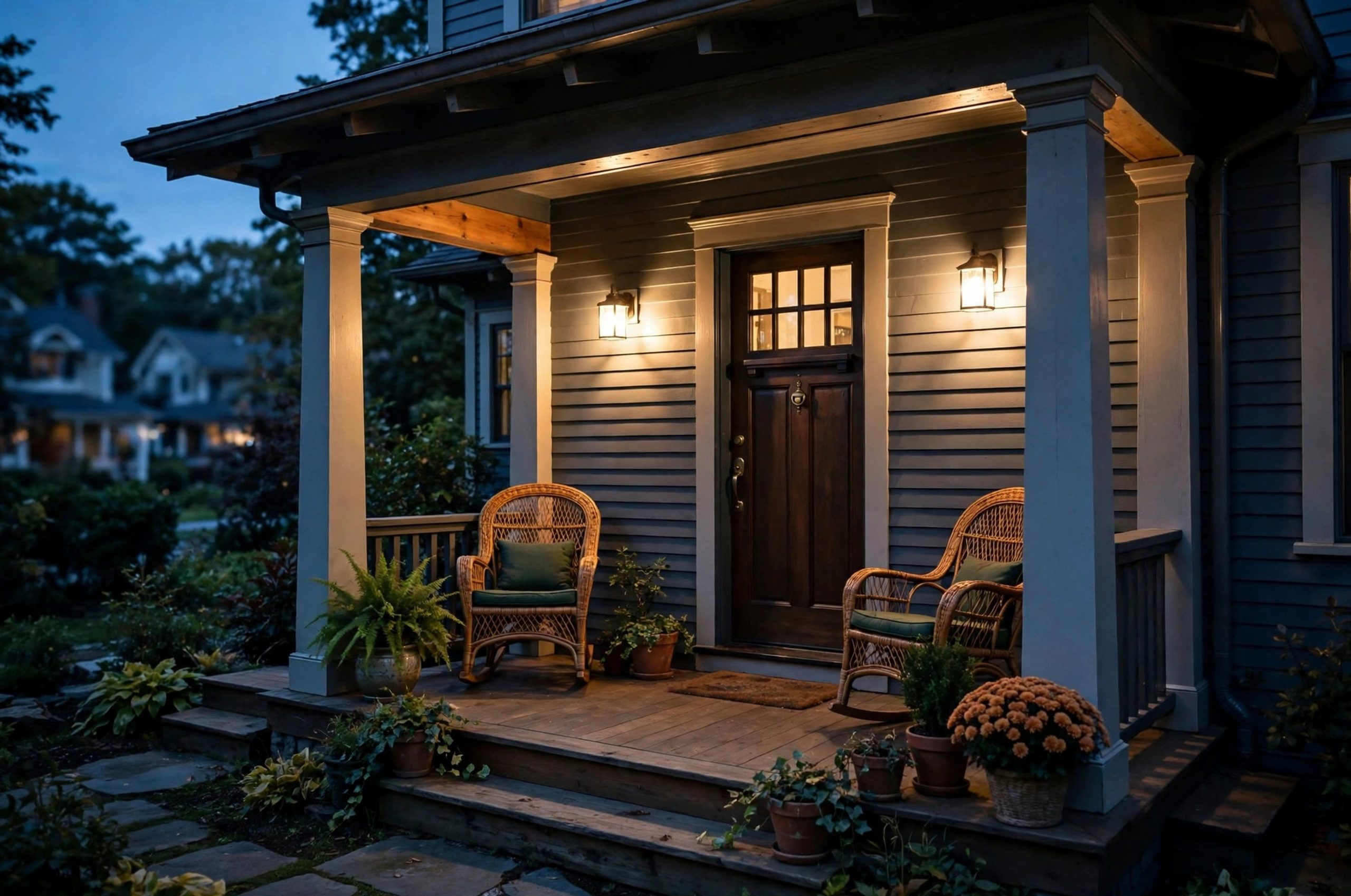
A porch light that turns itself on at sunset is one of the simplest smart home wins. No timers to reset when the days get shorter. No coming home to a dark porch. No lights burning all day because you forgot to turn them off in the morning. Learning how to automate porch lights with sunset schedules takes about fifteen minutes, and you set it once. Here is what to know about how to automate porch lights with sunset schedules before you start.
Table of Contents
Table of Contents
- How to Automate Porch Lights with Sunset Schedules: Pick Your Hardware: Bulb, Plug, or Switch
- The Alexa Routine: On at Sunset, Off at Bedtime
- The Google Home Version
- Smart Plugs and Switches With Built-In Sunset Modes
- Why Sunset Beats a Fixed Timer
- Fine-Tuning: Offsets, Brightness, and Second Lights
- Troubleshooting When the Schedule Misses
- The Short Version
- References
A sunset schedule uses your location to figure out when the sun goes down, then turns the lights on at that moment. As the seasons change, the schedule adjusts itself. That is the whole trick, and it beats any fixed timer.
How to Automate Porch Lights with Sunset Schedules: Pick Your Hardware: Bulb, Plug, or Switch
When it comes to how to automate porch lights with sunset schedules, getting the details right makes all the difference.
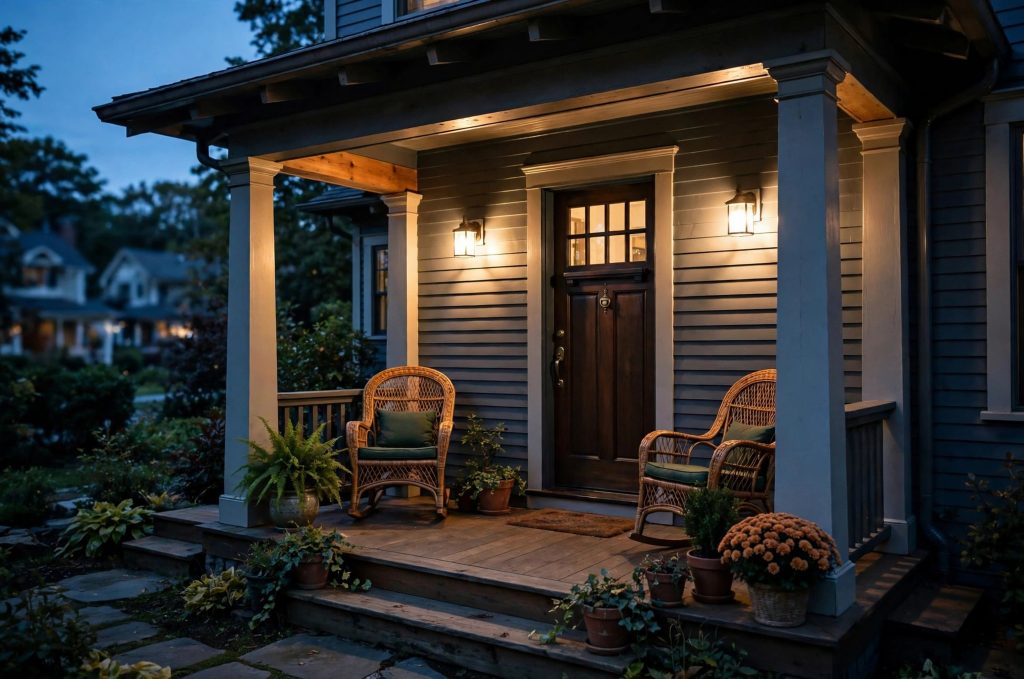
Many homeowners find that how to automate porch lights with sunset schedules is easier than they expected once they know the basics.
You have three ways to make a porch light smart. Pick the one that fits your porch.
Smart bulb. Screw it into the existing fixture and control it from the app. This is the easiest option and the cheapest. The catch: the wall switch must stay on, or the bulb loses power and the schedule dies. Put a small piece of tape over the switch or a switch guard so nobody flips it off.
Smart plug. If your porch light is a plug-in fixture, like string lights or a lantern on a timer, plug it into an outdoor-rated smart plug. The plug handles the schedule. This is perfect for decorative lights. The homedecorbliss.com guide notes that most smart plugs offer a sunset trigger that adjusts as days shorten, so you never update a timer.
Smart switch. Replace the wall switch with a smart switch and every bulb in the fixture follows the schedule. This is the best option for hardwired porch lights, and it keeps working even if someone flips the switch, since the switch itself is smart. Check that your switch box has a neutral wire first. The best smart light switch with no neutral roundup covers older homes that lack one.
For a porch with several fixtures, group them in the app first. One schedule then controls the whole porch. The best smart bulbs for recessed lighting guide helps if your porch uses can lights.
The Alexa Routine: On at Sunset, Off at Bedtime
Many homeowners find that how to automate porch lights with sunset schedules is easier than they expected once they know the basics.
The key to how to automate porch lights with sunset schedules is choosing the right approach for your space and budget.
Alexa makes this easy with routines. You need two: one to turn the lights on at sunset, one to turn them off later.
Routine one, lights on:
1. Open the Alexa app and tap More, then Routines. 2. Tap the plus sign to make a new routine and name it "Porch on." 3. Under "When this happens," tap Schedule, then Sunset. 4. Set a time offset if you want. Fifteen minutes before sunset lights the porch as it gets dim. Right at sunset works too. 5. Pick the days. Every day is the usual choice. 6. Tap Add action, then Smart Home, then your porch light, plug, or group. 7. Set power to On and save.
Routine two, lights off:
1. Make another routine named "Porch off." 2. Under "When this happens," tap Schedule, then At Time. 3. Pick your bedtime, or pick Sunrise if you want the light on all night. 4. Add the action to turn the same light, plug, or group Off. 5. Save.
The alphr.com guide walks through this exact two-routine setup with a smart plug, including the offset slider and the day picker. The trucoteca.com guide covers the same ground with a handy FAQ on brightness and sunrise triggers.
The Google Home Version
The key to how to automate porch lights with sunset schedules is choosing the right approach for your space and budget.
With a little planning, how to automate porch lights with sunset schedules can fit even a busy schedule.
Google Home handles sunset schedules through its Automations, called routines in older versions of the app:
1. Open the Google Home app and tap Automations. 2. Tap Add, then choose Household routine. 3. Name it "Porch on at sunset." 4. For the starter, pick Sunset. You can add an offset, like thirty minutes before. 5. Add an action: turn on the porch light, plug, or room. 6. Save, then make a second automation that turns the same light off at a set time or at sunrise.
Google's automations run in the cloud, so they keep working even if your phone is off. That is one less thing to worry about.
Smart Plugs and Switches With Built-In Sunset Modes
With a little planning, how to automate porch lights with sunset schedules can fit even a busy schedule.
Before you start, it helps to understand how how to automate porch lights with sunset schedules works in real homes.
Some devices do not need a voice assistant at all. Many smart plugs and switches have their own app with a sunset trigger built in. You set the schedule in the maker's app and it runs on its own. This is handy if you do not use Alexa or Google Home.
Shelly relays, which wire in behind your existing switch, support sunset and sunrise scenes right in the Shelly app. The shelly.com guide shows how to set porch lights to switch on around the time you come home and off after bedtime, with manual switch control still working. The us.shelly.com version covers the same setup for American wiring.
If you like to tinker, the home automation cookbook on GitHub has a clean recipe for dusk-triggered outdoor lights: on at sunset, decorative lights off at bedtime, everything off at sunrise, with the physical switch always able to override.
Why Sunset Beats a Fixed Timer
Before you start, it helps to understand how how to automate porch lights with sunset schedules works in real homes.
A good plan for how to automate porch lights with sunset schedules saves time, money, and frustration.
A fixed timer set for 7 in the evening is wrong half the year. In summer it turns the lights on while the sun is still up. In winter the porch sits dark for an hour before the timer kicks in. You end up adjusting it four times a year, or more likely you stop adjusting it and live with it being wrong.
A sunset trigger follows the actual dark. The digitaltrends.com guide makes this case for smart lighting in general: schedules tied to sunup and sundown adapt without you thinking about it. The makeuseof.com guide adds that a forgotten smart speaker can run these schedules quietly in the background, which is as close to a truly automatic home as it gets.
The mrelectriclittleton.com guide frames porch lights as safety lighting: on at sunset, off at sunrise, cutting energy waste while keeping the entry visible all night.
Fine-Tuning: Offsets, Brightness, and Second Lights
A good plan for how to automate porch lights with sunset schedules saves time, money, and frustration.
For most people, how to automate porch lights with sunset schedules comes down to a few smart choices.
Once the basic schedule works, a few tweaks make it better.
Use an offset. Turning the lights on fifteen to thirty minutes before sunset means the porch is lit as the light fades, not after it is already dark. Turning them off at sunrise instead of a fixed time means they never burn into daylight.
Set the brightness. If your bulbs dim, add brightness to the routine. Full brightness at sunset for visibility, then dim to half at bedtime if the light shines into a bedroom window.
Layer the lights. Put the main porch light on the sunset schedule and plug decorative string lights into a smart plug with energy monitoring on its own schedule. Decorative lights can go off at bedtime while the main light stays on for safety. A Matter-compatible smart plug keeps this setup working across Alexa, Google, and Apple at once.
Add a motion boost. Some setups pair the sunset schedule with a motion sensor, so the porch light burns dim all evening and jumps to full brightness when someone approaches. That is the best of both worlds: low energy use and a bright welcome.
Troubleshooting When the Schedule Misses
For most people, how to automate porch lights with sunset schedules comes down to a few smart choices.
If the lights do not follow the schedule, check these in order:
- Confirm your home location is right in the app. The sunset time comes from your location, and a wrong address means wrong times.
- Check that the routine is enabled. It is easy to save a routine in a disabled state.
- Make sure the wall switch is on for smart bulbs. No power, no schedule.
- Check the Wi-Fi signal at the porch. Brick and metal fixtures weaken signals. A weak connection means missed commands.
- Look for conflicting routines. Two routines fighting over the same light cause strange behavior.
Daylight saving changes can also throw off schedules for a day. Most platforms adjust on their own, but if your lights are an hour off after a time change, open the routine, save it again, and it will resync.
For path and yard lighting beyond the porch, the dusk-to-dawn outdoor light roundup and the low-voltage landscape lighting transformer guide cover fixtures with their own light sensors. And when you travel, the best timer for lights when away guide shows how to make the house look lived in.
The Short Version
If you are new to how to automate porch lights with sunset schedules, start with the simplest option and build from there.
Pick a smart bulb, plug, or switch. Group the porch lights. Make one routine for on at sunset and one for off at bedtime or sunrise. Set it once and forget it. Your porch will greet you with light every evening, on time, all year. Once you try it, how to automate porch lights with sunset schedules gets easier each time.
References
When it comes to how to automate porch lights with sunset schedules, getting the details right makes all the difference.
- MakeUseOf. (n.d.). The smart speaker collecting dust can still run your smart home in these 7 ways. https://www.makeuseof.com/smart-speaker-collecting-dust-can-automate-your-whole-home/
- Home Decor Bliss. (n.d.). Front porch lighting ideas for savoring shorter fall evenings. https://homedecorbliss.com/fall-porch-lighting-ideas/
- Shelly. (n.d.). Automate the lights and make them follow your schedule. https://www.shelly.com/blogs/use-cases/automate-the-lights-and-make-them-follow-your-schedule-1
- Home Automation Cookbook. (n.d.). Turn outdoor lights on at dusk. https://github.com/madskristensen/homeautomationcookbook/blob/HEAD/docs/automation/lighting/outdoor-night-lights.md
- Shelly USA. (n.d.). Automate the lights and make them follow your schedule. https://us.shelly.com/blogs/use-cases/automate-the-lights-and-make-them-follow-your-schedule
- Mr. Electric of Littleton. (n.d.). From lights to locks: 7 everyday things you can automate in your home. https://www.mrelectriclittleton.com/from-lights-to-locks-7-everyday-things-you-can-automate-in-your-home
- Digital Trends. (n.d.). How to easily automate smart lights. https://www.digitaltrends.com/home/how-to-automate-smart-lights/
- Alphr. (n.d.). How to turn on at sunset with the Amazon smart plug. https://www.alphr.com/turn-on-sunset-amazon-smart-plug/
- Trucoteca. (n.d.). How to schedule lights on and off with Alexa. https://trucoteca.com/en/how-to-schedule-lights-on-and-off-with-alexa/
Was this guide helpful?

About My Garden US
The My Garden US editorial team writes practical, in-depth home and garden guides for American homeowners — tested advice, no fluff.
You May Also Like

Best Smart Blinds Reviews 2026 USA
March 26, 2026 22 views
Best Fake Security Camera Reviews 2026 USA: A Plain Guide
July 23, 2026 19 views
Best Glass Break Sensor Reviews 2026 USA: A Plain Guide to Protecting Your Windows
July 26, 2026 21 views