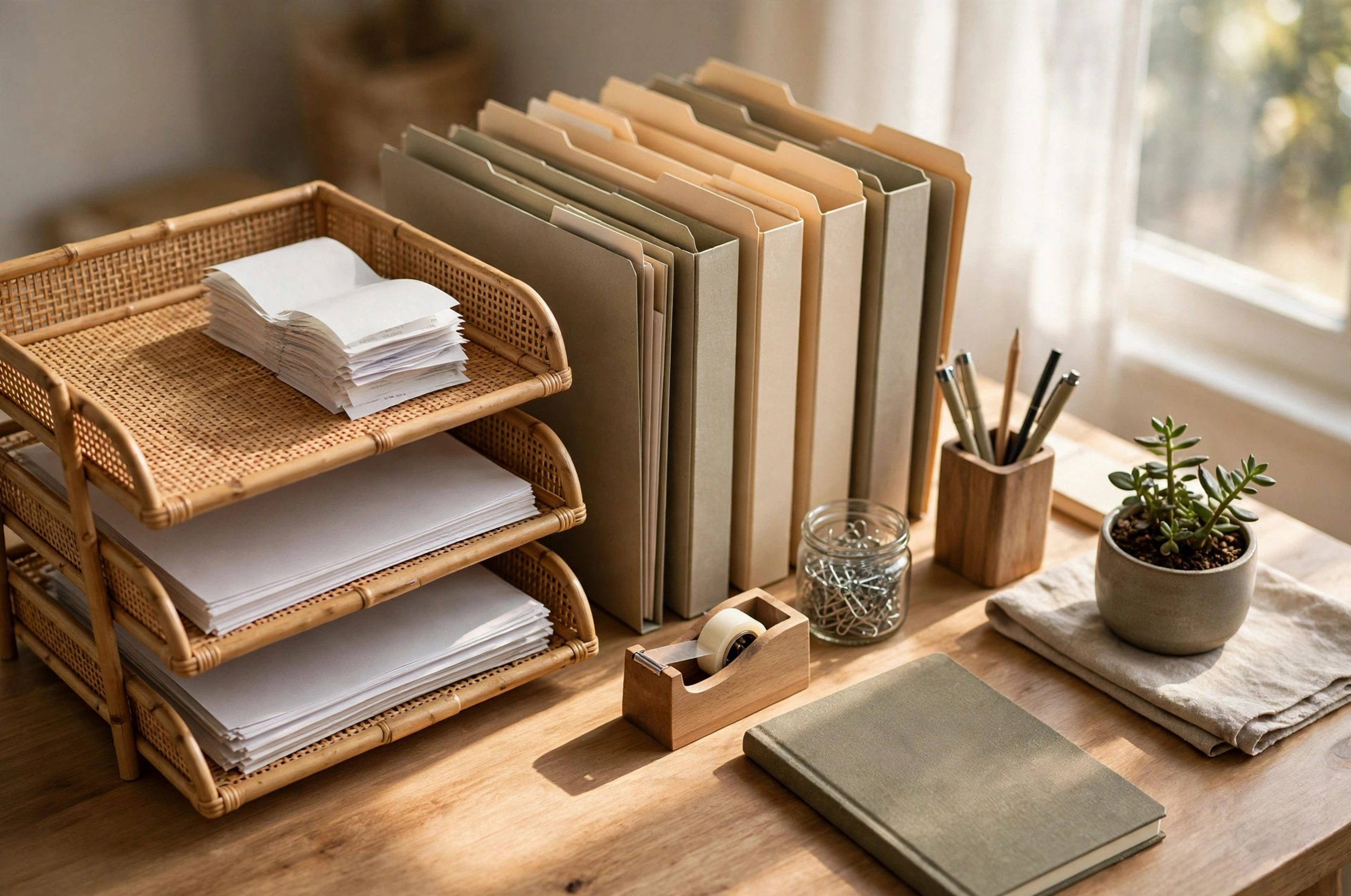
Tax season turns calm homes into paper storms. Shoeboxes fill with receipts. Drawers jam with bank statements. Invoices pile on the desk. For home business owners, the stress feels personal because the office is the home. But organizing home business tax files without stress is a skill anyone can learn. It takes a simple system, a few steady habits, and the right tools. This guide walks you through each step so you can face tax time with clear files and a clear head.
Table of Contents
Table of Contents
- Organizing Home Business Tax Files: Why Tax Files Feel So Overwhelming
- Build a Filing System That Actually Works
- Sort by Tax Year First, Then by Category
- Keep Business and Personal Records Apart
- Give Every Document a Landing Spot
- Know What to Keep and How Long
- Digitize Receipts Without Losing Your Mind
- Scan the Same Day
- Use Software That Fits Your Size
- Organize Receipts by Tax Year
- Monthly and Weekly Habits That Keep Files Current
- The Weekly Ten-Minute Sweep
- The Monthly Hour
- The Mid-Year Check
- Protect Your Tax Files: Security and Backups
- Common Tax Filing Mistakes That Create Stress
- Frequently Asked Questions
- Do I need to keep paper receipts if I have digital copies?
- How should I organize tax files for more than one business?
- What if I am missing important tax documents?
- Can a business credit card really replace receipt tracking?
- What makes a record system audit-proof?
- Conclusion
- References
Organizing Home Business Tax Files: Why Tax Files Feel So Overwhelming
When it comes to organizing home business tax files, getting the details right makes all the difference.


Many homeowners find that organizing home business tax files is easier than they expected once they know the basics.
Most home business owners do not start out disorganized. They start out busy. Receipts come in every day. Mileage logs wait until the weekend. Invoices sit on the counter "just for now." One small delay turns into a drawer full of unsorted paper.
The real problem is mixing. Business receipts mix with grocery receipts. Personal bank statements mix with business ones. When the tax preparer asks for proof of an expense, you cannot find it. The IRS places the burden of proof on the taxpayer, which means you must be able to back up every deduction you claim. That is where a filing system earns its keep: it turns scattered paper into proof.
A good system also protects you in an audit. The IRS recommends keeping records that support income and deductions in an orderly place, organized by year and by type of income or expense. If you are ever asked for documents, you can pull them in minutes instead of days. That speed alone takes most of the fear out of the process.
Build a Filing System That Actually Works
Many homeowners find that organizing home business tax files is easier than they expected once they know the basics.
The key to organizing home business tax files is choosing the right approach for your space and budget.
You do not need a fancy setup. You need one place for everything, with clear labels. Paper or digital both work. Many owners use both: paper for the originals that matter, digital for daily ease of use. Pick the setup that matches how you actually work, because the best system is the one you keep using.
Sort by Tax Year First, Then by Category
Start with one folder or one digital folder per tax year. Inside each year, make subfolders for the big categories: income, expenses, receipts, mileage, bank statements, payroll, and asset purchases. Every piece of paper goes into its own slot the same day you touch it.
Label everything the same way. A folder marked "Receipts - Office Supplies" beats a folder marked "Misc." by a mile. Consistent labels mean you never have to open ten folders to find one receipt. A label maker keeps labels neat and easy to read, and it speeds up the whole filing routine.
Keep Business and Personal Records Apart
This is the single biggest stress-saver. Get a separate business bank account and a separate business credit card. When business money flows through business accounts, sorting gets easy. Your year-end card summary already groups spending by category, and your bookkeeper can pull reports in minutes.
A dedicated filing cabinet for home business documents keeps business paper physically separate from the family mail. If the records ever get reviewed, clean separation shows that you treat the business like a business. That credibility matters.
Give Every Document a Landing Spot
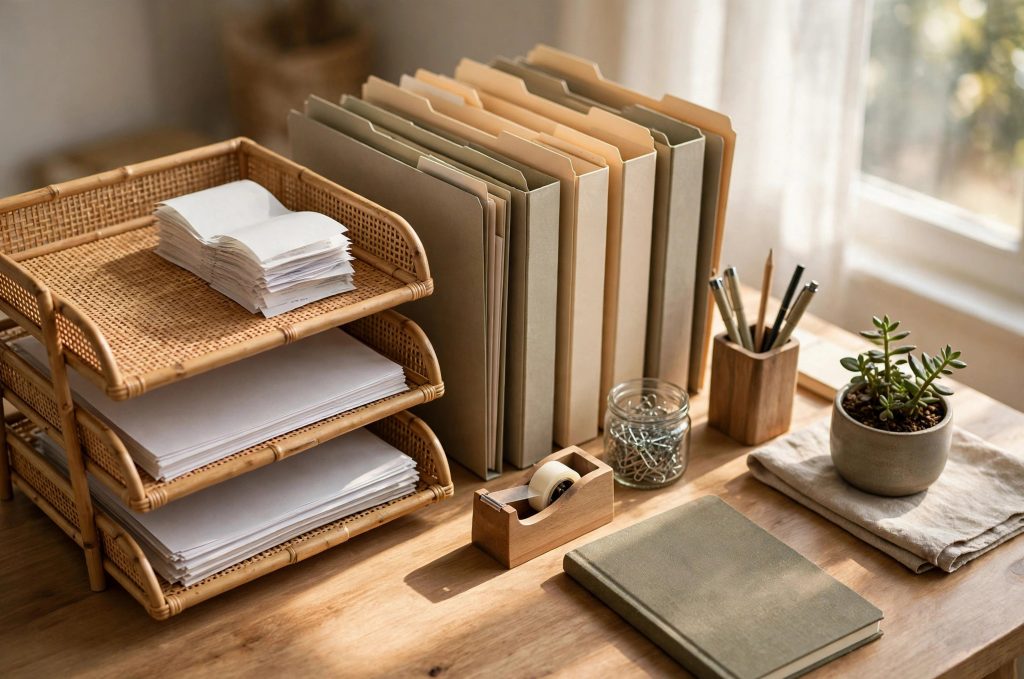
Unprocessed paper causes most of the chaos. Set up one inbox tray on your desk for new tax documents. Process the tray once a week: scan or file each item, then move it to its home. A good desk organizer for mail and bills gives new documents a clear landing spot so they never wander.
Know What to Keep and How Long
The key to organizing home business tax files is choosing the right approach for your space and budget.
With a little planning, organizing home business tax files can fit even a busy schedule.
Keeping everything forever is not a system. It is a storage problem. Knowing how long each record matters lets you shred with confidence.
The IRS gives clear guidance here. In general, keep records that support items on your tax return for at least three years after the return is filed. Employment tax records should be kept for at least four years after the tax becomes due or is paid, whichever is later. Records tied to property should be kept until at least three years after you sell or dispose of the property. Tax returns themselves are worth keeping indefinitely.
If income was left off a return and it adds up to more than a quarter of the gross income shown, the safe window stretches to six years. And if no return was filed, or fraud was involved, there is no safe window at all: keep those records forever. Tax pros like the ones at Jackson Hewitt advise consolidating paper in one secure location and backing up digital copies in more than one place.
A simple rule of thumb: when in doubt, keep it. A lateral filing cabinet holds years of records in a small footprint, so the cost of keeping is low. Mark each box or drawer with the tax year, and note the earliest shred date on the label. Future you will be grateful.
Digitize Receipts Without Losing Your Mind
With a little planning, organizing home business tax files can fit even a busy schedule.
Before you start, it helps to understand how organizing home business tax files works in real homes.
Paper fades. Ink smudges. A coffee spill can erase a deduction. The IRS accepts digital copies of receipts as long as they are complete and accurate. Going digital is the fastest way to make organizing home business tax files without stress a daily reality.
Scan the Same Day
The habit that matters most is timing. Scan or photograph each receipt the day it arrives. Phone apps can capture a receipt in seconds and pull out the vendor, date, and amount. As the team at Neat explains, a solid routine is capture, review, categorize, add business context, and store. Follow that path for every receipt and nothing slips through.
Name your files the same way every time: date, vendor, and amount. A file named "03-14 hardware-store 42-18" can be found in seconds. A file named "IMG_4829" cannot.
Use Software That Fits Your Size
Small businesses do not need enterprise software. Simple accounting tools track income and expenses, sort transactions by category, and export reports at tax time. Some owners use spreadsheets. Others use cloud accounting tools. The Economic Development Collaborative suggests asking your tax preparer which system they prefer, since matching their workflow can save you money on prep fees.
Whatever you choose, keep the raw receipts too. Software summaries are helpful, but the receipt image is the proof. Store both in the same folder structure so they match.
Organize Receipts by Tax Year
Follow the same top-level structure as your paper files: tax year first, expense category underneath. Record the vendor, the transaction date, the total amount, the category, the payment method, and the business purpose for anything that is not obvious. If one receipt mixes personal and business items, keep the full receipt, mark the business items, and record only the business portion as an expense. That clear note keeps mixed purchases clean and defensible.
Monthly and Weekly Habits That Keep Files Current
Before you start, it helps to understand how organizing home business tax files works in real homes.
A good plan for organizing home business tax files saves time, money, and frustration.
Systems fail when they go stale. Ten minutes a week and one hour a month keep everything current. Put both on your calendar like any other business task.
The Weekly Ten-Minute Sweep
Once a week, empty your inbox tray. Scan the new receipts. Match bank and card transactions to categories. Toss or shred anything that is not a business record. Check that mileage is logged for any business driving. Ten honest minutes a week beats a lost weekend every spring.
The Monthly Hour
Once a month, reconcile. Compare your records against bank and card statements and fix anything that does not match. Review your expense categories and make sure new kinds of spending get their own slot. Back up your digital files to a second location. If you use a filing system for tax documents, this is the time to straighten it: relabel anything vague, merge duplicates, and archive anything finished.
The Mid-Year Check
Once a year, in the calm middle stretch, give your records a real review. The IRS suggests using a quiet period to get tax documents in order long before filing season. Check that you have what you need for common deductions. Confirm your mileage log is current. Make sure your accountant has access to anything they need. Mid-year fixes are cheap. Last-minute fixes are not.
Protect Your Tax Files: Security and Backups
A good plan for organizing home business tax files saves time, money, and frustration.
For most people, organizing home business tax files comes down to a few smart choices.
Tax files hold your Social Security number, bank details, and income. Treat them like the valuables they are.
Lock paper files in a cabinet or a locked room. Use strong, unique passwords on digital storage and turn on two-step sign-in where you can. Encrypt sensitive files. Keep digital backups in at least two places, such as an external drive and a secure cloud service, so one device failure cannot wipe you out. Mask Social Security numbers on any documents you share or toss, and shred old paper records instead of throwing them in the trash.
Watch for scams. The IRS does not start contact by email, text, or social media, and it does not demand instant payment over the phone. If a message about your taxes looks off, verify it through official channels before you click or call back.
Common Tax Filing Mistakes That Create Stress
For most people, organizing home business tax files comes down to a few smart choices.
If you are new to organizing home business tax files, start with the simplest option and build from there.
Most tax stress comes from a short list of avoidable errors:
Mixing personal and business spending. One shared card creates a sorting mess that takes hours to untangle. Separate accounts fix this at the source.
Tossing records too soon. The three-year and four-year rules exist for a reason. Shredding early leaves you with no proof if questions come up later.
Updating records only at tax time. A full year of catch-up filing is where panic lives. The weekly sweep keeps it small.
Keeping receipts with no context. A receipt without a business purpose is just paper. Add a short note at capture time: who, what, why.
No backup. A dead laptop or a lost phone should never mean lost records. Two backup locations solve this.
As Tax Relief Helpers notes, organized records also speed up any audit response and can limit penalties by showing good faith. The same habits that cut your stress cut your risk.
Frequently Asked Questions
If you are new to organizing home business tax files, start with the simplest option and build from there.
When it comes to organizing home business tax files, getting the details right makes all the difference.
Do I need to keep paper receipts if I have digital copies?
In most cases, no. The IRS accepts digital copies that are complete and accurate pictures of the originals. Make sure your electronic storage can index, store, preserve, retrieve, and reproduce the documents in a readable form. If your system meets that bar, you can safely shred the paper after scanning.
How should I organize tax files for more than one business?
Keep a separate filing system for each business, digital and paper. Use different folder colors or clear labels for each entity. Each business gets its own tax-year folders and its own categories. Store them in one central place so you can find them fast, but never let the businesses share a folder.
What if I am missing important tax documents?
Contact the issuer right away for replacements: employers for wage forms, clients for contractor forms, banks for statements. Note every attempt to get them. If a document never turns up, write down what happened and keep any related proof you do have, such as bank deposits that support the income.
Can a business credit card really replace receipt tracking?
It helps a lot, but it does not replace it. Card summaries group spending by category and make monthly review fast. You still need the receipt image for proof of what was bought and why. Use both: the card for sorting, the receipt for proof.
What makes a record system audit-proof?
Clear categories that match your tax return, both digital and paper copies where it counts, notes explaining anything unusual, and records kept for the full required period. A system built on Small Business HQ's organizing guidance adds one more layer: every unusual expense gets a written note at the time it happens, while the details are fresh.
Conclusion
When it comes to organizing home business tax files, getting the details right makes all the difference.
Many homeowners find that organizing home business tax files is easier than they expected once they know the basics.
Organizing home business tax files without stress is not about being perfect. It is about being steady. One inbox tray. One folder per tax year. Ten minutes a week. Scan the same day. Back up twice. Keep what the rules require and shred the rest with confidence.
Start this week. Pick the single biggest pile and give it a home. Next week, pick the next one. Within a month you will have a system that runs itself, and tax season will feel like paperwork instead of panic. Your future self, and your accountant, will thank you.
References
Many homeowners find that organizing home business tax files is easier than they expected once they know the basics.
The key to organizing home business tax files is choosing the right approach for your space and budget.
- Internal Revenue Service. (n.d.). Organizing tax records this summer can help you keep your cool. https://www.irs.gov/newsroom/organizing-tax-records-this-summer-can-help-you-keep-your-cool
- Jackson Hewitt. (n.d.). Best practices for organizing and securing your tax records. https://www.jacksonhewitt.com/tax-help/tax-tips-topics/filing-your-taxes/record-keeping/
- Neat. (n.d.). How to organize small-business receipts: A complete system. https://www.neat.com/blog/how-to-organize-small-business-receipts-a-complete-system
- Economic Development Collaborative. (n.d.). Small business tips for tax organizing. https://edcollaborative.com/blog/small-business-tips-tax-organizing/
- Small Business HQ. (n.d.). How to organize tax documents for better management. https://smallbusinesshq.co/how-to-organize-tax-documents/amp/
- Tax Relief Helpers. (n.d.). Best practices for record-keeping to prevent tax issues. https://www.taxreliefhelpers.com/best-practices-record-keeping-prevent-tax-issues/
- Nuñez Premier Services. (n.d.). The importance of proper record-keeping for small businesses: IRS guidelines and best practices. https://www.nunezpremierservices.com/blog/the-importance-of-proper-record-keeping-for-small-businesses-irs-guidelines-and-best-practices
- inDinero. (n.d.). Small business tax audit triggers and prevention. http://www.indinero.com/blog/irs-audit-prevention/
The key to organizing home business tax files is choosing the right approach for your space and budget.
With a little planning, organizing home business tax files can fit even a busy schedule.
Before you start, it helps to understand how organizing home business tax files works in real homes.
Was this guide helpful?

About My Garden US
The My Garden US editorial team writes practical, in-depth home and garden guides for American homeowners — tested advice, no fluff.
You May Also Like

A Small Adjustable Desk for Kids Homework Station: A Plain Guide for Parents
August 8, 2026 2 views
Adjustable Height Coffee Table for Laptop Work
April 7, 2026 5 views
The Wall Mounted Fold Down Desk for Small Spaces: A Plain Guide
August 30, 2026 2 views