
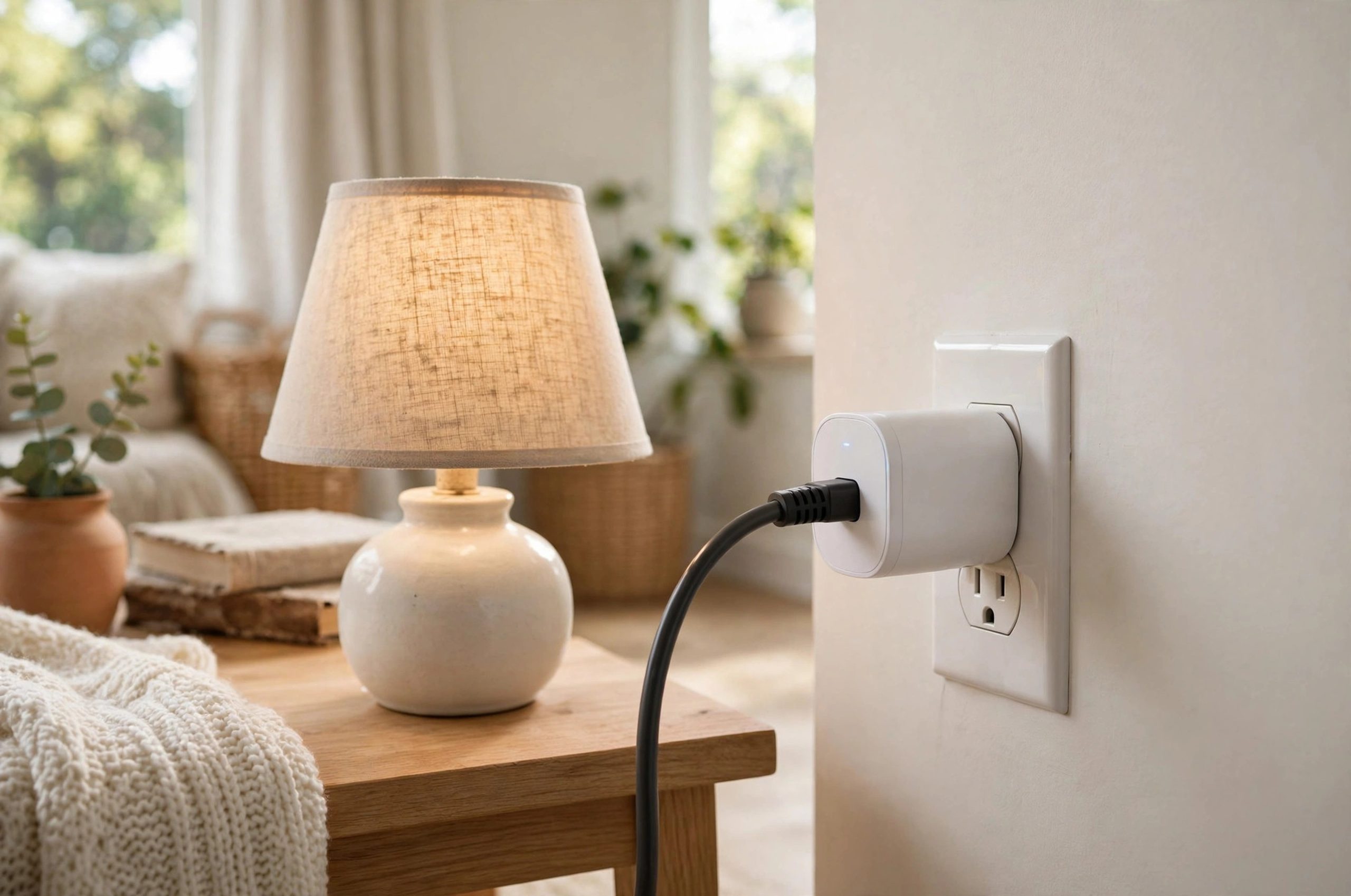
You set a schedule, the lamp turns on at dusk, and everything works. Then you wake up and the plug is offline again. The schedule missed, the app shows a grayed-out device, and you have to unplug it and plug it back in. Learning how to stop smart plugs from disconnecting overnight is mostly a Wi-Fi problem, not a plug problem. If you are new to how to stop smart plugs from disconnecting overnight, start with the basics below.
Table of Contents
Table of Contents
- How to Stop Smart Plugs from Disconnecting Overnight: First, Rule Out the Simple Stuff
- Lock the Plug to the 2.4 GHz Band
- Fix the Overnight IP Address Problem
- Strengthen a Weak Signal
- Stop the Router From Rebooting Overnight
- Update Firmware on Both Ends
- When One Plug Keeps Failing
- The Overnight-Proof Checklist
- References
Overnight disconnects have a pattern. Something happens while you sleep: the router reboots, the IP lease renews, the 5 GHz band steers the plug somewhere it cannot follow, or the signal is just weak enough that the plug gives up. Find the pattern and you find the fix.
How to Stop Smart Plugs from Disconnecting Overnight: First, Rule Out the Simple Stuff
When it comes to how to stop smart plugs from disconnecting overnight, getting the details right makes all the difference.
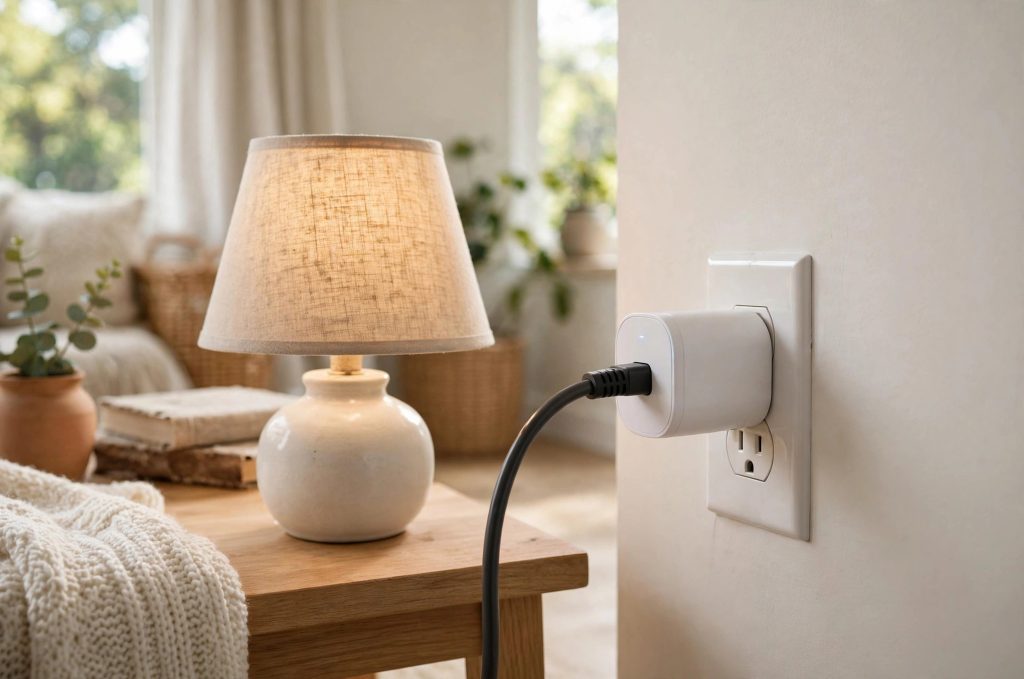
Many homeowners find that how to stop smart plugs from disconnecting overnight is easier than they expected once they know the basics.
Before touching router settings, check the basics:
- Make sure the outlet is not controlled by a wall switch. If someone flips the switch, the plug loses power and drops offline. The asurion.com guide lists this as the first check, since a switched outlet looks exactly like a Wi-Fi problem.
- Unplug the smart plug for ten seconds and plug it back in. Let it reconnect fully before you judge.
- Check whether other smart devices drop at the same time. If everything drops, the router is the problem, not the plug.
- Look at the plug's LED. A fast-blinking light usually means it lost Wi-Fi and is trying to reconnect. A slow blink often means it is in pairing mode and needs setup again. The feit.com indoor plug guide explains what each blink pattern means for Feit plugs, and most brands follow similar patterns.
If only one plug drops and the rest stay connected, the problem is likely that plug's signal or settings. If several drop together every night, look at the router.
Lock the Plug to the 2.4 GHz Band
Many homeowners find that how to stop smart plugs from disconnecting overnight is easier than they expected once they know the basics.
The key to how to stop smart plugs from disconnecting overnight is choosing the right approach for your space and budget.
This is the number one fix for overnight disconnects. Almost all smart plugs only speak 2.4 GHz Wi-Fi. Many modern routers merge the 2.4 and 5 GHz bands under one network name and use band steering to push devices to 5 GHz. The plug cannot follow, so it drops.
The fix: give your 2.4 GHz band its own network name, or turn off band steering. Then connect the plug to the 2.4 GHz network only. The trunetto.com Govee guide calls this out as a top cause of random disconnects, and the smarttechville.com Wemo guide says the same for Wemo plugs: if the router keeps switching bands, the plug keeps losing its connection.
While you are in the router settings, set the 2.4 GHz channel width to 20 MHz and pick channel 1, 6, or 11, whichever is least crowded near you. Wide 40 MHz channels and auto-channel switching cause more drops than they prevent on the 2.4 band. The thehometrotters.com guide recommends exactly this: a dedicated 2.4 GHz network for smart devices, 20 MHz width, a fixed channel, and no aggressive roaming.
Fix the Overnight IP Address Problem
The key to how to stop smart plugs from disconnecting overnight is choosing the right approach for your space and budget.
With a little planning, how to stop smart plugs from disconnecting overnight can fit even a busy schedule.
Here is why the drops happen overnight specifically. Your router hands each device an IP address with a lease time. When the lease expires, the device must renew it. Many routers default to short leases, and some reboot or renew in the early morning hours. If the plug fails to renew cleanly, it drops off the network and sometimes never comes back without a power cycle.
Two fixes solve this for good:
Reserve an IP for the plug. In your router's settings, find the DHCP reservation or static lease section. Add the plug by its MAC address, which you can find in the plug's app under device info. Give it a fixed IP outside the busy part of the pool. Now the plug always gets the same address and never fights over a lease renewal.
Lengthen the DHCP lease time. If your router lets you set it, stretch the lease to a week or more. Longer leases mean fewer renewals and fewer chances for a failed renewal at 3 in the morning.
The tp-link.com guide lists router overload and outdated firmware alongside weak signals as the main causes of smart device disconnects, and recommends trimming the device load and updating firmware. A router struggling with too many devices is more likely to fumble a lease renewal.
Strengthen a Weak Signal
With a little planning, how to stop smart plugs from disconnecting overnight can fit even a busy schedule.
Before you start, it helps to understand how how to stop smart plugs from disconnecting overnight works in real homes.
Smart plugs often live in the worst Wi-Fi spots in the house: behind a couch, in a garage, on a porch, in a basement. The signal that reaches your phone fine may be marginal for a tiny plug with a small antenna.
Test it: stand next to the plug with your phone and check the Wi-Fi signal. If your phone shows one or two bars there, the plug is struggling. Fixes:
- Move the router to a more central spot, up high and out in the open, not inside a cabinet.
- Add a mesh node or extender halfway between the router and the plug.
- Move the plug to a closer outlet if the location allows it.
- Keep the plug away from microwaves, baby monitors, and thick masonry, which all murder 2.4 GHz signals.
The justsmarter.net Kasa guide walks through these environmental fixes for Kasa plugs: reposition the router, manage how many devices share it, and update its firmware. For outdoor plugs on a porch or in the yard, the feit.com outdoor plug guide notes that distance from the router is the usual suspect.
If your whole smart home struggles with coverage, the plan in smart home Wi-Fi network setup is worth an afternoon. A VPN router for a smart home can also help if you want the IoT traffic on its own protected network.
Stop the Router From Rebooting Overnight
Before you start, it helps to understand how how to stop smart plugs from disconnecting overnight works in real homes.
A good plan for how to stop smart plugs from disconnecting overnight saves time, money, and frustration.
Some routers reboot on a schedule, often in the early morning. Others reboot when the ISP pushes a firmware update overnight. Either way, the plug may not reconnect cleanly afterward.
Check your router's settings for a scheduled reboot and move it to a time when a missed schedule does not matter, or turn it off if the router is stable without it. After any router change, like a new password or a new router entirely, you must reconnect every smart plug. They do not pick up new credentials on their own. The asurion.com guide flags this as a classic post-upgrade headache.
If your ISP pushes updates that knock the router offline nightly, a short UPS battery backup on the router and modem keeps them alive through blips. It also protects your security cameras and doorbell from the same gaps.
Update Firmware on Both Ends
A good plan for how to stop smart plugs from disconnecting overnight saves time, money, and frustration.
Old firmware causes drops that nothing else explains. Check for updates in two places:
1. The plug's app. Makers fix reconnection bugs in firmware updates regularly. 2. The router's app or admin page. Router updates fix DHCP, band steering, and device-handling bugs.
Turn on automatic updates where you can. A plug that updates itself at 2 in the morning is better than one running buggy firmware for months. After a firmware update, give the plug a full power cycle and confirm it reconnects on its own.
When One Plug Keeps Failing
For most people, how to stop smart plugs from disconnecting overnight comes down to a few smart choices.
If every other device is fine and one plug drops nightly no matter what you try, the plug itself may be dying. Try it in an outlet right next to the router for a few nights. If it stays connected there, the problem is signal at the original spot. If it still drops next to the router, the plug's Wi-Fi radio is likely failing. Replace it.
When you shop for a replacement, look at Matter-compatible smart plugs for the widest compatibility, or smart plugs with energy monitoring if you want to track what the plug powers. A smart speaker for the kitchen or a smart display nearby can also act as a hub that keeps local devices connected more reliably.
The Overnight-Proof Checklist
If you are new to how to stop smart plugs from disconnecting overnight, start with the simplest option and build from there.
Run through this once and most plugs stay connected:
- Plug is on an unswitched outlet with a firm fit.
- Plug is on a dedicated 2.4 GHz network, band steering off.
- 2.4 GHz channel fixed to 1, 6, or 11 at 20 MHz width.
- DHCP reservation set for the plug's MAC address.
- DHCP lease time lengthened.
- Signal at the plug location is strong, or a mesh node covers it.
- Router scheduled reboots moved or disabled.
- Firmware updated on the plug and the router.
- Auto-updates turned on.
Do all of that and the plug should greet you in the morning still online, schedule intact. For the rest of your setup, how to secure smart home devices keeps everything on that network safe. A little care goes a long way with how to stop smart plugs from disconnecting overnight.
References
When it comes to how to stop smart plugs from disconnecting overnight, getting the details right makes all the difference.
- TP-Link. (n.d.). Smart devices keep disconnecting from Wi-Fi? Here are the causes and fixes. https://www.tp-link.com/us/blog/2747/
- Trunetto. (n.d.). Govee smart plug keeps disconnecting from WiFi. https://www.trunetto.com/troubleshooting/smart-plugs/govee/govee-smart-plug-disconnecting-wifi
- Asurion. (n.d.). Why your Amazon smart plug keeps dropping offline, and how to fix it. https://www.asurion.com/connect/tech-tips/amazon-smart-plug-keeps-going-offline/
- JustSmarter. (n.d.). Why your Kasa smart plug keeps disconnecting and how to fix it. https://justsmarter.net/kasa-smart-plug-keeps-disconnecting/
- Feit Electric. (n.d.). What if my smart indoor plug/power strip is offline or keeps disconnecting? https://help.feit.com/hc/en-us/articles/5175823061399-What-If-My-Smart-Indoor-Plug-Power-Strip-is-Offline-Indicator-Light-is-Flashing-or-It-Keeps-Disconnecting
- SmartTechVille. (n.d.). Wemo smart plug not connecting: How to fix. https://smarttechville.com/wemo-smart-plug-not-connecting/
- Feit Electric. (n.d.). What if my smart outdoor plug/yard stake is offline or keeps disconnecting? https://help.feit.com/hc/en-us/articles/5176546009751-What-If-My-Smart-Outdoor-Plug-Yard-Stake-is-Offline-Indicator-Light-is-Flashing-or-It-Keeps-Disconnecting
- The Home Trotters. (n.d.). Common smart home compatibility problems and how to avoid them. https://thehometrotters.com/common-smart-home-compatibility-problems-and-how-to-avoid-them/
Many homeowners find that how to stop smart plugs from disconnecting overnight is easier than they expected once they know the basics.
Was this guide helpful?

About My Garden US
The My Garden US editorial team writes practical, in-depth home and garden guides for American homeowners — tested advice, no fluff.
You May Also Like
Smart Home for Elderly Parents Checklist USA: A Room-by-Room Guide for Families
May 27, 2026 18 views
Best Security Light with Camera 2026 USA: A Simple Buyer's Guide
May 9, 2026 21 views
Smart Under Cabinet Lighting Reviews 2026 USA
July 23, 2026 22 views


Hi,
I just visited mygardenus.com and wondered if you'd ever thought about having an engaging video to explain what you do?
Our prices start from just $195 (USD).
Let me know if you're interested in seeing samples of our previous work.
Regards,
Joanna
Hi,
I just visited mygardenus.com and wondered if you'd ever thought about having an engaging video to explain what you do?
Our videos cost just $195 (USD) for a 30 second video ($239 for 60 seconds) and include a full script, voice-over and video.
I can show you some previous videos we've done if you want me to send some over. Let me know if you're interested in seeing samples of our previous work.
Regards,
Joanna