
---
Table of Contents
Table of Contents
- Quiet Laptops: Why laptop noise matters in shared spaces
- Fanless laptops: true silence
- Near-silent laptops with fans
- What to check before you buy
- Quiet habits matter as much as hardware
- Do not forget the rest of your setup
- Matching the machine to the space
- What if you cannot buy a new laptop yet
- Test the noise before you commit
- The bottom line
- References
Nothing breaks a shared workspace faster than a laptop fan screaming through a quiet room. One machine rendering video can sound like a hair dryer. The person next to you hears every spin-up. If you work in a coworking space, a library corner, or a home office shared with a partner, a loud laptop is a social problem as well as a personal annoyance. The rest of this guide covers quiet laptops in plain language.
The good news: quiet laptops are easier to find than ever. Fanless designs have gone mainstream. Even laptops with fans now idle silently for most office work. Here is how to pick one that keeps the peace.
Quiet Laptops: Why laptop noise matters in shared spaces
When it comes to quiet laptops, getting the details right makes all the difference.

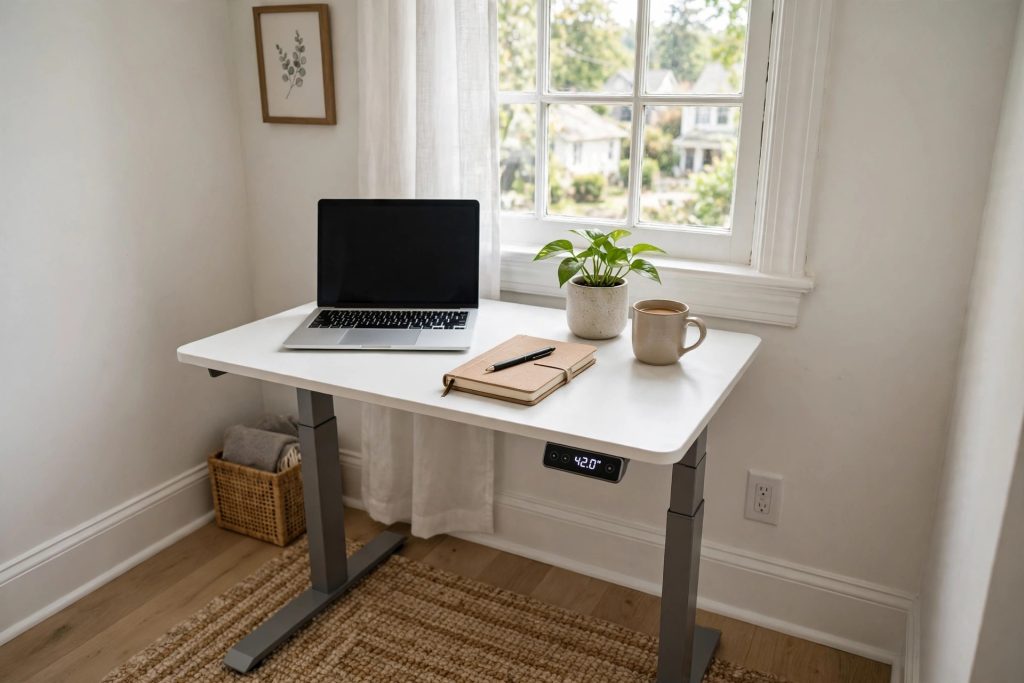
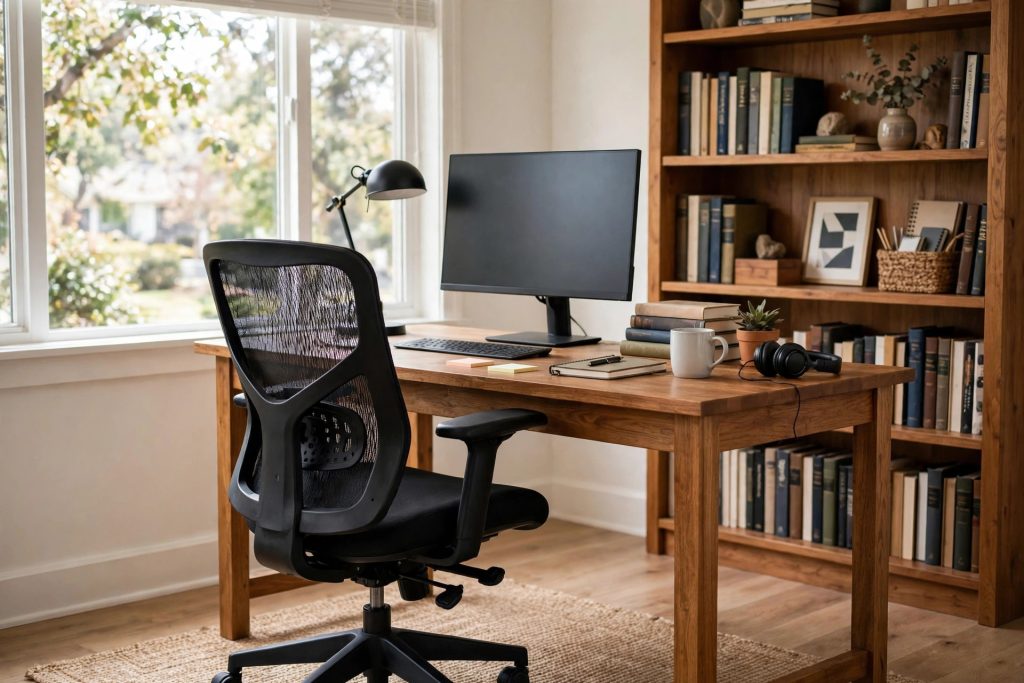
Many homeowners find that quiet laptops is easier than they expected once they know the basics.
A shared workspace runs on unwritten rules. Keep your voice down. Take calls elsewhere. Do not stink up the kitchen. A whirring laptop breaks the same social contract as a loud phone call. People may not say anything, but they notice.
Noise also hurts your own focus. A constant fan whine raises stress and makes it harder to think. In a quiet room, the contrast makes it worse: the fan becomes the loudest thing around, so your brain cannot tune it out.
Peplate's noise testing for quiet environments points out that thermal management, low-power processors, and solid-state drives are the key traits that separate silent machines from loud ones (Peplate). Those traits are exactly what to shop for.
Fanless laptops: true silence
Many homeowners find that quiet laptops is easier than they expected once they know the basics.
The key to quiet laptops is choosing the right approach for your space and budget.
A fanless laptop has no moving parts for cooling. It sheds heat through the chassis itself, using heat pipes and the metal body as a radiator. The result is zero fan noise, ever.
The Apple MacBook Air is the best-known example. Apple states plainly that the Air has no fan, which removes the single biggest noise variable from the machine (Thunderbolt Laptop). For writing, spreadsheets, browsing, and video calls, it stays silent all day.
Fanless Windows options exist too. The ASUS Vivobook 14 with a Snapdragon X chip runs without a fan and handles office work quietly (NerdTechy). Microsoft's Surface Pro line has long offered fanless models for light portable work (Medium).
The trade-off is sustained heavy power. Fanless machines handle bursts fine but throttle under long, heavy loads like video rendering. For typical office work, that limit rarely matters. Versus.com's comparison of fanless versus active cooling notes that modern active cooling is far quieter than the old "laptop hairdryer" era, but fanless remains the only true zero-decibel option (Versus).
Near-silent laptops with fans
The key to quiet laptops is choosing the right approach for your space and budget.
With a little planning, quiet laptops can fit even a busy schedule.
If you need more power than a fanless machine offers, look for laptops whose fans stay off during light work. Many business ultrabooks now idle below the threshold of hearing and only spin up under real load.
The Lenovo ThinkPad T16 is one example: its fan rarely runs during browsing, streaming, and document work, and when it does, it is barely a whisper (Medium). Notebookcheck's lab testing found the HP Elite Dragonfly Folio among the quietest business laptops measured, with idle noise essentially at room level (Notebookcheck).
The Dell XPS 13 and ASUS ZenBook 14 also earn quiet reputations, with whisper-quiet operation under normal office loads (Peplate).
What to check before you buy
With a little planning, quiet laptops can fit even a busy schedule.
Before you start, it helps to understand how quiet laptops works in real homes.
Numbers beat marketing. Reviewers like Notebookcheck measure fan noise in decibels during idle and load, which lets you compare machines honestly. Look for idle noise at or near the ambient room level, roughly the mid-twenties in decibels, and modest load noise under 40 dB(A) for office-class work.
Also check:
- Processor class. Low-power chips (Apple's M-series, Snapdragon X, Intel's U-series) run cooler and quieter than high-wattage H-series chips.
- SSD only. No spinning hard drive means no drive noise. Every modern laptop qualifies, but check refurbs.
- Quiet or silent mode. Most makers include a power mode that caps performance to keep fans low. Test it before you commit.
- Chassis material. Metal bodies spread heat better than plastic, which helps fanless and low-fan designs stay cool.
VSS Monitoring's roundup of fanless laptops covers several Windows options with their specs laid out side by side, which helps when comparing beyond the Mac (VSS Monitoring).
Quiet habits matter as much as hardware
Before you start, it helps to understand how quiet laptops works in real homes.
A good plan for quiet laptops saves time, money, and frustration.
Even the quietest laptop gets loud if you push it. A few habits keep any machine near silent:
- Close what you are not using. Dozens of idle browser tabs and background apps raise CPU load and wake the fan. Close them.
- Use quiet mode. Dell Power Manager, Lenovo Vantage, and Windows power settings all offer quiet or battery-saver profiles that slow the fan at a small performance cost (Medium).
- Clean the vents. Dust-clogged vents trap heat and force the fan to work harder. A blast of compressed air every few months keeps airflow open.
- Give it air. A laptop flat on a desk or bed traps heat underneath. An ergonomic laptop stand lifts the machine so air circulates, which keeps the fan off longer.
- Update drivers and firmware. Makers refine fan curves over time. An update can literally make your laptop quieter.
A home office noise machine for focus and privacy can also mask the small sounds that remain, like key clicks, with steady background sound.
Do not forget the rest of your setup
A good plan for quiet laptops saves time, money, and frustration.
For most people, quiet laptops comes down to a few smart choices.
The laptop is only one noise source at a shared desk. A loud mechanical keyboard can bother neighbors more than any fan. Consider a quieter keyboard or a low-profile model for shared spaces. Mute notification sounds, or route them to headphones.
Printers, shredders, and external drives add noise too. A quiet paper shredder for a home office apartment is worth the search if you shred often near others. Keep cables tidy with cable clips for desk wire management so nothing rattles or snags.
Top Ten Reviews' roundup of near-silent computers is a useful reminder that desktops and mini PCs can be even quieter than laptops for a fixed desk, since a small fanless mini PC hides behind the monitor in total silence (Top Ten Reviews).
Matching the machine to the space
For most people, quiet laptops comes down to a few smart choices.
Different shared spaces need different levels of quiet:
- Coworking hot desk. Background chatter covers mild fan noise. Any modern ultrabook on quiet mode works.
- Library or study hall. Near-total silence expected. Go fanless.
- Shared home office. Your partner hears everything. Fanless or a near-silent business laptop, plus quiet habits.
- Open office with calls. Fan noise leaks into microphones. Fanless keeps your audio clean, and a good headset finishes the job.
Buy for your actual workload. If your days are documents, email, and video calls, a fanless machine will never hold you back. If you compile code or edit video, pick a near-silent performer with a strong quiet mode instead of suffering with a gaming laptop in a quiet room.
What if you cannot buy a new laptop yet
If you are new to quiet laptops, start with the simplest option and build from there.
A new machine is not always in the budget. You can still quiet the laptop you own. Start with the power plan. Windows and macOS both let you cap maximum processor speed, which directly cuts heat and fan activity. On Windows, open the power settings and set the maximum processor state a notch below one hundred percent when on battery and plugged in. On a Mac, the Low Power Mode in battery settings does similar work.
Next, hunt down the apps that spin the fan. Open Task Manager on Windows or Activity Monitor on a Mac and sort by CPU use. Cloud backup tools, browser tabs with auto-playing video, and old printer utilities are common culprits. Quit them or schedule them for off hours.
Reposition the laptop. A machine sitting on a soft couch cushion or a bed blocks its intake vents and overheats in minutes. Even without a stand, a couple of bottle caps under the back corners lift the chassis enough to let air flow. It looks odd. It works.
If the fan roars constantly even at idle, the cooling system may need service. A shop can clean internal dust and replace dried thermal paste for a modest fee. That maintenance often returns a three-year-old laptop to near-new noise levels. For a shared workspace, that repair can be the difference between keeping your desk and getting the stink eye.
Test the noise before you commit
When it comes to quiet laptops, getting the details right makes all the difference.
Specs only tell half the story. When possible, try the laptop in person. Open a dozen browser tabs, start a video call, and listen. Ask the store for a quiet corner. If you buy online, read the return policy first. A two-week home trial in your actual workspace beats any review.
Pay attention to coil whine, a faint high-pitched squeal some laptops make under load. It does not show up in fan-noise charts, and it drives some people crazy in silent rooms. Reviews sometimes mention it. Your own ears are the final judge.
The bottom line
Many homeowners find that quiet laptops is easier than they expected once they know the basics.
A quiet laptop is a courtesy to everyone around you and a gift to your own concentration. Start with fanless if your work allows it. If you need more muscle, shop by measured noise, use quiet mode, keep the vents clean, and mind the small sounds your setup makes. The shared workspace will thank you, mostly by saying nothing at all. Keep this guide handy the next time quiet laptops comes up.
References
Medium. (n.d.). Laptop fan noise: Quiet laptop choices and how I finally fixed mine. https://medium.com/@irfan101rafi/laptop-fan-noise-be150fdb93d6
Medium. (n.d.). Looking for a quiet laptop? This fanless business laptop stays cool and silent. https://medium.com/@ssuuussiii4/looking-for-a-quiet-laptop-this-fanless-business-laptop-stays-cool-and-silent-5f2a0673d7bf
Medium. (n.d.). Silent laptops for video editing: Fanless options for content creators. https://medium.com/@irfan101rafi/silent-laptops-for-video-editing-fanless-options-for-content-creators-106ad8ed3389
NerdTechy. (n.d.). 6 best laptops with no fan noise that actually stay silent. https://nerdtechy.com/best-laptop-with-no-fan-noise
Notebookcheck. (n.d.). HP Dragonfly Folio G3 is one of the quietest business laptops we've tested. https://www.notebookcheck.net/HP-Dragonfly-Folio-G3-is-one-of-the-quietest-business-laptops-we-ve-tested.673999.0.html
Peplate. (n.d.). Noise test: Quietest laptops for libraries, offices, and late-night work. https://peplate.com/noise-test-quietest-laptops-for-libraries-offices-and-late-night-work/
Thunderbolt Laptop. (n.d.). Best laptops with quiet cooling for shared libraries. https://thunderboltlaptop.com/best-laptops-with-quiet-cooling-for-shared-libraries/
Top Ten Reviews. (n.d.). Quietest PC: Almost silent computers for your home office. https://www.toptenreviews.com/quietest-pc
Versus. (n.d.). Fanless laptops vs active cooling. https://versus.com/en/news/fanless-laptops-vs-active-cooling
VSS Monitoring. (n.d.). 9 best fanless laptops reviews: To work in a quiet environment. https://www.vssmonitoring.com/best-fanless-laptop/
Was this guide helpful?

About My Garden US
The My Garden US editorial team writes practical, in-depth home and garden guides for American homeowners — tested advice, no fluff.
You May Also Like
How to Choose a Noise Cancelling Headset for Home Office Meetings
July 19, 2026 15 views
Best Ring Light for Home Office Video Calls
September 4, 2026 19 views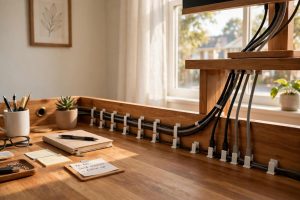
Best Cable Clips for Desk Wire Management
September 27, 2026 20 views