Your wrists ache by lunch. Your forearms feel tight. You shake your hands out between emails. If you type all day on a flat, straight keyboard, your wrists are bending in ways they were not built to bend. Split keyboards that ease wrist strain at work fix this at the source: they let your hands sit in a natural, neutral position instead of twisting inward for hours. This guide explains how they work, the types available, and how to pick one that fits your desk and your hands. The rest of this guide covers split keyboards that ease wrist strain in plain language.
Table of Contents
Table of Contents
- Split Keyboards That Ease Wrist Strain: Why Regular Keyboards Hurt Wrists
- How Split Keyboards Help
- The Three Types of Split Keyboards
- Fixed-Split Keyboards
- Adjustable-Split Keyboards
- Compact Ortholinear Splits
- What to Look for When You Buy
- Setting Up Your Split Keyboard Right
- Getting Through the Adjustment Period
- When a Keyboard Is Not Enough
- Frequently Asked Questions
- Will a split keyboard slow down my typing?
- Are split keyboards good for gaming?
- Can I use a split keyboard with a laptop?
- Do I need the tenting feature?
- Conclusion
- References
Split Keyboards That Ease Wrist Strain: Why Regular Keyboards Hurt Wrists
When it comes to split keyboards that ease wrist strain, getting the details right makes all the difference.
Many homeowners find that split keyboards that ease wrist strain is easier than they expected once they know the basics.
A standard keyboard forces a compromise. Your shoulders sit wide, but the keys sit narrow, so your wrists angle inward to reach them. That inward bend is called ulnar deviation, and holding it for hours strains the tendons running through the wrist. At the same time, flat keyboards keep your palms facing down, which twists the forearm. The combination loads the wrist joint in exactly the ways that lead to fatigue, tendon irritation, and, over time, nerve compression.
The fix is geometry. If the keyboard halves angle outward to meet your hands where they naturally rest, the wrists stay straight. Straight wrists mean relaxed tendons. Relaxed tendons mean less pain. A physical therapist writing on typing-related wrist pain notes that sustained wrist extension strains the tendons and can contribute to pressure on the median nerve, and that positioning the wrist closer to neutral, consistently, is what changes the outcome. Medium's wrist pain explainer lays out this mechanism clearly and cites clinical sources.
How Split Keyboards Help
Many homeowners find that split keyboards that ease wrist strain is easier than they expected once they know the basics.
The key to split keyboards that ease wrist strain is choosing the right approach for your space and budget.
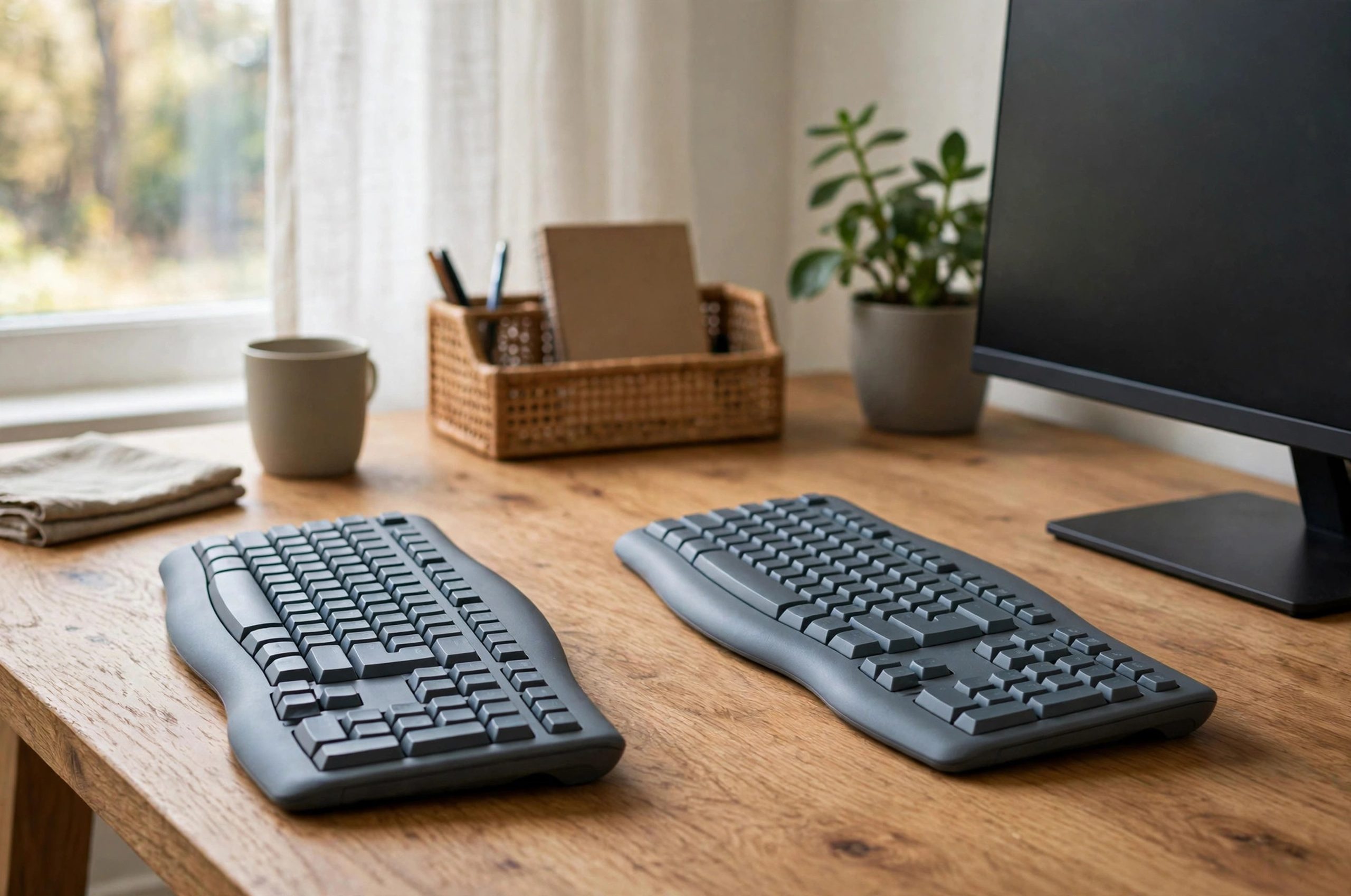
Split keyboards separate the left and right key clusters so each hand rests in line with its forearm. Instead of angling inward, your wrists stay straight. Many designs also add a gentle tent or curve so the palms tilt slightly inward, which un-twists the forearm.
The benefits stack up:
- Neutral wrist position. The middle finger lines up with the wrist and forearm instead of bending sideways.
- Relaxed shoulders. With the halves spread to shoulder width, the arms rest naturally instead of pulling inward.
- Less forearm twist. Tented designs reduce the palm-down rotation that strains the forearm.
- Lighter touch. Ergonomic boards are designed for light keypresses, which cuts finger and tendon load.
As one ergonomic keyboard guide explains, with a split design you no longer hold your thumbs rigid or keep your pinkies extended outward unnaturally, and two- and three-key combinations become easier because both hands work from comfortable positions. Flash Designer's split keyboard overview covers these benefits in detail.
The Three Types of Split Keyboards
The key to split keyboards that ease wrist strain is choosing the right approach for your space and budget.
With a little planning, split keyboards that ease wrist strain can fit even a busy schedule.
Fixed-Split Keyboards
One solid board with the keys split into two angled zones. The split angle is built in and cannot change. These look almost normal, which makes them the easiest switch from a standard keyboard. They take the least desk space of the three types and need no learning curve beyond a few days of adjustment.
The Logitech Ergo K860 is the best-known example: a curved, split keyframe with a pillowed wrist rest that testers found eliminated the ulnar deviation of flat boards and cut wrist extension angles substantially. Fixed-split boards suit office workers who want real relief without rebuilding their typing habits.
Adjustable-Split Keyboards
Two separate halves joined by a cable or wireless link. You set the distance and angle between them, from nearly together to full shoulder width, and you can tent each half upward. This is the most customizable option and the best fit for people with existing wrist pain or unusual shoulder widths.
The Kinesis-style adjustable split approach lets you increase or decrease the space between key groups until the fit matches your body. The trade-off is desk space: two halves spread wide need a broad desk, and the learning curve runs longer.
Compact Ortholinear Splits
Small, column-staggered boards like the Corne split the keys into two tiny halves with keys arranged in straight columns instead of staggered rows. The short finger travel cuts reaching and stretching. These are favorites of keyboard enthusiasts and programmers who type all day and want the smallest possible footprint.
The catch is the layout: with no dedicated number row, you use layers and thumb keys for numbers and symbols. Dig PH's Corne review notes the brief learning curve but praises how the halves angle to shoulder width and eliminate wrist deviation. These suit tinkerers more than plug-and-play buyers.
What to Look for When You Buy
With a little planning, split keyboards that ease wrist strain can fit even a busy schedule.
Before you start, it helps to understand how split keyboards that ease wrist strain works in real homes.
Split style. Fixed-split for an easy switch, adjustable-split for maximum customization and real pain, compact ortholinear for minimal finger travel.
Tent and tilt. Some boards tent upward in the middle, tilting the palms inward. If forearm tightness is your main complaint, tenting matters as much as the split.
Wrist rest. A padded rest supports the palms between typing bursts. Use it for resting, not for bearing weight while you type. The DeLUX ergonomic wireless keyboard pairs a split layout with a cushioned synthetic-leather rest, a combination many long-session typists prefer.
Key feel. Try before you buy if you can. Light-touch keys reduce finger fatigue. The Perixx Periboard-512 earns praise for tactile keys and plug-and-play simplicity at a budget price, which makes it a low-risk first ergonomic board.
Connectivity. Wireless boards cut one more cable from the desk. Make sure the wireless link is stable at your desk distance, especially for adjustable splits where the halves must stay in sync.
Size. Measure your desk. Fixed-split boards with big wrist rests are wide. Adjustable splits spread wider still. A board that forces your mouse to the far edge trades wrist relief for shoulder strain.
Setting Up Your Split Keyboard Right
Before you start, it helps to understand how split keyboards that ease wrist strain works in real homes.
A good plan for split keyboards that ease wrist strain saves time, money, and frustration.
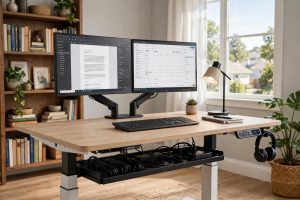
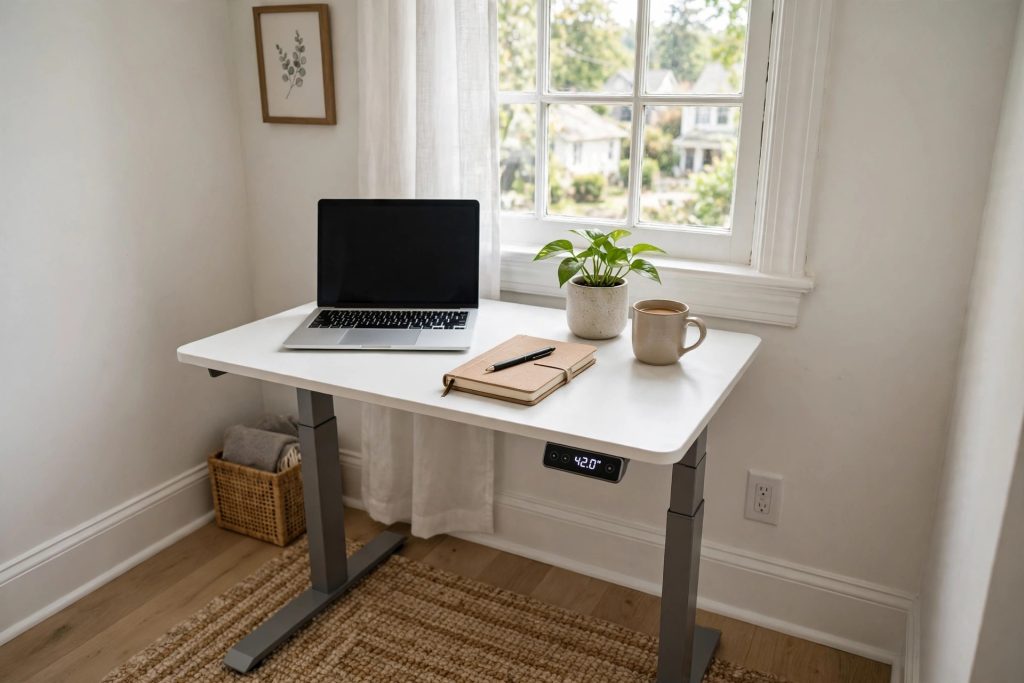
The keyboard only helps if the rest of the workstation cooperates. The Cleveland Clinic's ergonomic office guide recommends elbows bent at about 90 degrees with wrists staying neutral, shoulders down and relaxed.
Apply these rules:
- Set chair and desk height so forearms rest roughly parallel to the floor.
- Place the halves so each lines up with its forearm: no inward angle at the wrist.
- Keep the keyboard close enough that you never reach or shrug.
- Add a wrist rest for keyboard and mouse for pauses between typing, not as a typing platform.
- Pair the board with an ergonomic vertical mouse so the mouse hand gets the same neutral treatment.
- Give your hands a break surface: a gel wrist support mouse pad cushions the mouse hand during long sessions.
A computer ergonomics specialist's checklist for healthy computer habits adds the same fundamentals: wrists straight, keyboard close, and ergonomic accessories like document holders to protect the neck. Therapy Specialists' healthy computer habits page is a solid reference for the full setup.
Getting Through the Adjustment Period
A good plan for split keyboards that ease wrist strain saves time, money, and frustration.
For most people, split keyboards that ease wrist strain comes down to a few smart choices.
Your hands have typed one way for years. A split board will feel strange for the first few days, and your speed will drop. This is normal. Most people adjust within one to two weeks of daily use.
Tips that help:
- Switch fully instead of alternating boards. Mixed habits slow the adjustment.
- Do not look at your keys more than usual. Trust your touch typing.
- Start tenting and separation at mild settings and increase gradually.
- Keep sessions normal length. Pushing through frustration builds tension, which defeats the purpose.
- If pain increases instead of easing after two weeks, the setup needs adjusting: check heights, angles, and separation before blaming the board.
When a Keyboard Is Not Enough
For most people, split keyboards that ease wrist strain comes down to a few smart choices.
A split keyboard eases mechanical strain, but it is not medical treatment. See a doctor or hand specialist if numbness persists despite setup changes, if it wakes you at night, if you notice weakness or clumsiness, or if symptoms keep worsening over several weeks. The same wrist pain guide flags these as the signs to get professional help. Early care beats late care for every repetitive strain condition.
Also remember the chair matters. Wrist pain and back pain travel together in bad setups. A good ergonomic office chair keeps the spine supported so the arms and wrists start from a good position.
Frequently Asked Questions
If you are new to split keyboards that ease wrist strain, start with the simplest option and build from there.
Will a split keyboard slow down my typing?
Temporarily. Most typists dip for a few days, then recover their speed within one to two weeks. Long term, many report faster, more comfortable typing because relaxed hands move more freely.
Are split keyboards good for gaming?
Fixed-split boards work fine for most gaming. Compact splits with layers can be excellent once learned. Adjustable splits vary: check that the halves stay connected reliably and that key rollover meets your needs.
Can I use a split keyboard with a laptop?
Yes. Pair it with a laptop stand that raises the screen to eye level, then use the external split board at proper height. This is one of the best laptop ergonomics upgrades available.
Do I need the tenting feature?
Not everyone. If your main issue is inward wrist bend, the split alone may be enough. If your forearms ache from the palm-down twist, tenting helps a lot. Adjustable splits let you try both and decide.
Conclusion
When it comes to split keyboards that ease wrist strain, getting the details right makes all the difference.
Split keyboards that ease wrist strain at work do one simple thing very well: they let your hands rest the way your body wants them to. Pick the type that matches your pain level and your patience for learning curves. Set the workstation around it. Give the adjustment period two honest weeks.
Your wrists carry you through every workday. A keyboard that stops fighting them is one of the smartest investments a desk worker can make. Keep this guide handy the next time split keyboards that ease wrist strain comes up.
References
Many homeowners find that split keyboards that ease wrist strain is easier than they expected once they know the basics.
- Digital Wellness Labs. (n.d.). Logitech Ergo K860 review: Tested for wrist strain. https://www.digitalwellnesslabs.com/logitech-ergo-k860-review-the-ultimate-wrist-strain-fix/
- Electronikz. (n.d.). DeLUX upgraded ergonomic wireless keyboard review. https://electronikz.com/products/delux-upgraded-ergonomic-wireless-ergo-split-keyboard-with-backlit-2-4g-and-bluetooth-scissor-switch-and-palm-rest-for-natural-typing-compatible-with-
- Dig PH. (n.d.). Corne split keyboard review: Features, price and performance. https://dig.ph/corne-split-keyboard-review-features-price-performance/
- Flash Designer. (n.d.). The benefits of an ergonomic split keyboard. https://www.flashdesigner.com.hk/blog/the-benefits-of-an-ergonomic-split-keyboard
- Electronikz. (n.d.). Comfy and functional: Perixx Periboard-512 keyboard review. https://electronikz.com/products/perixx-periboard-512-ergonomic-split-keyboard-natural-ergonomic-design-black-bulky-size-19-09-x9-29-x1-73-us-english-layout
- Cleveland Clinic. (n.d.). How to set up an ergonomic home office. https://health.clevelandclinic.org/heres-how-to-set-up-your-office-to-avoid-aches-pain?fbclid=IwAR3IrJwQbvEka9O1iJa2nbUQ6yDmCQUyR9BhjiihJl7IhXHRRHFDeygfX1o
- Waqar, A. (n.d.). Wrist pain from typing? Here's what's actually causing it. https://medium.com/@aleenawaqar1/wrist-pain-from-typing-heres-what-s-actually-causing-it-b83188ceac7f
- Therapy Specialists. (n.d.). Physical or occupational therapy in Cleveland for work activities - computer. https://www.therapy-specialists.com/Work-Activities/Healthy-Computer-Habits/a~1298/article.html
Was this guide helpful?

About My Garden US
The My Garden US editorial team writes practical, in-depth home and garden guides for American homeowners — tested advice, no fluff.
You May Also Like

Home Office Door Lock for Private Workspace
July 20, 2026 16 views
Best Home Office Chair for Bad Posture Correction
August 1, 2026 14 views
Home Office Paper Tray Organizer Stackable: A Practical Guide
April 28, 2026 20 views