You sit down at eight. You look up and it is noon. Your lower back aches, your shoulders feel locked, and standing up takes a full minute of unfolding. Sound familiar? Your back was not built for stillness. Sitting breaks that protect your back daily are the simplest fix in ergonomics: short, regular interruptions to sitting that keep your spine fed, your muscles awake, and your posture honest. No gym membership required. Just movement, timed right. If you are new to sitting breaks that protect your back, start with the basics below.
Table of Contents
Table of Contents
- Sitting Breaks That Protect Your Back: What Sitting All Day Does to Your Back
- The Break Schedule That Actually Works
- Five Desk Breaks Your Back Will Love
- 1. The Standing Reset
- 2. The Walk-Around
- 3. The Seated Spinal Twist
- 4. The Hip Flexor Opener
- 5. The Deep Knee Bend
- Fix the Chair and Desk Too
- Alternate Sitting and Standing
- Build Breaks Into Your Workflow
- Warning Signs to Take Seriously
- Frequently Asked Questions
- How often should I really get up?
- Do I need a standing desk to protect my back?
- Are back braces useful for desk work?
- What is the single best stretch for desk workers?
- Conclusion
- References
Sitting Breaks That Protect Your Back: What Sitting All Day Does to Your Back
When it comes to sitting breaks that protect your back, getting the details right makes all the difference.
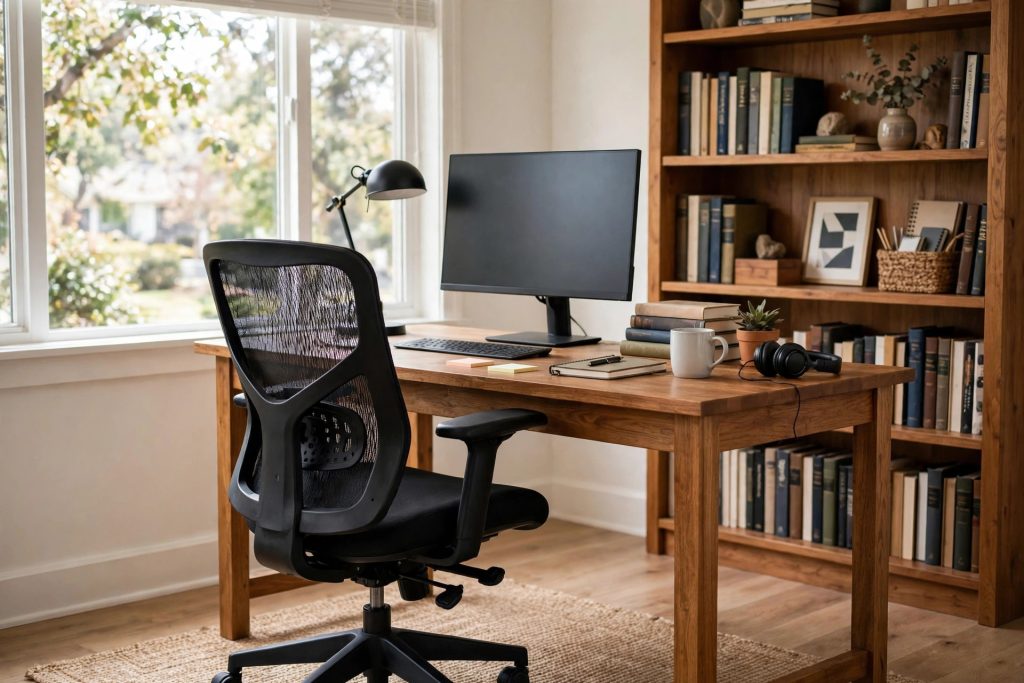
Many homeowners find that sitting breaks that protect your back is easier than they expected once they know the basics.
Sitting loads the spine more than standing does. When you sit, the discs between your vertebrae compress. Compressed discs get less blood flow and fewer nutrients, which leads to stiffness, inflammation, and over time, disc and joint problems. Meanwhile, your back and core muscles go quiet. Weak, sleepy muscles support the spine poorly, leaving it more vulnerable to strain.
The hip flexors shorten in a seated position, which can tilt the pelvis and shift pressure onto the lower back. The shoulders round forward toward the screen. The head drifts ahead of the spine. Each of these small shifts adds up over an eight-hour day. As one spine health guide explains, static postures and repetitive movements pinch nerves and create the numbness, tingling, and pain that desk workers know too well. Oke Software's spine health guide describes how sitting compresses discs and weakens the muscles that should protect them.
The good news: your body responds fast to movement. Short breaks reverse most of this in minutes.
The Break Schedule That Actually Works
Many homeowners find that sitting breaks that protect your back is easier than they expected once they know the basics.
The key to sitting breaks that protect your back is choosing the right approach for your space and budget.
Forget the idea of one long break fixing eight hours of sitting. Research and ergonomics guidance agree: frequent short breaks beat occasional long ones. Regular short breaks give muscles a chance to relax and recover while other muscles take up the load.
A practical schedule:
- Every 30 minutes: Stand up for one to two minutes. Walk to get water. Roll your shoulders. Look out a window.
- Every hour: Take a real five-minute break. Walk around, stretch, change your posture completely.
- Never sit still for two hours straight. Treat two hours as the absolute ceiling for continuous sitting.
Set a timer. Phone reminders, watch buzzes, or simple desktop break apps all work. The timer matters because flow state is real: you will not notice the time passing, and your back will pay for it. The Saudi Ministry of Health's healthy sitting guide recommends at least a ten-minute break for every hour of sitting and changing position or activity every hour.
Five Desk Breaks Your Back Will Love
The key to sitting breaks that protect your back is choosing the right approach for your space and budget.
With a little planning, sitting breaks that protect your back can fit even a busy schedule.
1. The Standing Reset
Stand up. Reach both arms overhead and stretch tall, as if trying to touch the ceiling. Hold for ten seconds. This reverses the rounded sitting posture in one move and wakes up the spinal muscles. Do it every time you stand.
2. The Walk-Around
Walk to the farthest reasonable point and back: the kitchen, the mailbox, the end of the hall. Walking pumps blood through the spinal discs and loosens the hip flexors. Workplace Insight suggests building breaks into normal tasks: walk to talk to someone instead of messaging, make a drink, do some filing. Movement disguised as errands still counts.
3. The Seated Spinal Twist
Sit tall in your chair. Cross your arms over your chest and rotate your upper body gently to the right, hold five seconds, then to the left. This mobilizes the mid-back, which stiffens fast in desk workers. Keep the movement gentle, never forced.
4. The Hip Flexor Opener
Stand beside your desk. Step one foot back into a lunge position, keeping your torso upright. You will feel a stretch at the front of the back leg's hip. Hold fifteen seconds per side. This directly counters the hip shortening that sitting causes all day.
5. The Deep Knee Bend
Stand with feet shoulder-width apart. Keeping your heels on the ground, bend your knees slowly as if sitting back into your chair, touch the seat lightly, then stand back up. SpineHealth's office back guide recommends these once or twice an hour, noting that the combination of posture breaks, flexibility work, and standing improves circulation and focus while reducing back pain.
Fix the Chair and Desk Too
With a little planning, sitting breaks that protect your back can fit even a busy schedule.
Before you start, it helps to understand how sitting breaks that protect your back works in real homes.
Breaks help most when the sitting hours between them are sound. Run through this posture checklist:
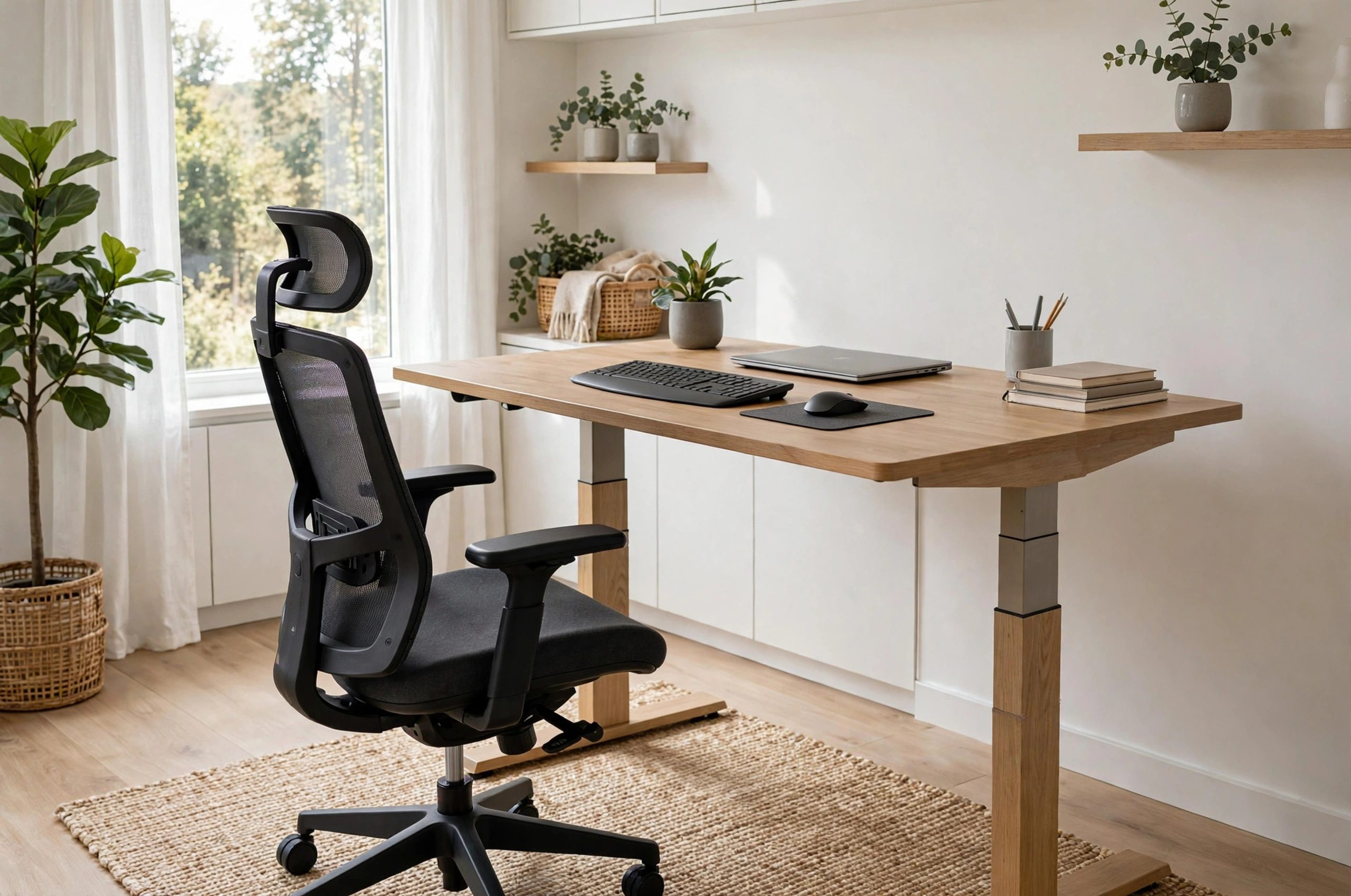
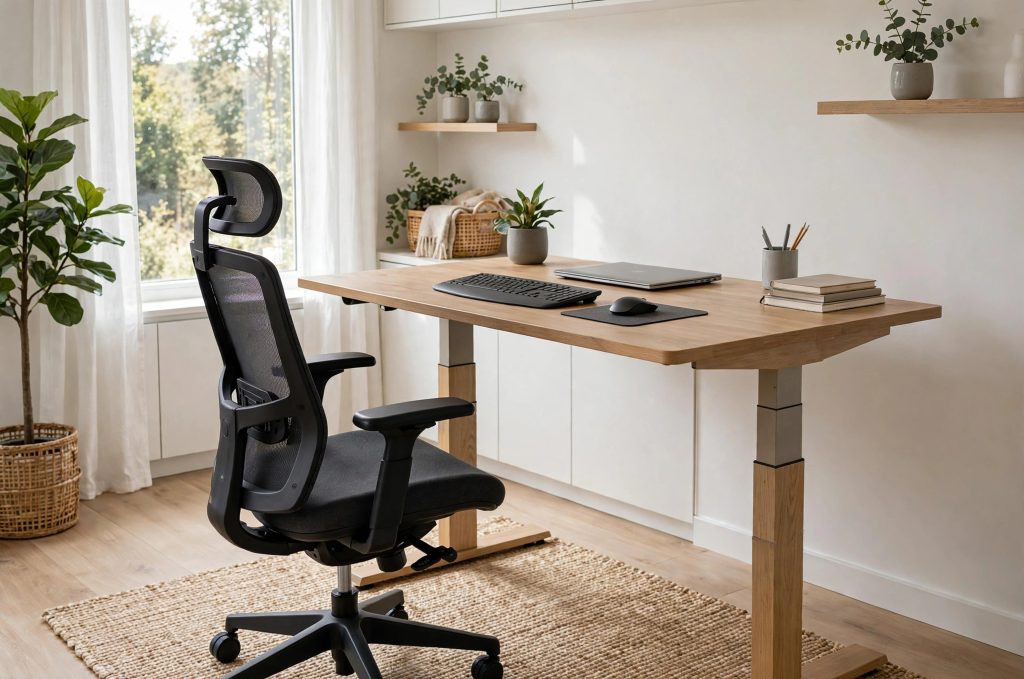
- Back supported. Sit with your back against the chair's backrest, with support in the lower back curve. A good ergonomic office chair makes this automatic; a rolled towel works in a pinch.
- Feet flat. Feet rest on the floor or a footrest, thighs roughly parallel to the floor.
- Screen at eye level. The top of the screen sits at or just below eye level so the neck stays neutral.
- Elbows near 90 degrees. Forearms roughly parallel to the floor, shoulders relaxed and down.
- Everything close. Keyboard, mouse, and phone within easy reach so you never stretch or twist.
Oregon OSHA's computer workstation checklist covers these points in a simple yes-or-no format you can run through in two minutes. The VA's ergonomics guide adds that padded, adjustable chairs with lumbar support and feet flat on the floor form the foundation of back-safe sitting.
If your chair is a wooden dining chair or a stool, add an ergonomic seat cushion for support. If you have a standing desk, an adjustable-height stool lets you perch between full sitting and full standing, which counts as a posture change too.
Alternate Sitting and Standing
Before you start, it helps to understand how sitting breaks that protect your back works in real homes.
A good plan for sitting breaks that protect your back saves time, money, and frustration.
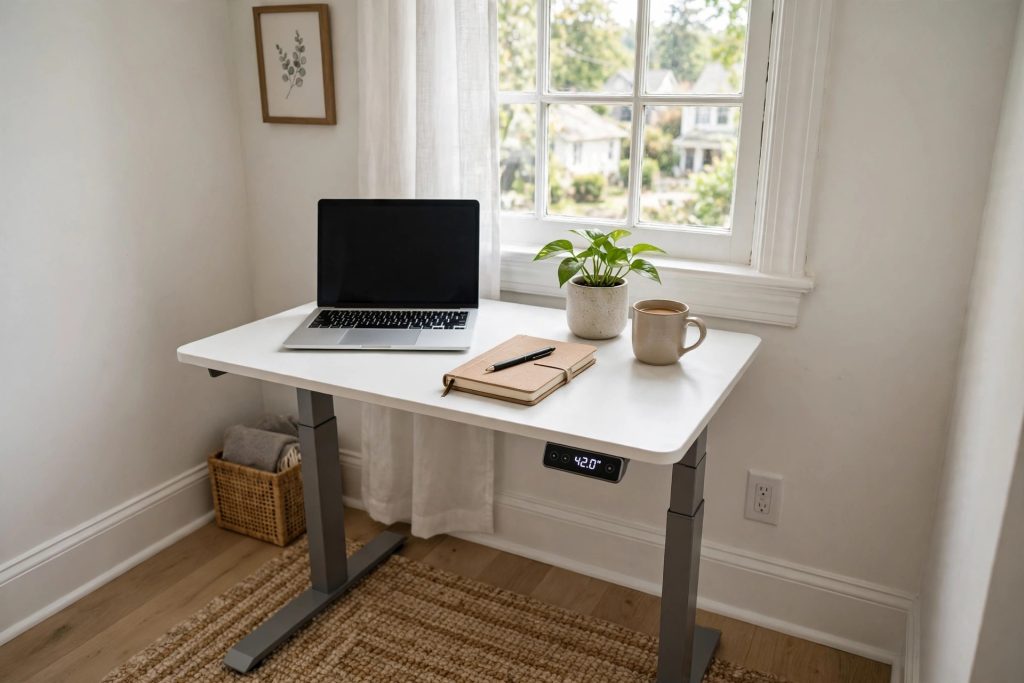
If you have a sit-stand desk, use it as a break machine. Alternate between sitting and standing through the day instead of treating standing as a single block. A common rhythm: sit for an hour, stand for thirty to forty-five minutes, repeat. Set the desk and monitor heights correctly in both positions.
One caution: do not replace all-day sitting with all-day standing. Prolonged standing brings its own problems, including leg and foot pain. The goal is variety, not a new fixed posture. An anti-fatigue mat and supportive shoes make standing intervals far more comfortable.
Build Breaks Into Your Workflow
A good plan for sitting breaks that protect your back saves time, money, and frustration.
The best break system is one you do not have to think about. Try these:
- Drink water constantly. Hydration is good, and a full water bottle means regular refill walks.
- Take calls standing. Every phone call becomes a posture break.
- Use a far bathroom. The extra steps add up across a day.
- Batch printer trips. Walk to the printer instead of letting pages pile up.
- Lunch away from the desk. Even fifteen minutes elsewhere resets the afternoon.
The University of Alaska's workstation self-assessment includes break habits alongside chair and monitor checks, which shows how central movement is to the whole ergonomics picture.
Warning Signs to Take Seriously
For most people, sitting breaks that protect your back comes down to a few smart choices.
Normal end-of-day stiffness fades with movement and rest. See a doctor or physical therapist if back pain persists for more than a couple of weeks despite breaks and posture fixes, if pain shoots down a leg, if you notice numbness or weakness, or if the pain is severe enough to limit daily activities. Early professional help prevents small problems from becoming chronic ones.
Frequently Asked Questions
If you are new to sitting breaks that protect your back, start with the simplest option and build from there.
How often should I really get up?
Every 30 minutes for a quick stand and stretch, and every hour for a few minutes of walking. Never go two hours without moving. A timer makes this automatic until it becomes habit.
Do I need a standing desk to protect my back?
No. Standing desks help, but regular breaks from a well-set-up seated workstation protect your back just as well. Movement frequency matters more than any single piece of furniture.
Are back braces useful for desk work?
Braces are not a substitute for movement and posture. They can remind you to sit tall, but wearing one all day lets your own muscles do less. Strengthen the habit, not the brace.
What is the single best stretch for desk workers?
The standing overhead reach combined with a short walk. It reverses the two biggest sitting problems, rounded posture and stillness, in under a minute. Do it every time you stand up and your back will notice the difference within a week.
Conclusion
When it comes to sitting breaks that protect your back, getting the details right makes all the difference.
Sitting breaks that protect your back daily are not complicated. Stand every half hour. Walk every hour. Stretch the hips and the spine. Sit well between breaks. Alternate postures when you can.
Your back does not need a perfect workstation. It needs a workstation you leave regularly. Set the timer, take the walk, and let movement do what it has always done: keep the human machine running. A little care goes a long way with sitting breaks that protect your back.
References
- Oke Software. (n.d.). How to keep your spine healthy while working at a desk. https://medium.com/oke-software/how-to-keep-your-spine-healthy-while-working-at-a-desk-d72f2e35ca97
- Saudi Ministry of Health. (n.d.). Healthy sitting. https://www.moh.gov.sa/en/healthawareness/educationalcontent/miscellaneous/pages/014.aspx
- Workplace Insight. (n.d.). Improving desk habits can reduce office workers' back pain. https://workplaceinsight.net/improving-desk-habits-can-reduce-office-workers-back-pain/
- SpineHealth. (n.d.). Keeping a healthy back at the office. https://spinehealth.org/article/keeping-a-health-back-at-the-office/
- Government of Canada. (n.d.). Building fair and productive workplaces [PDF]. https://www.canada.ca/content/dam/esdc-edsc/migration/documents/eng/health_safety/pubs_hs/pdf/protect_back.pdf
- Oregon OSHA. (n.d.). Ergonomics: Computer workstations [PDF]. https://osha.oregon.gov/OSHAPubs/checklists/ergonomics-workstations.pdf
- U.S. Department of Veterans Affairs. (n.d.). Improving work surroundings through ergonomics [PDF]. https://www.VA.gov/WHOLEHEALTHLIBRARY/docs/Ergonomics.pdf
- University of Alaska. (n.d.). Computer workstation ergonomics: Self-assessment checklist [PDF]. https://www.alaska.edu/remote-work/work-environment/Computer-Workstation-Ergonomics-Self-Assessment-Checklist.pdf
Was this guide helpful?

About My Garden US
The My Garden US editorial team writes practical, in-depth home and garden guides for American homeowners — tested advice, no fluff.
You May Also Like

The Best Home Office Setup for Software Developers
March 28, 2026 21 views
Best Pen Holder Organizer for Office Desk: A Practical Buying Guide
July 30, 2026 16 views
Home Office Curtain Backdrop for Video Calls
May 23, 2026 16 views