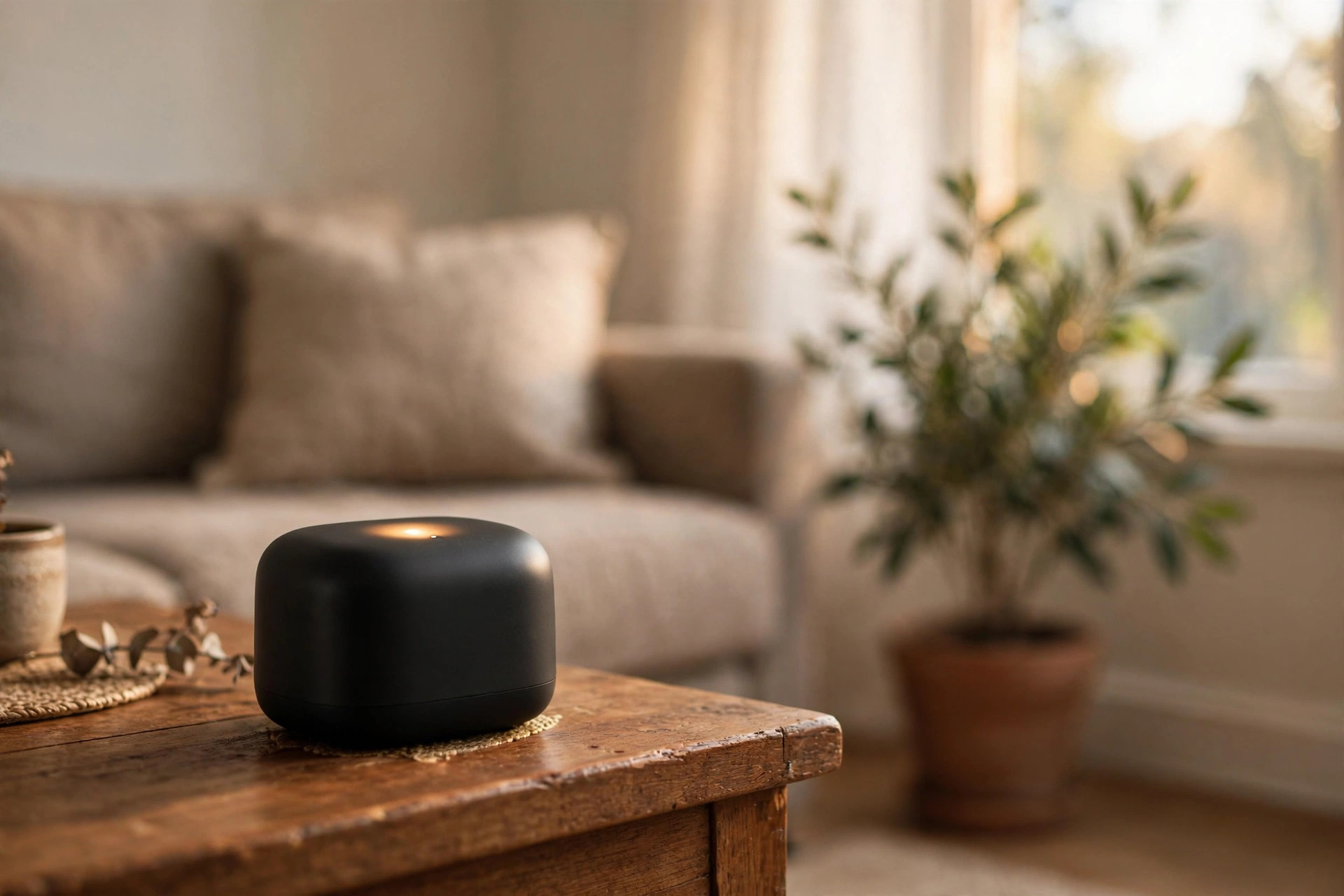

A smart home grows one device at a time. A door sensor here. A smart bulb there. A thermostat by winter. At some point the collection becomes hard to manage. Apps pile up. Devices fail to answer commands. That is when a hub earns its place. And if your devices speak Zigbee, you need the best zigbee hub for smart home usa buyers can actually rely on in 2026.
A Zigbee hub is a small box, or sometimes a stick, that lets your Zigbee devices talk to each other and to the internet. Zigbee is a low-power wireless standard built for sensors, switches, bulbs, and locks. It forms a mesh network, which means each powered device extends the signal for the others. One hub can manage dozens of devices without burdening your home Wi-Fi.
This guide explains why the best zigbee hub for smart home usa shoppers matters, what features to weigh, which types exist, what they cost, how to keep them running, and how to keep your household safe. All advice is written for American homes, American power outlets, and American buyers.
Why a Zigbee Hub Matters
A home with ten smart devices can survive on plain Wi-Fi. A home with forty cannot. Each Wi-Fi gadget takes an IP address, drinks router bandwidth, and talks directly to a company server far away. When the internet drops, many Wi-Fi devices go dumb. Zigbee works differently. The devices talk to your hub first, over a local mesh. The hub sends one clean connection to your router. Your network stays fast. Your commands still work when the connection is local.
There is also the battery question. Zigbee sensors sip power. A door sensor or a motion detector on Zigbee can run a year or more on one small coin cell. Wi-Fi versions need new batteries every few months. For a house full of sensors, that difference is the difference between a hobby and a chore.
Finally, there is the mix-and-match problem. American households often own a Philips Hue bulb, an IKEA smart shade, a Yale lock, and a budget motion sensor from Amazon. Zigbee gives these devices a common tongue. The right hub lets them work in one app and in one set of routines, instead of four apps and four routines. Guides on smart home hubs for beginners explain how the first hub changes the daily experience.
What to Look for in a Zigbee Hub: Best Zigbee Hub for Smart Home Usa
Radio and Protocol Support
The first thing to check is the radio itself. A hub that claims to be the best zigbee hub for smart home usa use should include a real Zigbee 3.0 radio. Zigbee 3.0 is the current open standard, and nearly all new American Zigbee products support it. Older hubs that support only the old Zigbee Home Automation profile may struggle with new devices.
Many 2026 hubs also carry a second radio for Thread or a built-in bridge for the Matter standard. This matters because Matter is becoming the new shared language of the smart home. A hub that supports Zigbee today and Matter tomorrow protects your money. If you want to understand how the two compare, see this Thread vs Zigbee comparison.
App Quality and Ease of Setup
A hub lives or dies by its app. Look for an app with clear device lists, simple routine builders, and plain-English error messages. Reviews on sites like CNET and PCMag often include step-by-step setup notes that reveal how easy a hub really is. The Google Store also publishes clear setup instructions for its hub products.
Beware of hubs that need a desktop computer for basic setup. Most American buyers want a phone-only setup that takes under half an hour. If you plan a complex system, you may prefer the extra power of a pro-grade platform, which a SmartThings vs Hubitat comparison covers in detail.
Local Control and Internet Dependence
Ask one hard question: what still works when the internet goes down? Some hubs run automations in the cloud. When your connection fails, your morning routine fails with it. The best zigbee hub for smart home usa owners is one that keeps basic automations running locally. Local control also makes commands faster. A light should answer in under a second, not after a round trip to a data center.
Check whether the hub needs an account with the maker, and whether the account is free. A few hubs charge a monthly fee for remote access or history. That fee is rarely worth it when free alternatives exist.
Device Compatibility
No hub supports every device ever made. Before you buy, list the devices you own or plan to buy. Then check the hub maker’s official compatibility list. Philips Hue, IKEA Dirigera-style devices, Aqara sensors, and Schlage or Yale Zigbee locks are the common American test cases. A hub that handles those will usually handle the rest.
Pay attention to how a hub adds new devices. The best ones support a broad “generic Zigbee” mode that can pair many sensors even without an official listing. That flexibility is what separates a good hub from a great one.
Types of Zigbee Hubs
Standalone Hubs
These are small puck-shaped or box-shaped devices that plug into your router with an Ethernet cable. They need no computer. You set them up from your phone. Standalone hubs are the best choice for most households. They are stable, quiet, and draw little power.
Smart Speaker Hybrids
Some smart speakers and displays include a Zigbee radio inside. If you already own one, it can serve as your hub at no extra cost. The trade-off is depth. Speaker hubs are fine for bulbs and plugs, but they often lack advanced routine builders and support fewer device types than dedicated hubs.
USB Zigbee Sticks
A USB Zigbee stick plugs into a computer or a small home server and turns it into a hub. This route suits hobbyists who want full control and no cloud at all. It demands patience and basic computer skill. For a first hub, a standalone box is a wiser pick.
Security System Hubs
Some home security panels double as Zigbee hubs. If you already pay for a monitored system from a provider like ADT or SimpliSafe, check whether your panel speaks Zigbee. One box for security and automation keeps the wiring closet tidy, though automation features are often simpler than on a dedicated hub.
Popular Options American Buyers Choose
Brand names change fast, so buy for features, not logos. Still, a few families of products keep earning trust with American buyers.
– Mainstream ecosystem hubs. These come from the big smart home brands and pair easily with their own bulbs, sensors, and cameras. Setup is simple. The apps are polished. They suit households that want things to just work. – Pro-grade local hubs. These run automations on the device itself, support deep rule logic, and often pair with nearly anything. They cost more and ask more of the owner during setup. They suit households with fifty or more devices. – Bridge hubs from lighting brands. Some lighting makers sell hubs that started as bulb bridges and grew into full Zigbee hubs. They are a natural pick if your home is heavy on smart lighting.
Read current reviews before you buy. Consumer Reports tests smart home gear for reliability and privacy. The Verge covers new hub releases and explains Matter support in plain terms. Both are worth a visit before you spend.
Cost and Price Ranges
Hub prices in the United States fall into clear bands.
– Free with a smart speaker: $0 extra if your existing speaker has a Zigbee radio. – Budget standalone hubs: about $30 to $70. Good for a first system with under thirty devices. – Mid-range hubs: about $70 to $130. The sweet spot for most buyers. Expect Zigbee 3.0, solid apps, and some Matter support. – Pro-grade hubs: about $130 to $220. Built for large device counts and complex routines.
Watch for hidden costs. A hub that needs a cloud subscription to unlock remote access can cost more in three years than a pricier hub with free access. Also count any Ethernet cable or power supply you must buy separately.
Where to Buy
Buy from a seller with a simple return policy. Big-box retailers accept returns if the hub will not pair with your devices. Manufacturer stores sometimes run holiday sales. Avoid gray-market imports, since Zigbee uses different radio channels in different regions, and a hub made for another market may clash with American devices.
Setup Tips for a Strong Zigbee Mesh
1. Place the hub centrally. Zigbee radios work best when the hub sits near the middle of the home, not in a far corner of the basement. 2. Keep it away from Wi-Fi routers. Wi-Fi and Zigbee share the 2.4 GHz band. Put at least a few feet between your hub and your router to cut interference. 3. Add powered devices first. Zigbee bulbs and smart plugs act as repeaters. Pair them before battery sensors so the mesh has a strong backbone from day one. 4. Pair devices in their final rooms. Pairing a sensor on the couch and then moving it to the garage forces it to rebuild its mesh path. Pair it where it will live. 5. Give the network a day to settle. Mesh networks find better paths overnight. Do not judge signal strength an hour after setup.
Care and Upkeep
A Zigbee hub is low maintenance, but a little care keeps it fast for years.
– Update the firmware. Hub makers ship updates that fix bugs and add device support. Let the hub update on its own, or check the app monthly. – Reboot after big changes. If you add ten devices at once and things act odd, unplug the hub for thirty seconds and let it rebuild the mesh. – Check battery sensors twice a year. Zigbee batteries last long, which makes them easy to forget. A twice-yearly check in spring and fall is enough. – Back up your configuration. Pro-grade hubs let you save a backup. After a long weekend of setup, take one. A failed hub is much less painful with a backup on hand. – Prune dead devices. Remove old entries for sensors you threw away. Stale entries slow down routines and clutter the app.
Safety Notes
Smart home gear is electrical gear. Take it seriously.
– Buy only hubs with a UL or ETL listing for the United States. The CPSC tracks product recalls, so check for any recall before you buy. – Use the power supply that came with the hub. Phone chargers may deliver the wrong voltage. – Keep the hub dry and away from heat. Do not place it on top of a hot router or inside a sealed cabinet with no airflow. – Protect your account. Use a strong, unique password and turn on two-step sign-in. A hub that controls locks and alarms is a target for intruders. – A camera or doorbell paired through your hub deserves the same care. Guides from makers like Ring explain how to secure accounts and manage who can view your feeds.
Frequently Asked Questions
Do I need a Zigbee hub if I already have Wi-Fi?
You do not strictly need one, but life gets easier with one. Wi-Fi devices each need your router’s attention and usually their own app. A Zigbee hub gathers your low-power sensors and switches into one system, keeps them off your Wi-Fi, and often keeps working during internet outages.
Can one hub control both Zigbee and Z-Wave devices?
Some hubs include both radios. If you own devices of both kinds, a dual-radio hub saves you from buying two boxes. Check the specifications carefully, because many popular hubs support only Zigbee plus Wi-Fi.
How many devices can a Zigbee hub handle?
Most home hubs support between 32 and 128 devices. In practice, the mesh itself is the limit. Powered repeaters extend the network well past a hundred devices. Few American homes ever hit the cap.
Will my Zigbee hub work with Matter?
Many 2026 hubs do, either now or after a firmware update. Look for explicit Matter support in the product listing rather than a promise. Matter lets your Zigbee devices appear in apps from Apple, Google, and Amazon, which is a real convenience.
Is Zigbee safe from hackers?
Zigbee uses strong encryption on the radio link. The weak point is usually the hub’s cloud account, not the radio. A strong password and two-step sign-in matter more than any radio detail. Keep firmware current so known flaws get patched.
Should I buy a hub now or wait?
If your device count is growing past a dozen Zigbee gadgets, buy now. Waiting does not save money, because the need only grows. If you own just two or three devices, a speaker with a built-in radio may be enough for now.
A Short Final Word
The best zigbee hub for smart home usa buyers is not the one with the longest spec sheet. It is the one that pairs with the devices you already own, keeps working when the internet fails, and never asks you for a monthly fee you did not expect. Pick a Zigbee 3.0 hub with strong local control, check its compatibility list against your devices, and place it where the mesh can breathe. Do that, and the hub will quietly do its job for years while your home simply works.
References
ADT. (n.d.). Home security and automation. https://www.adt.com CNET. (n.d.). Technology news and reviews. https://www.cnet.com Consumer Reports. (n.d.). Product reviews and ratings. https://www.consumerreports.org Google Store. (n.d.). Smart home devices. https://store.google.com PCMag. (n.d.). Technology product reviews. https://www.pcmag.com Ring. (n.d.). Smart home security devices. https://www.ring.com SimpliSafe. (n.d.). Home security systems. https://www.simplisafe.com The Verge. (n.d.). Technology news and reviews. https://www.theverge.com U.S. Consumer Product Safety Commission. (n.d.). Product safety information. https://www.cpsc.gov
Was this guide helpful?

About Emily Rodriguez
The My Garden US editorial team writes practical, in-depth home and garden guides for American homeowners — tested advice, no fluff.
You May Also Like

The Best Robot Vacuum for Pet Hair 2026 USA Buyers Can Trust
June 2, 2026 0 views
Basement Window Security Bars Reviews USA: A Plain Buyer’s Guide
January 14, 2026 0 views
EV Charger Tax Credit 2026 for Homeowners in the USA: A Plain Guide
July 24, 2026 0 views