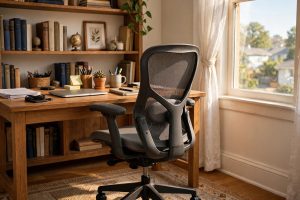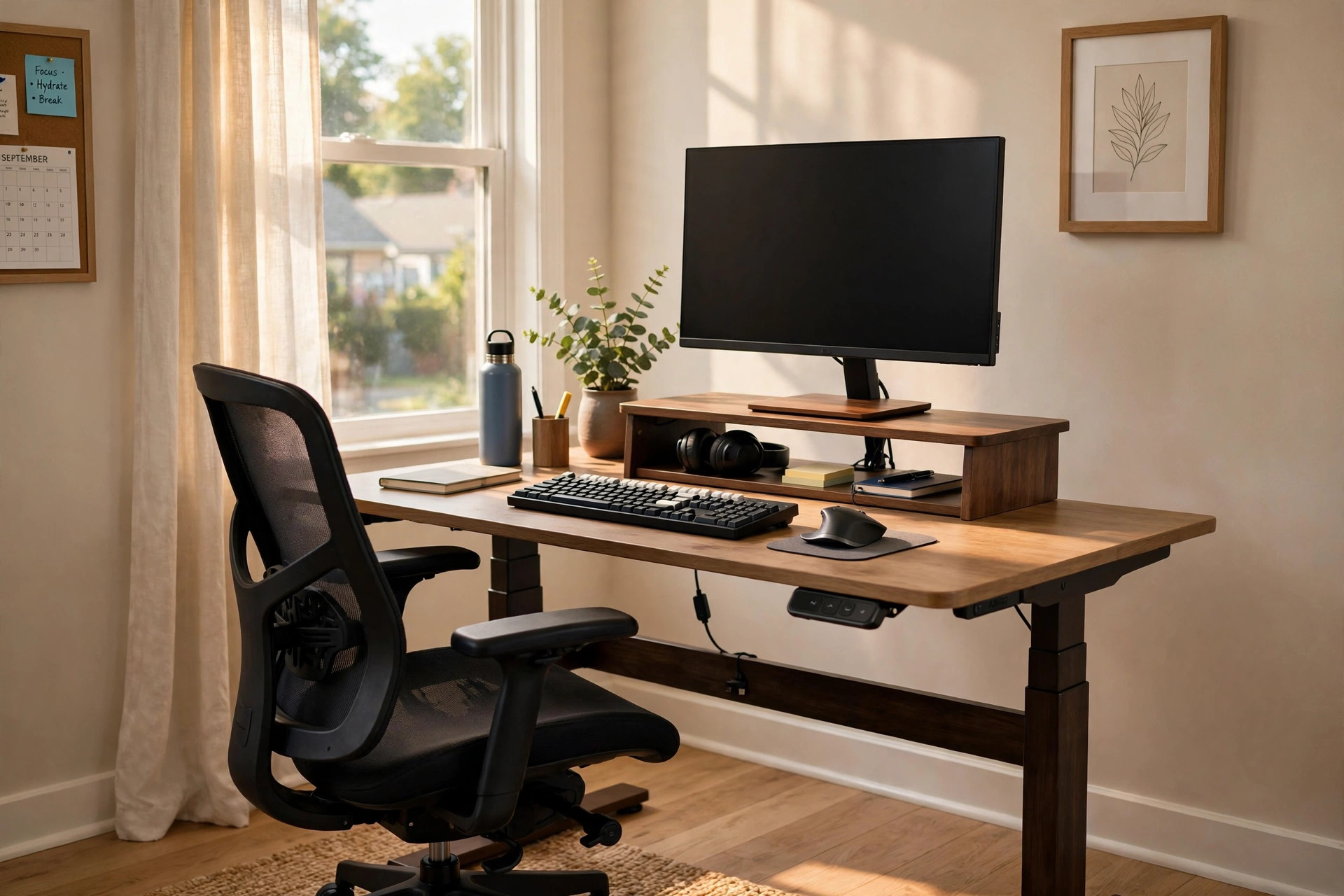

Many people end the workday with a stiff neck and aching shoulders. They blame stress or age. In truth, the desk is often the cause. An ergonomic desk setup for neck and shoulder pain places each part of the body in a neutral rest position. When the monitor, chair, keyboard, and desk height all line up, the muscles do far less work. This guide explains how to build such a setup at home, in plain language, one step at a time.
Why Your Neck and Shoulders Hurt at the Desk
Pain at the desk has a simple cause most of the time. The head weighs about as much as a bowling ball. When it sits straight over the shoulders, the neck muscles carry it with ease. When it drifts forward, even by an inch, the strain rises fast. A monitor that sits too low pulls the head down. A keyboard that sits too high pushes the shoulders up toward the ears. Over hours, the muscles grow tired and sore.
The shoulders suffer in a similar way. Arms should hang loose at the sides, with the elbows bent at about a right angle. When the desk is too high, the arms must reach up. When the chair has no arm support, the shoulders take the full weight of the arms all day. Poor habits add to the trouble. People cradle phones between ear and shoulder. They lean toward small laptop screens. They sit twisted toward a second monitor. Each habit adds load to the same few muscles.
An ergonomic desk setup for neck and shoulder pain does not fix every medical problem. But it removes the daily strain that keeps muscles in a state of protest. Most desk workers who correct their setup feel a clear change within two to three weeks. The pain does not vanish overnight. It fades as the muscles rest and relearn a better posture.
What to Look For When You Choose Your Setup: Ergonomic Desk Setup for Neck and Shoulder Pain
You do not need to buy a whole new office to feel better. You need the right fit between your body and four items: the chair, the desk, the monitor, and the keyboard. Measure them against your body, not against a picture in a catalog.
The Chair
The chair is the foundation. Sit all the way back so your lower back touches the backrest. Your feet should rest flat on the floor, with the knees bent at about a right angle. If your feet dangle, add a footrest. The backrest should support the lower curve of the spine. A small roll or cushion works if the chair lacks a built-in support.
Arm support matters more than most people think. The arms carry surprising weight. Adjustable armrests that let the elbows rest at a right angle take that load off the shoulders. If your chair has no armrests, place a firm cushion on the desk edge to rest the forearms. When you choose an office chair that supports long hours, look for seat height adjustment, a backrest that tilts, and armrests that move up and down. Comfort guides from The Spruce list these same points as the basics of good seating.
The Desk Height
The correct desk height is the one that lets your shoulders relax. Sit in your chair with your arms at your sides. Bend the elbows to a right angle. The desk surface, or the keyboard tray, should meet your fingertips. For most adults this falls between 28 and 30 inches, but bodies differ. A fixed desk that is too tall is a common cause of shoulder ache. Raising the chair and adding a footrest can solve it.
A standing desk sized for small rooms is another answer. Height-adjustable desks let you switch between sitting and standing through the day. The change of posture gives the neck and shoulders fresh rest. Move slowly. Stand for short spells at first, then sit. Alternate across the day. Maker sites such as UPLIFT Desk and IKEA show many desk frames and sizes that fit home offices.
The Monitor, Keyboard, and Mouse
Place the monitor so the top of the screen sits at or just below eye level. Keep it about an arm’s length away. You should look straight ahead, not down or up. A screen that is too low is the single most common cause of neck pain at desks. Stack the monitor on books or a riser if the stand cannot reach high enough.
The keyboard should sit straight in front of you, close to the desk edge. Keep the wrists flat, not bent up or down. The mouse belongs beside the keyboard at the same height. If you type on a laptop, the screen and keyboard are locked together, and one of them will sit at the wrong height. The fix is simple. Add a laptop stand that lifts your screen to eye level, and type on a separate keyboard and mouse. Reviewers at PCMag and Wirecutter test these accessories and compare their build quality.
Types of Ergonomic Desk Setups
Not every home has room for a large office. The good news is that ergonomic principles fit any space. Choose the layout that suits your room and your budget.
The Classic Fixed Desk
A standard desk with the right chair is the simplest setup. It suits people who work from one place all day. Add a monitor riser, a footrest, and a lumbar cushion. This arrangement costs the least and takes the least space. Retailers such as Wayfair carry many desk models in standard heights.
The Sit-Stand Desk
A sit-stand desk moves up and down at the push of a button. You work seated for a while, then stand for a while. Standing rests the spine and opens the chest. The neck and shoulders often ease when the body changes position through the day. Keep the monitor and keyboard at the right height in both positions. Start with twenty minutes of standing per hour and build up.
The Desk Converter
A converter sits on top of an existing desk and lifts the screen and keyboard to standing height. It costs less than a full sit-stand desk and needs no new furniture. The work surface is smaller, so it suits one monitor and a compact keyboard. People who rent, or who share a room, often prefer this option.
The Laptop-First Setup
Many home workers use only a laptop. The fix costs little. Raise the laptop on a stand until the screen top reaches eye level. Add an external keyboard and mouse on the desk. This one change does more for neck pain than any other single upgrade. Ergonomic design guides from Herman Miller and Steelcase describe the same rule: the screen leads, and the hands follow at elbow height.
Cost and Price
An ergonomic desk setup for neck and shoulder pain can cost almost nothing or several hundred dollars. A stack of books for the monitor and a cushion for the lower back cost nothing. A good chair often falls between 150 and 400 dollars. A height-adjustable desk often falls between 300 and 800 dollars. A desk converter often falls between 150 and 350 dollars.
Spend first where the pain is worst. A monitor that is too low needs a riser or a stand. A keyboard that is too high needs a lower tray or a higher chair with a footrest. A chair with no support needs a lumbar roll. Buy the main pieces once, and buy them well. A sturdy chair that fits your body beats a cheap one that looks good in photos.
Care and Upkeep of Your Setup
An ergonomic desk setup for neck and shoulder pain needs small, steady care. Check the fit once a month. Bodies change. Chairs sink. Monitors drift down on weak stands. Sit in your chair and run through the checks. Feet flat. Knees at a right angle. Back against the backrest. Shoulders down and loose. Screen top at eye level. Elbows at a right angle. Wrists flat.
Clean the chair and desk with a damp cloth. Tighten loose screws on monitor arms and risers twice a year. Replace a sagging seat cushion before it changes your posture. Keep the cords tidy so they do not pull the keyboard or mouse out of place. Small repairs cost little and keep the setup working as planned.
Safety Notes
Good ergonomics support the body, but they do not replace medical care. Stop and see a doctor if you feel sharp pain, numbness, tingling in the hands, or weakness in the arms. These signs can point to a pinched nerve or a disc problem. Do not twist or crack your own neck to force relief.
Take breaks even when the setup is perfect. Stand, walk, and roll the shoulders every thirty to forty-five minutes. Set a timer if you forget. Gentle neck stretches help, but keep them easy and painless. Tilt the ear toward the shoulder and hold for a few seconds. Never push into pain.
Standing desks need care too. Stand on a soft mat or rug, not on bare hard floors. Wear flat, supportive shoes. Keep one foot on a low step or footrest and switch feet often. If your lower back aches when you stand, sit down and try a shorter standing spell next time.
Frequently Asked Questions
How long before my neck and shoulder pain improves?
Most people notice a change within two to three weeks of steady use. The muscles need time to rest and adapt. Keep the setup in place and take regular breaks. If the pain stays the same after a month, or grows worse, see a doctor.
Is a standing desk better than a sitting desk for neck pain?
Neither is best on its own. The benefit comes from change. Sitting all day and standing all day both cause strain. A setup that lets you alternate between the two gives the neck and shoulders the most rest.
What is the cheapest fix for a monitor that sits too low?
Raise it with firm books or a sturdy box until the top of the screen reaches eye level. This costs nothing and often fixes the worst part of the problem in one day. A proper riser or monitor arm is a good later upgrade.
Do I need a special ergonomic keyboard?
Not always. A standard keyboard at the right height works well for most people. The wrist should stay flat and the shoulders should stay loose. If your wrists ache, a split or tented keyboard may help, but fix the height and posture first.
Can a bad chair alone cause shoulder pain?
Yes. A chair with no arm support forces the shoulders to carry the weight of the arms all day. A chair with a seat that is too deep pushes you forward and ruins your back support. Both lead to shoulder ache by evening.
Should I see a doctor or fix my desk first?
Fix the obvious desk problems first, since they cost little and help most people. But do not wait if you have warning signs. Sharp pain, numbness, tingling, or weakness in the hands or arms call for a doctor without delay.
A Short Final Word
An ergonomic desk setup for neck and shoulder pain is not a luxury. It is a daily tool, like a good pair of shoes. Measure your body, set each piece to fit, and give the change a few weeks. Your neck and shoulders do quiet work all day. A desk that respects that work pays you back every evening.
References
Herman Miller. (n.d.). Office furniture and ergonomic seating. https://www.hermanmiller.com IKEA. (n.d.). Home furnishings. https://www.ikea.com PCMag. (n.d.). Technology product reviews. https://www.pcmag.com Steelcase. (n.d.). Office furniture and workplace research. https://www.steelcase.com The Spruce. (n.d.). Home and garden advice. https://www.thespruce.com UPLIFT Desk. (n.d.). Standing desks and ergonomic office furniture. https://www.uplift-desk.com Wayfair. (n.d.). Furniture and home goods. https://www.wayfair.com Wirecutter. (n.d.). Product reviews from The New York Times. https://www.nytimes.com/wirecutter
Was this guide helpful?

About David Wilson
The My Garden US editorial team writes practical, in-depth home and garden guides for American homeowners — tested advice, no fluff.
You May Also Like

Adjustable Height Coffee Table for Laptop Work
April 7, 2026 0 views
Quiet Paper Shredder for Home Office Apartment: A Buyer’s Guide
September 8, 2026 0 views
A Small Adjustable Desk for Kids Homework Station: A Plain Guide for Parents
August 8, 2026 0 views