
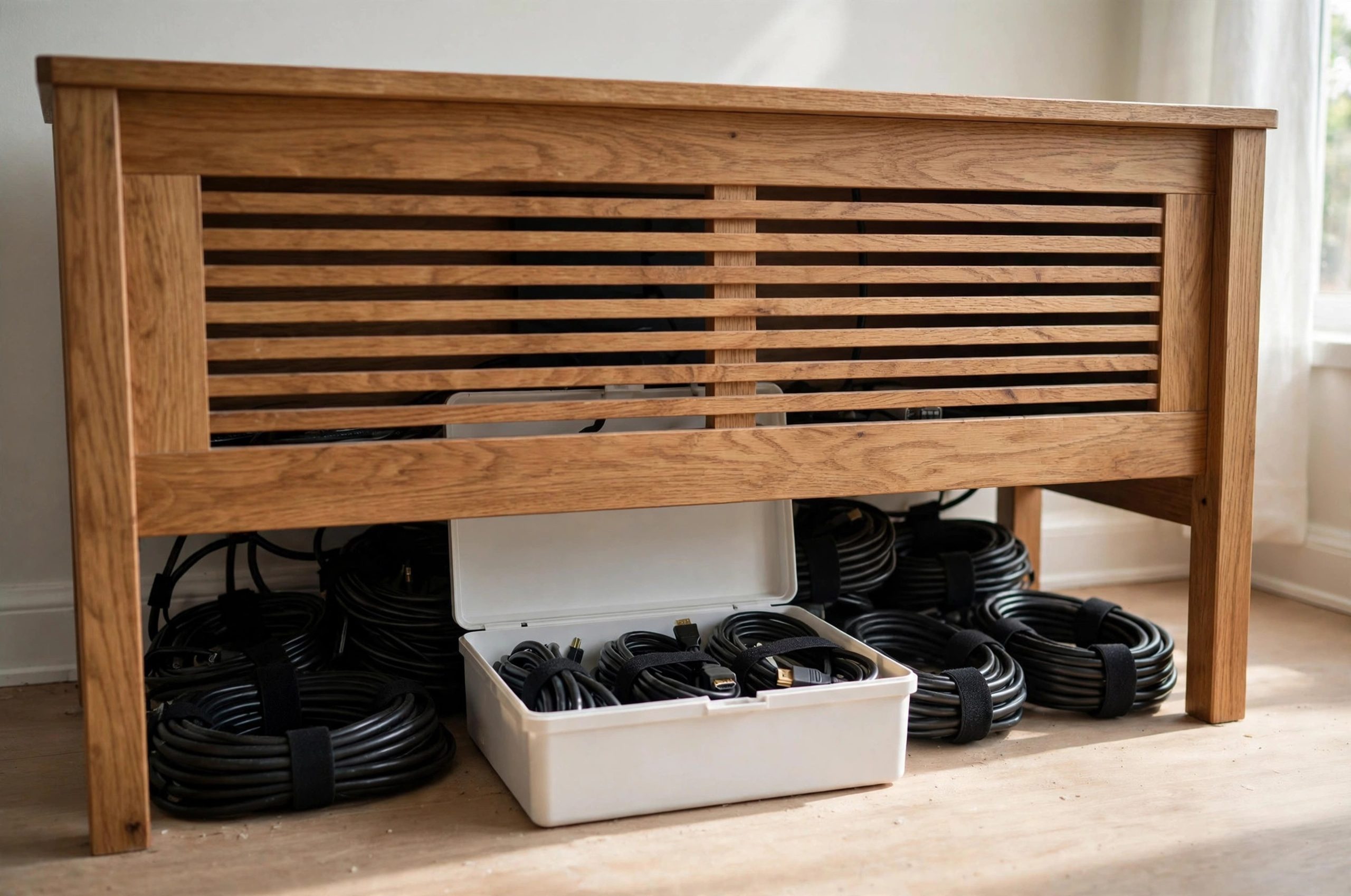
Every TV stand hides the same secret: a tangled nest of power cords, HDMI cables, game console wires, and chargers. It collects dust, looks messy from every angle, and makes unplugging one device a ten-minute job. Learning how to organize cords behind a TV stand takes less than an hour and changes the whole look of the room. If you want to organize cords behind a tv stand, start with the basics below.
Table of Contents
Table of Contents
You do not need to cut into walls or hire an electrician. Most cord messes surrender to four simple moves: unplug and sort, shorten and bundle, route along hidden paths, and contain the power strip. Here is how to do each one right.
Organize Cords Behind a Tv Stand: Step One: Unplug Everything and Start Fresh
When it comes to organize cords behind a tv stand, getting the details right makes all the difference.


Many homeowners find that organize cords behind a tv stand is easier than they expected once they know the basics.
Pull the stand away from the wall if you can. Unplug every cable and lay them out on the floor. This feels dramatic, but it is the only way to see what you actually have. Most people find cables for devices they no longer own, duplicate chargers, and cords that were never plugged into anything.
Wipe the dust off the cables and the floor behind the stand while everything is unplugged. Dust bunnies love cord nests. Test each cable before it goes back. Toss frayed, cracked, or damaged cords. A damaged power cord is a fire risk, not a storage problem.
Label every cable before you plug it back in. Wrap a small piece of masking tape around each cord near the plug and write what it powers: TV, soundbar, console, streaming box, lamp. This takes five minutes and saves endless frustration later. Better Homes and Gardens recommends labeling each cord so you can identify it without tracing it through the tangle.
Step Two: Shorten and Bundle
Many homeowners find that organize cords behind a tv stand is easier than they expected once they know the basics.
The key to organize cords behind a tv stand is choosing the right approach for your space and budget.
Excess cable length is the main cause of cord spaghetti. A six-foot HDMI cable connecting devices twelve inches apart creates a loop that tangles everything around it. Where possible, swap long cables for shorter ones. Shorter cables cost little and eliminate most of the mess at the source.
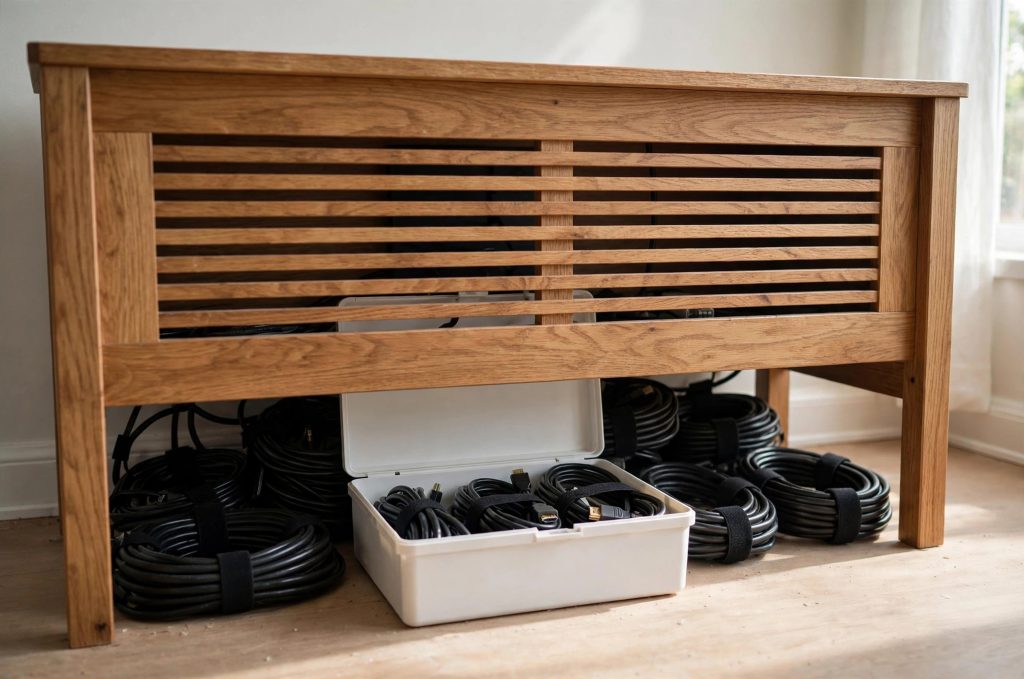
For cables you must keep, bundle them neatly. Velcro cable ties beat zip ties because you can open and redo them when you add or remove a device. Wrap each bundle every foot or so. Then gather related cables into one thicker bundle running from the devices to the power source. A cable sleeve with a Velcro closure wraps the whole bundle in seconds and keeps it accessible for future changes.
Coil excess length into loose loops, never tight knots. Tight bends stress the wires inside and can damage the cable over time. Secure coils with a Velcro tie and tuck them behind the stand where they cannot be seen.
For desk and office cables, the same bundling approach applies. See our guide to cable clips for wire management for small-space solutions that translate well to entertainment setups.
Step Three: Route Along Hidden Paths
The key to organize cords behind a tv stand is choosing the right approach for your space and budget.
With a little planning, organize cords behind a tv stand can fit even a busy schedule.
Cables look messy when they hang in open air. They look fine when they follow the edges of furniture. Route your bundled cables along the back edge of the TV stand, down the back corner, and along the baseboard to the outlet. Adhesive cable clips hold the bundle against the stand's back panel or the wall. Press them on, snap the cable in, and the run becomes nearly invisible from the front and sides.
If your TV stand has a back panel, check for built-in cable holes or channels. Many stands include them. Thread cables through these openings so they drop straight down behind the unit. If your stand has no holes, a cable management tray that screws or sticks under the stand's top shelf holds power strips and adapters up off the floor and out of sight.
For cables that must cross open wall space to reach an outlet, a paintable raceway is the cleanest no-drill fix. These slim channels stick to the wall, hold several cables, and can be painted to match the wall color. SlashGear's wire-hiding guide covers raceways alongside in-wall options and notes when each makes sense.
Renters should stick to fully removable solutions: adhesive clips, sleeves, and boxes. No holes, no damage, no lost deposit.
Step Four: Contain the Power Strip
With a little planning, organize cords behind a tv stand can fit even a busy schedule.
Before you start, it helps to understand how organize cords behind a tv stand works in real homes.
The power strip is usually the ugliest part of the setup. It sits on the floor collecting dust with a dozen plugs sticking out at odd angles. A cable management box fixes this in seconds. These lidded boxes hold the power strip and all its plugs inside, with slots on the sides for cables to enter and exit. Set the box behind the stand or beside it. The mess disappears.
Mount the power strip itself to the back of the stand or the wall behind it if you prefer. Many strips have keyhole slots for screws, or you can use heavy-duty adhesive strips. Mounting keeps the strip off the dusty floor and makes the on-off switch easy to reach. Best Buy's home theatre guide suggests mounting the power bar behind the stand and using its main switch to cut power to everything at once.
Use a surge protector, not a plain power strip, for anything valuable. TVs, consoles, and sound systems deserve surge protection. Homes and Gardens echoes this safety advice: always use a surge protector and keep cable routing clear of tripping hazards.
Hide Cords for Wall-Mounted TVs
Before you start, it helps to understand how organize cords behind a tv stand works in real homes.
A good plan for organize cords behind a tv stand saves time, money, and frustration.
If your TV is wall-mounted above the stand, the visible drop from TV to stand is the challenge. A raceway painted to match the wall handles this cleanly. Run it straight down from behind the TV to behind the stand. The straight vertical line reads as intentional, not messy.
For a fully invisible look, in-wall cable kits let you run low-voltage cables through the wall cavity. These kits are renter-friendlier than they sound since they use existing openings, but never run a standard power cord inside a wall. Power cables inside walls must be properly rated and installed to code. When in doubt, hire an electrician. Homemakers' cord-hiding guide walks through in-wall kits, raceways, and fabric covers with clear safety notes.
Deal With Device Clutter Too
A good plan for organize cords behind a tv stand saves time, money, and frustration.
For most people, organize cords behind a tv stand comes down to a few smart choices.
Cords multiply with devices. Take a hard look at what is plugged in. Do you still use the DVD player? The old game console? The cable box now that you stream everything? Every device you remove eliminates two or three cables. Consolidate streaming into one device if you can. Fewer boxes, fewer remotes, fewer cords.
Stack devices with ventilation in mind. Consoles and receivers need airflow. Do not seal them inside a closed cabinet with no vents. Leave space above and behind each device. Overheating kills electronics faster than dust does.
If your TV sits on a stand with closed doors, consider a stand designed with cable management built in. Our guides to affordable TV stands, the best TV stand buying guide, and buying TV stands online cover options with cord channels and ventilated shelving.
Put Safety First
For most people, organize cords behind a tv stand comes down to a few smart choices.
Cord organization is also a safety project. Keep power cords away from heat sources like radiators, fireplaces, and heating vents. Heat breaks down insulation over time. Never run power cords under rugs or carpets, where they overheat and where damage goes unseen. If a cord must cross a walkway, use a flat cord cover designed for foot traffic.
Do not overload outlets or power strips. A strip rated for indoor use has a maximum wattage printed on it. Space heaters, in particular, should plug directly into a wall outlet, never into a power strip or extension cord. Check plugs once a season for warmth. A plug that feels hot is a warning sign. Unplug it and replace the cord or the device.
Keep cords out of reach of small children and pets. Dangling cords invite pulling and chewing. Route them high, behind furniture, or inside sleeves. Cord cleats on the wall keep blind cords and cable loops safely out of reach in homes with toddlers.
Keep It Maintained
If you are new to organize cords behind a tv stand, start with the simplest option and build from there.
Cord organization decays every time you add a device. Make it a rule: every new cable gets labeled, bundled, and routed before it stays. Keep a small bag of Velcro ties and adhesive clips in the stand's drawer so the fix is always at hand.
Once a season, pull the stand out and dust behind it. Check that clips are still holding and that no cable has worked loose. This ten-minute job keeps the system working for years. The coohom TV stand guide suggests the same routine: bundle with ties, mount the power strip behind the stand, and use boxes for the bulky adapters.
A clean cord setup does more than look good. It makes every future change easier, protects your gear from dust and strain, and removes a tripping hazard from the living room. Unplug, sort, bundle, route, and contain. One hour of work, and the nest behind your TV stand is gone for good. A little care goes a long way when you organize cords behind a tv stand.
References
When it comes to organize cords behind a tv stand, getting the details right makes all the difference.
Best Buy Canada. (n.d.). Hiding TV wires? Here are tips for organizing your home theatre. https://blog.bestbuy.ca/tv-audio-home-theatre/tv-home-theatre-accessories/organizing-home-theatre
Better Homes and Gardens. (n.d.). 7 simple ways to hide TV cords for a more polished look. https://www.bhg.com/decorating/storage/organization-basics/how-to-hide-tv-cords/
coohom. (n.d.). TV stand looks messy? 8 ways to hide TV cords fast. https://www.coohom.com/article/how-to-hide-cords-behind-your-tv-stand
Homemakers. (n.d.). Creative ways to hide cords on a wall mounted TV. https://www.homemakers.com/blog/diy-and-how-to/creative-ways-to-hide-cords-on-a-wall-mounted-tv.html
Homes and Gardens. (n.d.). $11 Velcro sleeve banishes cable spaghetti behind your TV. https://www.homesandgardens.com/solved/banish-cable-spaghetti-behind-tv-velcro-sleeve
Homes and Gardens. (n.d.). How to organize cables behind the TV. https://www.homesandgardens.com/solved/how-to-organize-cables-behind-the-tv
SlashGear. (n.d.). Easy tips and tricks to hide wires from a mounted TV. https://www.slashgear.com/1333927/tips-tricks-hide-wires-mounted-tv/
Treasure Valley Solutions. (n.d.). How to mount a TV and hide the wires (in-wall or no-cut). https://treasurevalleysolutions.com/blog/how-to-mount-a-tv-and-hide-the-wires
Was this guide helpful?

About My Garden US
The My Garden US editorial team writes practical, in-depth home and garden guides for American homeowners — tested advice, no fluff.
You May Also Like

Heavy Duty Laundry Room Shelving Buying Guide
August 31, 2026 13 views
Where to Buy Garden Tool Organizers in Texas
August 17, 2026 16 views
Affordable Mudroom Storage Benches: A Buying Guide
January 16, 2026 25 views