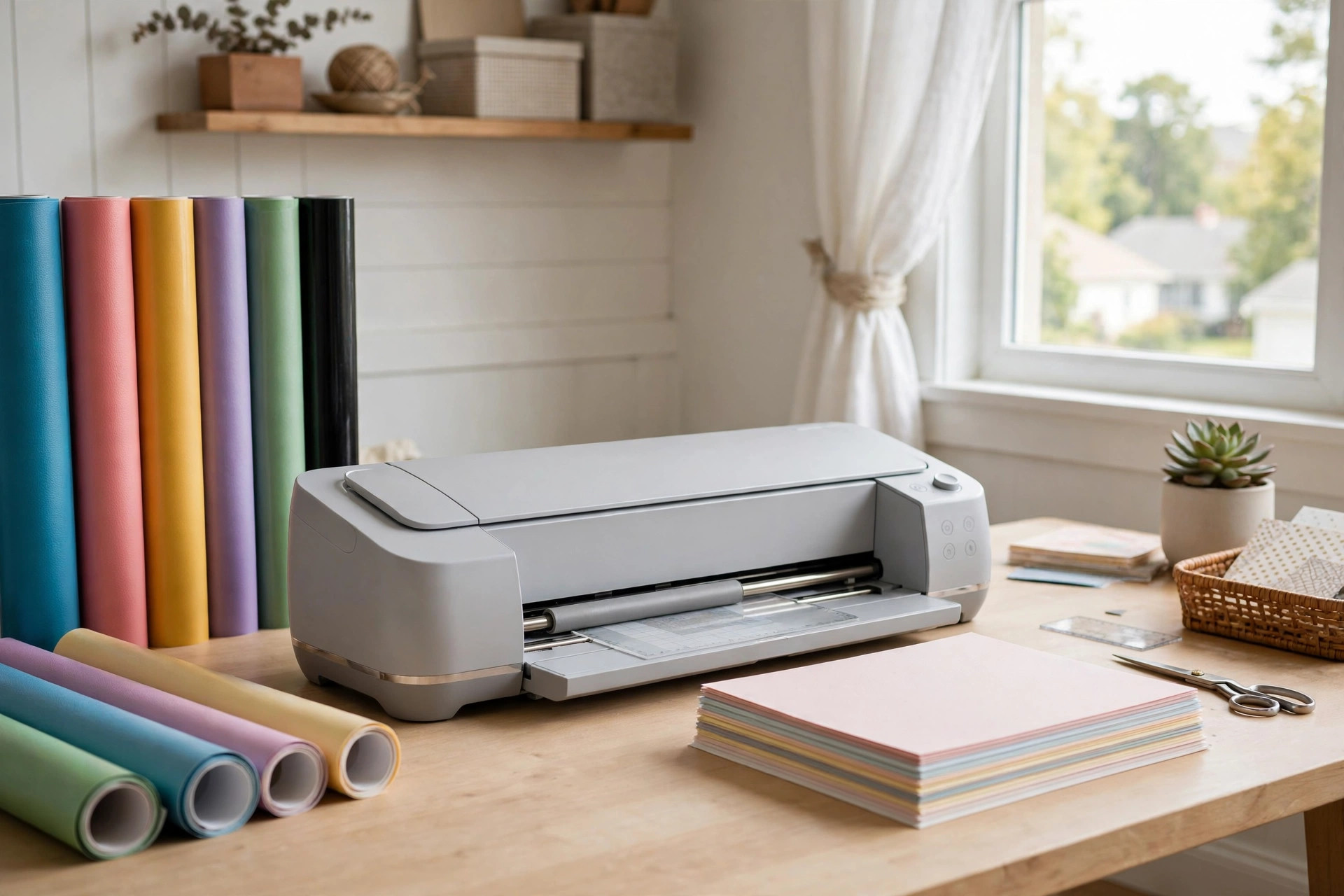
A cricut machine buying guide for crafters usa matters more than most buyers think. These machines cut paper, vinyl, iron-on, and even thin wood with care. A wrong choice costs money and time. The right choice brings years of steady work. This guide lays out each model, each material, and each price point in plain terms. By the end, you will know which machine fits your craft room and your budget.
Why a Buying Guide Matters
Cutting machines come in many shapes. Some cut only paper and vinyl. Others cut leather, felt, and thin balsa wood. Prices run from under two hundred dollars to over four hundred. A buyer who skips the research often buys too little machine or too much. This cricut machine buying guide for crafters usa exists so you buy once and buy right.
American crafters work with specific needs. Local stores stock certain materials. Shipping times vary by state. The standard United States model runs on United States power and voltage. That sounds plain, but it saves trouble when you order from a shop that sells other regions too. Stick with a United States model from a United States seller, and you keep your warranty intact.
The Cricut Models at a Glance: Cricut Machine Buying Guide for Crafters Usa
Four main machines serve home crafters today. Each one cuts a little more than the last.
Cricut Joy Xtra
The Joy Xtra is the smallest of the full-size machines. It cuts paper, cardstock, vinyl, iron-on, and label stock. It handles widths up to eight and a half inches. It suits small desks and apartment craft rooms. The price sits at the low end. It works with a mat for most jobs and can also cut smart materials without a mat. New crafters who make cards, labels, and small decals do well with this model.
Cricut Explore 3
The Explore 3 is the middle machine and the most popular. It cuts over one hundred materials. Paper, vinyl, iron-on, felt, cork, and stencil film all pass through with ease. It cuts fast. It handles twelve-inch wide material. It works with or without a mat when you use smart materials. Most home crafters never outgrow this machine. If you plan to sell at craft fairs, the Explore 3 has the speed you need.
Cricut Maker 3
The Maker 3 is the top machine. It cuts over three hundred materials. It handles fabric, leather, balsa wood, and chipboard. It uses a rotary blade for fabric and a knife blade for thick stock. The Maker 3 suits crafters who sew, quilt, or build small wood projects. It costs more, but it replaces the Explore 3 for almost every job. If you want one machine that does it all, this is the one.
Cricut Joy (Original)
The small original Joy cuts narrow projects. It is built for quick labels, short decals, and cards. It fits in a drawer. It costs the least. Think of it as a helper, not a main machine. Many crafters buy it as a second machine for fast small jobs while a bigger machine runs long cuts.
What to Look for Before You Buy
Five points decide which machine is right for you.
Cutting width. Measure your usual projects. Twelve inches fits most craft plans. Eight and a half inches fits cards and labels. Larger widths let you cut bigger signs and shirt designs in one pass.
Material range. Paper and vinyl need little. Fabric, leather, and wood need a Maker 3. Write down every material you plan to cut in the next two years. Then pick a machine that handles the thickest one on your list.
Smart materials. Smart vinyl and smart iron-on cut without a mat. They save time and waste. All three main machines support them. If you hate mats, this feature matters.
Speed. The Explore 3 and Maker 3 cut much faster than older models. Speed matters when you run a small shop. For weekend crafters, speed is a bonus, not a need.
Design software. Every Cricut uses Design Space, a free app for phone, tablet, and computer. Some features cost a small monthly fee. Check that your computer or phone meets the system needs before you buy the machine.
Types of Projects Each Machine Handles
Paper crafts and cards
All four machines cut cardstock, copy paper, and sticker paper. The Joy Xtra is fine for most card work. Pair it with a paper cutter for scrapbooking and cards for straight trims, and you have a full card station.
Vinyl decals and home signs
The Explore 3 and Maker 3 cut standard vinyl at twelve inches wide. That width fits wall decals, mailbox names, and pantry labels. Permanent vinyl lasts outdoors. Removable vinyl suits rental homes and dorm rooms.
Shirts and fabric crafts
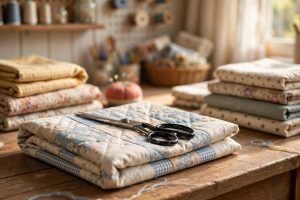
Iron-on vinyl works on all three main machines. The Maker 3 goes further with real fabric cutting. Quilters use its rotary blade to cut exact pattern pieces. If shirts are your main goal, also read a vinyl cutter for t shirt business home guide to compare wider commercial options.
Wood and leather
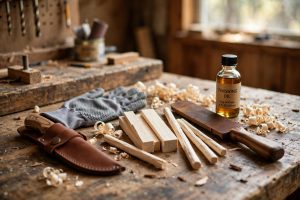
Only the Maker 3 cuts balsa wood, basswood veneer, and genuine leather. It needs the knife blade for the thickest jobs. Knife cuts run slow. Plan an evening for a small wooden sign. The result looks like a shop piece.
Cost and Price Breakdown
Prices change with sales, but the rough order stays the same. The small Joy costs the least. The Joy Xtra comes next. The Explore 3 sits in the middle. The Maker 3 costs the most. Bundles often add a starter set of vinyl, tools, and mats at a discount. Watch for holiday sales in late November and back-to-school sales in August. American craft stores like Michaels and JOANN run frequent machine deals with coupons.
Do not stop at the machine price. Count the full first-year cost. You will need replacement blades, extra mats, weeding tools, and material. A starter stock of vinyl and cardstock often runs fifty to one hundred dollars. Design Space Access, the paid plan, adds about ten dollars a month. Many crafters skip it at first. You can upload your own designs and buy single images as needed.
Buying used saves money but carries risk. Blades wear down. Rollers wear out. Sellers may sell machines that were reported lost. Ask for the serial number and test the machine with a live cut before you pay. For a first machine, new is usually safer.
Where to Buy in the USA
Three routes serve American buyers well.
Large craft stores. Michaels, JOANN, and Blick carry machines on the shelf. You can see the box, ask a clerk, and take the machine home the same day. Store coupons often apply. Blick stocks craft tools at fair prices and ships fast.
Home improvement and mass stores. Home Depot lists craft machines online and in some stores. Prices match craft stores, and pickup is quick. Home Depot is worth a look during big sales events.
The maker itself. Cricut sells direct from its own site. Direct sales include the full warranty and new-machine bundles. Cricut also sells blades, mats, and materials, so one order can stock your whole desk.
Check the return policy before you order. A thirty-day return window lets you test the machine on real projects. Keep the box until you are sure.
Setting Up Your Machine
Setup takes about twenty minutes. Plug in the machine. Download Design Space. Follow the on-screen steps. The app asks you to make a test cut on the sample material in the box. This first cut proves the blade is sharp and the machine is square.
Place the machine on a firm, flat table. Leave six inches of space behind it for the mat to move in and out. Keep the machine away from direct sun and damp rooms. Place the machine on a firm, flat table.
Register the machine under your own account. This step unlocks warranty service. Write the serial number on a card and keep it with your receipts.
Care and Upkeep
Blades last through many cuts. Change a blade when edges look rough or cuts skip lines. Clean the blade housing with a soft brush. Dust builds up in the sensor area, so wipe it with a dry cloth every few weeks.
Cutting mats lose their stick over time. Wash a mat with mild soap and water, let it air dry, and the stick returns for a while. When a mat stops holding paper flat, replace it. Warped mats cause bad cuts and wasted vinyl.
Store vinyl rolls upright or flat, away from heat. Heat makes vinyl curl. Keep paper in a dry cabinet. A damp garage ruins cardstock in one summer.
Update Design Space when the app asks. Updates fix bugs and add new material settings. Old software can mis-cut a new material.
Safety Tips
The blades are sharp. Keep small hands away from the machine while it cuts. Unplug the machine before you clean inside it. Do not reach under a moving carriage.
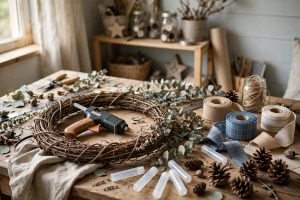
A heat press pairs with many iron-on projects. Heat presses burn skin on contact. Use a heat-resistant mat and wear heat gloves. Let the press cool before you move it. A hot glue gun for craft projects home also needs care, so keep a clear spot on the desk for hot tools.
Ventilate your room when you cut certain materials. Some vinyls release fumes when heated. A small fan near an open window is enough for most home projects.
Common Buying Mistakes to Avoid
Buying the cheapest machine for a big job. The small Joy cannot cut twelve-inch vinyl. Measure first.
Ignoring the software. Design Space is free, but paid features lock some images. Learn the free tools before you pay for the plan.
Skipping the test cut. Every new blade and every new material needs a small test cut. One wasted square saves a ruined sheet.
Forgetting the extras. Mats, blades, and tools add up. Budget one hundred dollars beyond the machine price for your first stock.
Buying from a stranger with no proof. Used machines may be broken or reported. Test before you pay.
Guides like those on Bob’s site and This Old House often cover tool buying with the same calm approach. The Family Handyman shop pages add hands-on craft tool notes that fit well with this kind of purchase.
FAQ
Which Cricut machine is best for a beginner crafter in the USA?
The Explore 3 suits most beginners. It cuts over one hundred materials, runs fast, and handles twelve-inch stock. The Joy Xtra is a fine pick if you only make cards and labels and want to spend less.
Can a Cricut machine cut fabric?
Yes. The Maker 3 cuts fabric with a rotary blade. It handles cotton, felt, denim, and canvas. The Explore 3 can cut bonded fabric but not loose cloth. Always wash and press fabric before cutting for clean edges.
Do I need the paid Design Space plan?
No. The free version lets you upload your own designs and use many free images. The paid plan opens a large image library and more fonts. Try the free version for a month before you decide.
How long does a Cricut machine last?
With normal home use, a machine lasts five years or more. Blades and mats wear out first and cost little to replace. Keep the machine clean and dry, and the motor will serve you well.
Is a Cricut worth it for a small craft business?
It can be. The Explore 3 and Maker 3 cut fast enough for fair booths and online shops. Count your material cost per item and your time before you price your work. Many small sellers recover the machine cost within a few months.
What is the difference between smart materials and regular materials?
Smart materials have a stiff backing that feeds straight into the machine with no mat. Regular materials need a sticky mat to hold them still. Smart materials cost a bit more but save setup time.
A Short Final Word
A cricut machine buying guide for crafters usa comes down to one habit. Match the machine to the work you will actually do. List your projects. Measure your space. Set a budget that includes blades, mats, and material. Then pick the smallest machine that covers your whole list. Crafters who follow this path buy once, cut well, and spend their weekends making things instead of shopping for a replacement.
References
Blick Art Materials. (n.d.). Art and craft supplies. https://www.dickblick.com Bob Vila. (n.d.). Home improvement advice. https://www.bobvila.com Cricut. (n.d.). Cutting machines and craft supplies. https://www.cricut.com Family Handyman. (n.d.). DIY home repair and maintenance. https://www.familyhandyman.com JOANN. (n.d.). Fabric and craft supplies. https://www.joann.com Michaels. (n.d.). Arts and crafts supplies. https://www.michaels.com The Home Depot. (n.d.). Home improvement products. https://www.homedepot.com This Old House. (n.d.). Home renovation guidance. https://www.thisoldhouse.com
Was this guide helpful?

About Jennifer Lee
The My Garden US editorial team writes practical, in-depth home and garden guides for American homeowners — tested advice, no fluff.