Our lutron caseta vs leviton comparison usa starts with a simple fact. Both brands sell smart dimmers and smart switches across the country. Both let you control lights from your phone. Both work with voice assistants. Yet they are built in very different ways. Lutron has made lighting controls for many decades. Leviton has made wiring devices for just as long. This guide puts the two side by side. You will learn how they differ in setup, price, app quality, and daily use.
Why This Comparison Matters
Smart switches are one of the most useful upgrades in a home. They let you set light levels from the couch. They let you turn off every light with one voice command. They can cut your power bill by dimming bulbs that do not need full brightness. Unlike smart bulbs, a smart switch keeps working when someone flips it by hand.
Lutron and Leviton are the two names most American buyers meet first. Both sit on store shelves in every home center. Both have long histories. But their products follow different rules. Lutron Caseta uses its own wireless language and needs a hub. Leviton mostly uses Wi-Fi and needs no hub. That one difference changes the price, the setup, and how the system grows. Buyers who skip this comparison often pick the wrong brand for their house. This guide stops that from happening.
How We Compare the Two Brands: Lutron Caseta vs Leviton Comparison Usa
This lutron caseta vs leviton comparison usa looks at the things real buyers care about. We check what each brand sells, how hard it is to install, and how the phone apps work. We check voice control with Amazon Alexa, Google Home, and Apple HomeKit. We check how they handle homes with no neutral wire. We also check price, warranty, and how each system grows as you add more rooms.
The Two Brands at a Glance
Lutron started in the late 1950s with the first solid-state dimmer. Caseta is its smart home line for houses and apartments. The brand is known for rock-solid wireless links and excellent dimming. It is also known for higher prices and a required hub.
Leviton started in 1906 making wiring devices. Its Decora line is the wall switch most Americans already have in their homes. The Decora Smart line adds Wi-Fi, Z-Wave, and HomeKit models to that familiar shape. Leviton is known for wide choice and lower prices.
Both sell products listed by testing labs. Recalls and safety notices for home devices are tracked by the CPSC, and neither brand has a bad record there.
What Lutron Caseta Sells
The Caseta line centers on a small hub called the Smart Bridge. The bridge plugs into your router. Every Caseta switch, dimmer, and remote talks to the bridge over a radio band called Clear Connect. This band sits below most Wi-Fi traffic. The result is a very stable link. Lights respond fast. They keep working even when home Wi-Fi is busy.
The core products are simple. There is an in-wall dimmer, an in-wall on-off switch, a plug-in lamp dimmer, and the Pico remote, a small battery remote that needs no wires. One bridge can run up to 75 devices. Scenes and schedules run from the Lutron app. Voice control works with Alexa, Google Assistant, and Apple HomeKit.
Caseta also sells a neutral-wire-free dimmer. In many older American homes, the switch box has no neutral wire. Most smart switches need one. The Caseta dimmer does not. That is a major reason the brand is popular in older houses.
What Leviton Sells
Leviton sells the Decora Smart line in several wireless flavors. The most common are Wi-Fi models. Each switch joins your home Wi-Fi and talks to the My Leviton app. There is no hub to buy. Leviton also sells Z-Wave models for hub-based systems and a HomeKit line for Apple homes.
The shapes look like the classic Decora rocker that millions of homes already have. You get dimmers, switches, outlets, and fan speed controls. Leviton also makes models that work without a neutral wire, so older homes are covered too.
Because each device is on Wi-Fi, the system has no hard device limit like the Caseta bridge. But every switch adds traffic to your router. In a house with many smart devices, that can matter.
Setup and Installation Compared
Lutron Caseta setup has two parts. First you wire the switch into the wall box. Second you set up the Smart Bridge and add devices in the Lutron app. Because the devices talk to the bridge, not to your router, you never enter Wi-Fi passwords on each switch. Adding a new room later takes minutes.
Leviton Wi-Fi setup is different. Each switch joins your home Wi-Fi during setup. You enter the network name and password in the My Leviton app. In a house with weak Wi-Fi at the far end, setup can stall. You may need to move the router or add an access point.
Wiring difficulty is about the same for both brands. The task is a standard switch swap. You turn off the breaker, remove the old switch, and connect three or four wires. A guide to 3 way smart switch installation shows the extra steps when two switches control one light. The Lutron Pico remote makes 3-way wiring easier because it needs no traveler wire at all.
If you are not sure about wiring, hire an electrician. Both brands’ instructions say the same. It is cheaper than fixing a mistake.
App Quality and Daily Use
The Lutron app is clean and simple. It shows rooms, scenes, and schedules. You can set a “Good Night” scene that dims the living room and turns off the porch light. The app rarely loses contact with devices. Owners report that it just works, month after month.
The My Leviton app has more features on paper. It shows energy use on some models. It lets you build schedules and scenes. But user reviews note more hiccups. Devices sometimes show as offline when Wi-Fi drops. Reconnecting means going through Wi-Fi setup again. In homes with solid Wi-Fi, the app is fine. In homes with weak Wi-Fi, it can frustrate.
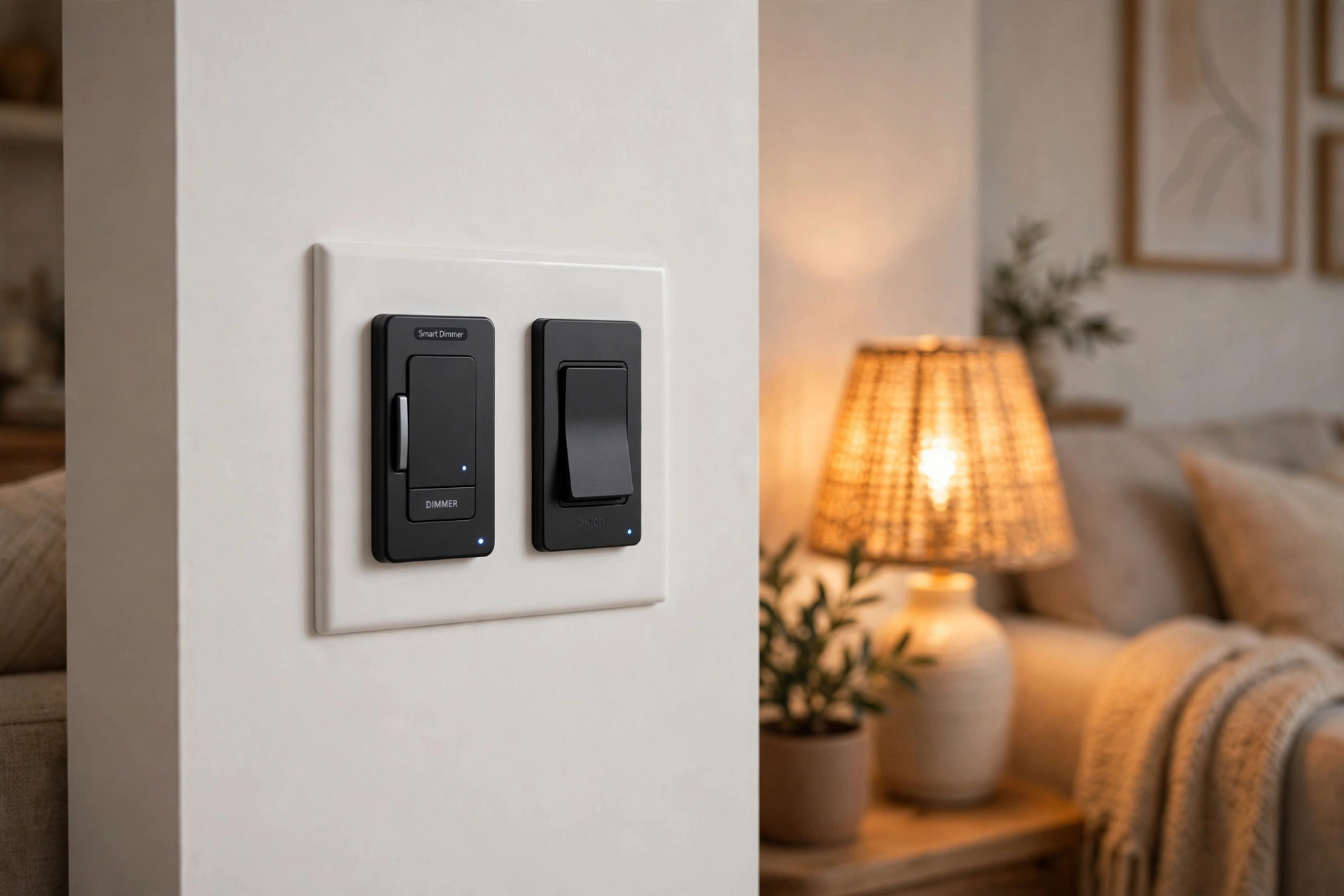
Daily use also differs at the wall. Caseta dimmers have small buttons for on, off, brighter, and dimmer. Leviton Decora Smart dimmers use the familiar rocker shape with a small dimming bar on the side. Many buyers like that it matches their other switches. The best smart dimmer switch reviews often note this style point in Leviton’s favor.
Voice Control and Smart Home Platforms
Both brands work with Amazon Alexa, Google Assistant, and Apple HomeKit. You can say “dim the kitchen to half” or “turn off the bedroom.” You can add lights to routines, such as a morning routine that raises the bedroom light slowly.
Lutron goes further with platform support. Caseta also works with SmartThings, Ring, and several pro-level systems. It is a favorite of home builders because it is stable across hundreds of houses. Google lists compatible devices in its smart home store at the Google Store, and Caseta gear is among the most common.
The No-Neutral-Wire Question
Many American homes built before the 1980s have switch boxes with no neutral wire. This is a real barrier. Most smart switches need a neutral wire for power. Our lutron caseta vs leviton comparison usa would be incomplete without this point, because it decides the winner for many buyers.
Lutron Caseta dimmers work with no neutral wire. This is one of the line’s strongest selling points. The dimmer powers itself through the bulb circuit. If you need a smart light switch for a home with no neutral wire, both brands are worth a look. It works with most dimmable LED bulbs. Some very low-watt bulbs may need a small add-on part, but most homes have no trouble.
Leviton also sells no-neutral models, but bulb matching can be fussier. You may need to test two or three bulb brands to stop flicker. Check each brand’s tested bulb list before you buy in bulk.
Cost and Price
Price is where the brands split most clearly. A single Lutron Caseta dimmer usually costs more than a Leviton Decora Smart Wi-Fi dimmer. Then you must add the Smart Bridge hub, which costs as much as one or two switches. For a one-room project, Lutron is the expensive choice.
The math changes as you add rooms. The bridge is a one-time cost. In a ten-switch house, the per-switch cost gap shrinks. Leviton stays cheaper per switch, but you may need to spend on a better router or access points if Wi-Fi is weak.
Over five years, running costs are small for both. Dimmers cut power use by dimming. The Verge and other gadget reviewers note that smart switches pay back a little each month on the power bill. Neither brand charges a monthly fee for its app. Basic schedules and voice control are free with both.
Typical United States street prices move with sales, so check current prices before you buy. In general, expect to pay more up front for Lutron and less for Leviton.
Care and Upkeep
Smart switches need little care. Wipe the faceplate with a dry cloth. Do not spray cleaner into the switch. Both brands use standard wall plates, so you can swap colors if you repaint.
Software upkeep is automatic. The Lutron bridge updates itself at night. Leviton devices update through the My Leviton app over Wi-Fi. Keep your phone app current so you get new features.
If a switch stops responding, the fix is the same for both. Turn the breaker off and on. Then check the app. For Leviton Wi-Fi models, also restart your router. In most cases, normal function returns in a minute.
Bulb changes deserve care. Smart dimmers work best with dimmable LED bulbs from their tested lists. A cheap non-dimmable bulb can buzz or flicker. When you change bulbs, dim to full first, then test the dimming range.
Safety
Both brands sell devices tested to United States standards. Look for the UL or ETL mark on the box. Only buy from real stores or the maker’s site. Fake switches sold on shady sites may skip safety testing.
Turn off the breaker before you touch any wiring. Use a non-contact voltage tester to confirm the power is off. If the box is crowded or the wires look odd, call an electrician. A pro install often costs less than one service call to fix a bad DIY job.
Some buyers pair smart switches with home alarm systems. Firms like ADT and SimpliSafe sell monitored security, and smart lights can join their routines. A porch light that turns on with motion is a simple add-on to any plan.
Which Should You Buy
Choose Lutron Caseta if you want the most stable system. It wins on wireless reliability, no-neutral support, and long-term app calm. It is the better pick for large homes, older homes, and homes with weak Wi-Fi. The hub cost hurts on small jobs, but the system grows smoothly.
Choose Leviton if you want the lowest cost and the classic Decora look. It wins on price per switch and on matching your existing wall plates. It is the better pick for small jobs, new homes with strong Wi-Fi, and buyers who want no hub at all. Just make sure your router can reach every switch.
There is no bad choice here. Both brands will still be selling parts and supporting apps for years. Pick based on your home’s wiring, your Wi-Fi, and how many switches you plan to add.
Frequently Asked Questions
Do I need a hub for Lutron Caseta?
Yes. Caseta devices talk to the Smart Bridge hub, not directly to Wi-Fi. You need one bridge per home. It plugs into your router with a cable. The bridge can run up to 75 devices, so one is enough for most houses.
Does Leviton need a hub?
The Decora Smart Wi-Fi models need no hub. Each switch joins your home Wi-Fi. The Z-Wave models need a Z-Wave hub such as SmartThings. The HomeKit models need an Apple home hub, such as a HomePod, for remote access away from home.
Which is better for a home with no neutral wire?
Both brands sell no-neutral dimmers, but Lutron Caseta is the safer pick. Its dimmer handles more bulb types with less flicker. Leviton also works in many homes, but you may need to test bulb brands. Check each brand’s tested bulb list first.
Can I mix Lutron and Leviton in one house?
Yes. Both work with Alexa, Google Home, and Apple HomeKit. You can put Caseta dimmers in the living room and Leviton switches in the bedrooms. You will use two apps, but voice control can run both at once through one assistant.
Which brand dims LED bulbs better?
Lutron has the edge. The company built its name on dimming, and Caseta dimmers handle low-end dimming well. Lights fade smoothly to a soft glow. Leviton dimmers are good but can show small steps or flicker with some bulbs.
Do these switches work when the internet is down?
Lutron Caseta keeps working at the wall and through the app on your home network, because devices talk to the bridge locally. Schedules stored in the bridge also keep running. Leviton Wi-Fi switches still work at the wall, but app control and schedules that live in the cloud may pause until the internet returns.
A Short Final Word
This lutron caseta vs leviton comparison usa comes down to your home. Lutron Caseta is the steady, premium system with a hub. Leviton is the low-cost, hub-free system on Wi-Fi. Match the brand to your wiring, your Wi-Fi, and your plans. Either way, you get lights that listen, schedules that save power, and a home that feels a step into the future.
Buying guides are also published by Consumer Reports and CNET.
References
ADT. (n.d.). Home security and automation. https://www.adt.com CNET. (n.d.). Technology news and reviews. https://www.cnet.com Consumer Reports. (n.d.). Product reviews and ratings. https://www.consumerreports.org Google Store. (n.d.). Smart home devices. https://store.google.com Ring. (n.d.). Smart home security devices. https://www.ring.com SimpliSafe. (n.d.). Home security systems. https://www.simplisafe.com The Verge. (n.d.). Technology news and reviews. https://www.theverge.com U.S. Consumer Product Safety Commission. (n.d.). Product safety information. https://www.cpsc.gov
Was this guide helpful?

About James Carter
The My Garden US editorial team writes practical, in-depth home and garden guides for American homeowners — tested advice, no fluff.