---
Table of Contents
Table of Contents
- Desk Placement: The golden rule: window to the side
- Why facing the window is tricky
- Why back-to-the-window fails
- Tame the glass with coverings
- Handle the heat the windows bring
- Solve the privacy problem
- Balance the light through the day
- Use the wall space wisely
- Mind the screen and your eyes
- When the room has windows on two walls
- The quick placement checklist
- References
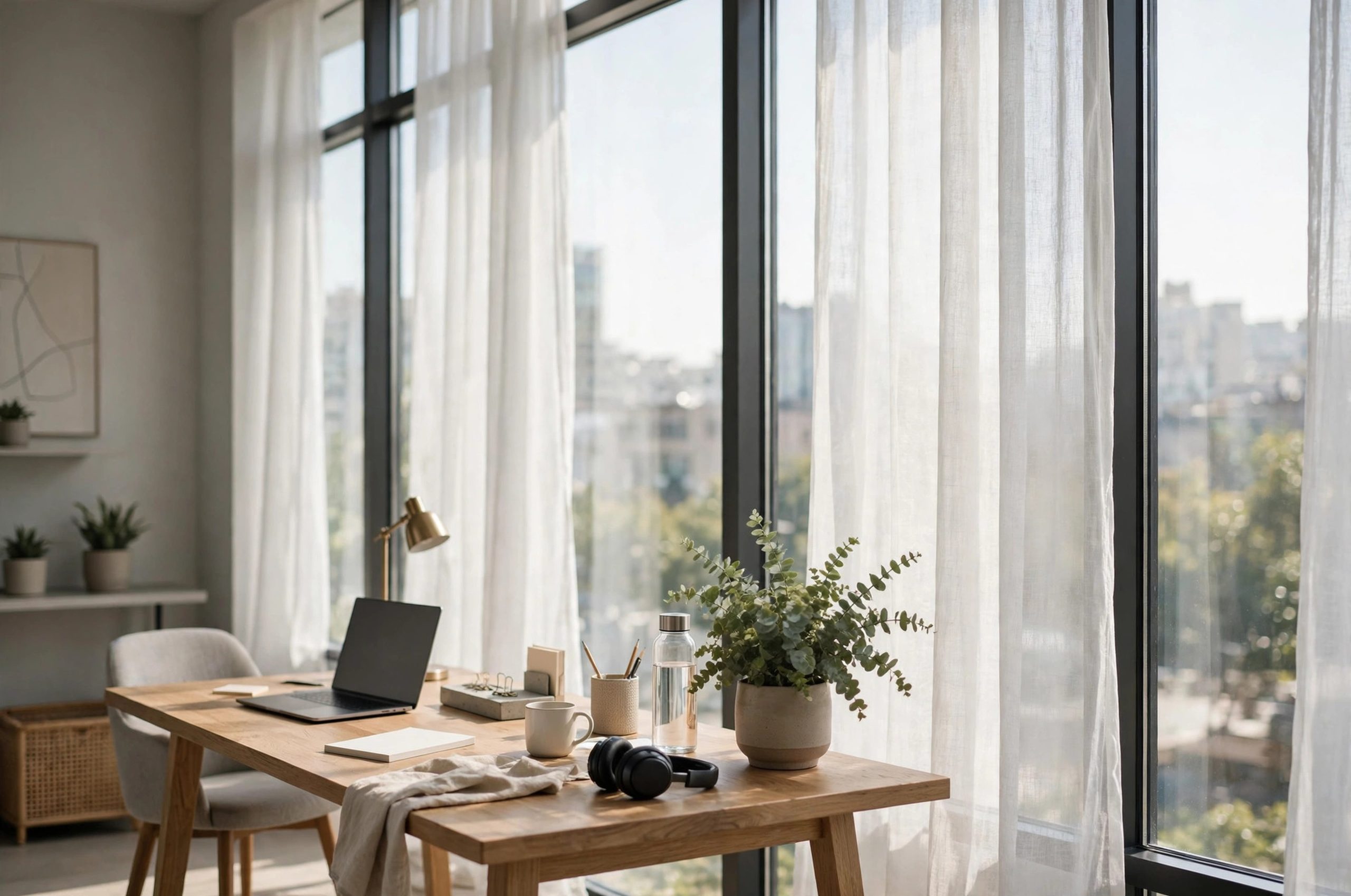
A room with big windows is a gift and a problem. The gift is daylight, views, and a mood lift every morning. The problem is glare on the screen, heat pouring in by afternoon, and the whole neighborhood watching you work. The rest of this guide covers desk placement in plain language.
Desk placement decides which one you get. Put the desk in the wrong spot and the windows fight you all day. Put it in the right spot and the room does half the work for you.
Desk Placement: The golden rule: window to the side
When it comes to desk placement, getting the details right makes all the difference.
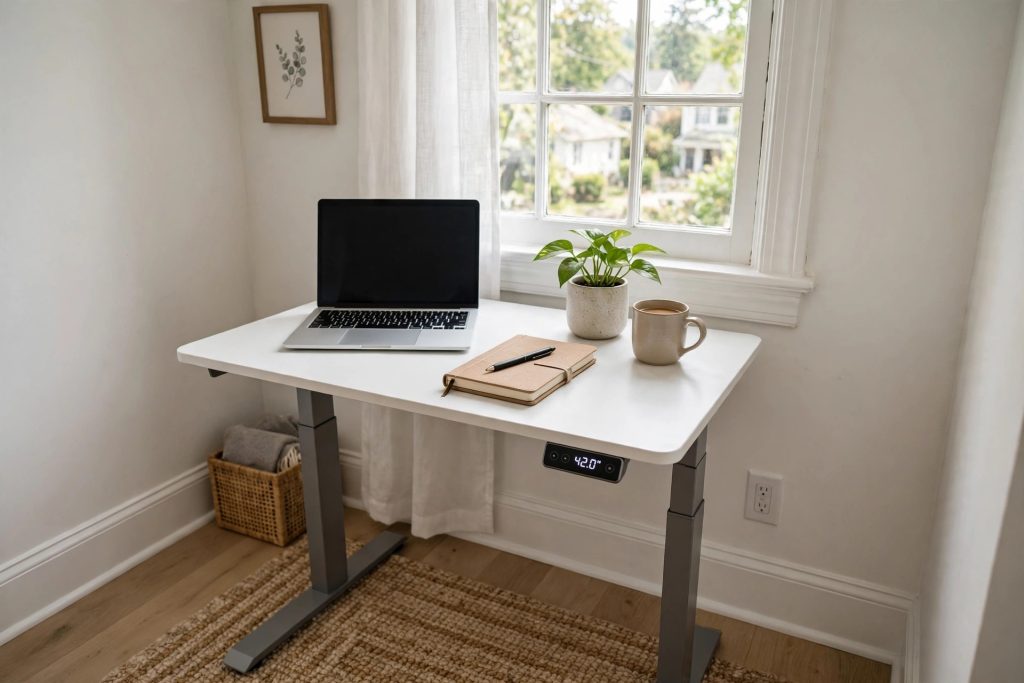
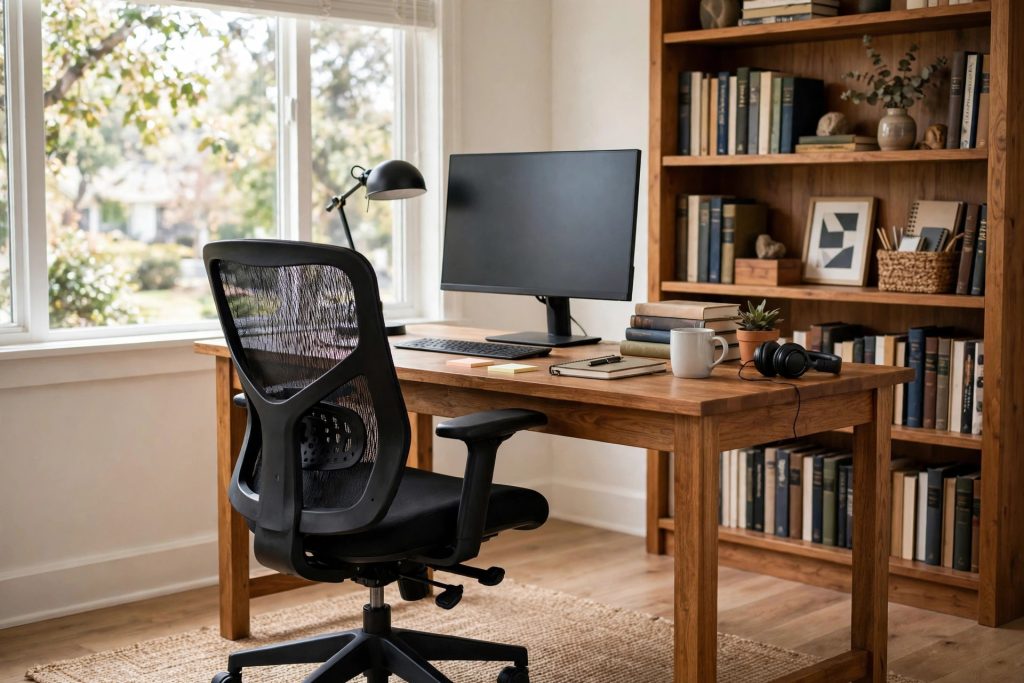
Many homeowners find that desk placement is easier than they expected once they know the basics.
Most lighting experts agree on one layout. Place the desk so the window sits to your side, at ninety degrees to your line of sight. Light washes across the desk evenly. It does not blast your eyes or bounce off the screen.
Engineer Fix makes the detailed case: side placement gives uniform illumination across the work surface without the contrast problems of facing the glass or turning your back to it (Engineer Fix). Lensmart's lighting guide calls the perpendicular setup the most critical ergonomic principle for desk placement, warning that a window behind you turns the screen into a mirror (Lensmart).
For right-handed writers, window on the left keeps your writing hand from casting shadows on the page. Left-handed, mirror it. A small detail that matters if you still write by hand.
Why facing the window is tricky
Many homeowners find that desk placement is easier than they expected once they know the basics.
The key to desk placement is choosing the right approach for your space and budget.
Facing the window feels natural. You get the view, the daylight, the sense of openness. Ideal Home quotes designers who recommend it for eye breaks and distance viewing (Ideal Home).
But it has real costs. Bright glass next to a dimmer screen forces your eyes to adjust constantly, which causes fatigue. Direct sun on the screen washes it out. And in summer, a south or west window facing your desk pours heat straight onto you.
If you love the view, you can still face the window with fixes: an anti-glare screen filter, sheer curtains to diffuse the light, and blinds you actually close during peak sun. Vaseat's window-desk guide suggests angling the desk slightly away from the glass and using curtains or blinds to control the light (Vaseat).
Why back-to-the-window fails
The key to desk placement is choosing the right approach for your space and budget.
With a little planning, desk placement can fit even a busy schedule.
Putting your back to the window is the worst common layout for screen work. The bright window reflects in the screen, washing out text and images. You end up cranking screen brightness to compete, which strains your eyes further.
It also puts you in your own shadow if the main light is the window. On video calls, your face goes dark while the window behind you glows. Nobody can see you.
The one exception: if you work mostly on paper and the window is north-facing with soft, indirect light, back-to-window can be pleasant. For screen work, avoid it.
Tame the glass with coverings
With a little planning, desk placement can fit even a busy schedule.
Before you start, it helps to understand how desk placement works in real homes.
Big windows need window treatments, full stop. They are your control panel for light, heat, glare, and privacy.
- Sheer curtains. Diffuse harsh sun while keeping the room bright. The best everyday option for big windows.
- Light-filtering blinds or shades. Adjustable through the day as the sun moves.
- Blackout layers. For video calls or afternoon glare emergencies, a second blackout curtain on the same rod is a lifesaver.
- Plantation shutters. Louvers tilt to bounce light toward the ceiling while blocking direct sun. They insulate better than bare glass and look sharp on big windows.
Vermont Energy Saver lists closing window coverings during the day among its top cooling tips, since glass is where most solar heat enters (Vermont Energy Saver). Etrapp's heat guide likewise advises keeping direct sunlight out with blinds or UV-blocking curtains (Etrapp).
Handle the heat the windows bring
Before you start, it helps to understand how desk placement works in real homes.
Big windows are heat collectors. A west-facing wall of glass in the afternoon can raise the room several degrees. Plan for it:
- Close coverings on sun-facing windows during peak hours.
- Keep the desk out of the direct sun patch, which moves across the floor through the day.
- Consider reflective window film on the worst exposures. It cuts heat while keeping the view.
- Run a fan to keep air moving. The Department of Energy notes a ceiling fan lets you raise the thermostat about four degrees with no comfort loss (Energy.gov).
Next Luxury points out that desk position itself is a cooling lever: pulling the desk away from direct sun reduces both glare and the pocket of hot air around sunlit furniture (Next Luxury).
Solve the privacy problem
A good plan for desk placement saves time, money, and frustration.
Big windows mean big sightlines. If the room faces the street or close neighbors, you need a privacy strategy that does not kill the light:
- Top-down, bottom-up shades. Lower from the top for light, raise from the bottom for privacy. The best of both.
- Frosted film on lower panes. Lets light through, blocks views. Cheap and removable.
- Sheers during the day. From outside, sheer curtains blur the interior enough for comfort while you keep your view.
- Desk orientation. Angle the desk so your screen is not visible from the window. This also protects on-screen privacy.
Balance the light through the day
For most people, desk placement comes down to a few smart choices.
Daylight changes constantly. A setup that is perfect at nine in the morning glares at three in the afternoon. Build adjustability in:
- A good desk lamp. For cloudy mornings and dark afternoons, a lamp fills in without competing with the window. A reading floor lamp beside the desk adds warm light for late-day work.
- Bias lighting. A soft light behind the monitor reduces the contrast between the bright screen and a darker room in the evening.
- Blinds you will actually adjust. Motorized or cordless blinds get used. Fiddly corded blinds stay wherever they are.
WFH Lounge's no-AC cooling guide notes that a west-facing window in the afternoon acts like a heater, and that closing the blind during peak sun beats any gadget (WFH Lounge).
Use the wall space wisely
If you are new to desk placement, start with the simplest option and build from there.
Big windows eat wall space, which means less room for storage. Compensate:
- A wall-mounted desk shelf above the computer monitor adds storage without touching the floor.
- Narrow bookcases fit in the wall sections between windows.
- Under-desk drawers and rolling carts keep supplies close without needing wall space.
Keep the window wall itself clear. Furniture crowded against big windows blocks light and looks cluttered from outside.
Mind the screen and your eyes
When it comes to desk placement, getting the details right makes all the difference.
Even with good placement, big windows challenge your eyes. A few rules:
- Match screen brightness to the room. The screen should not glow like a lantern in a dim room or disappear in a bright one.
- Match color temperature. If your lamps are warm and your screen is icy blue, your eyes work overtime. Most monitors let you pick warm, neutral, or cool white.
- Take distance breaks. Big windows are perfect for the 20-20-20 rule: every twenty minutes, look twenty feet out the window for twenty seconds.
- Consider an anti-glare screen protector if reflections persist.
A bedroom table lamp with a warm bulb on a side table gives you a low-glare evening option when the daylight fades.
When the room has windows on two walls
Corner rooms with glass on two sides are the trickiest. Pick the wall with softer, more indirect light for the side placement, and treat the harsher exposure with blackout-capable coverings. A corner desk can work well here, letting you face into the room with light coming from both sides at an angle. Just make sure at least one set of coverings can fully close, or the afternoon sun will win every argument.
The quick placement checklist
- [ ] Window to the side of the desk, not in front or behind
- [ ] Writing hand away from the window to avoid shadows
- [ ] Sheer curtains plus an adjustable blind or shade
- [ ] Desk out of the direct sun patch and its heat
- [ ] Privacy handled: film, top-down shades, or smart orientation
- [ ] Desk lamp and bias light for dark hours
- [ ] Screen brightness and color matched to the room
- [ ] Storage that does not block the windows
Big windows should make the workday better, not harder. Side light, good coverings, and a little attention to heat and privacy turn the brightest room in the house into the best office in the house. Keep this guide handy the next time desk placement comes up.
References
Ace Office Systems. (n.d.). Tips for positioning a desk in front of a window. https://aceofficesystems.com/blogs/news/tips-for-positioning-a-desk-in-front-of-a-window
Energy.gov. (n.d.). Top 11 things you didn't know about saving energy at home: Summer edition. https://www.energy.gov/articles/top-11-things-you-didnt-know-about-saving-energy-home-summer-edition
Engineer Fix. (n.d.). Should you put your desk in front of a window? https://engineerfix.com/should-you-put-your-desk-in-front-of-a-window/
Etrapp. (n.d.). How to keep your house cool in extreme summer heat. https://etrapp.com/how-to-keep-your-house-cool-in-extreme-summer-heat/
Ideal Home. (n.d.). Where to position a desk in a home office to boost productivity. https://www.idealhome.co.uk/home-office/where-to-position-a-desk-in-a-home-office
Lensmart. (n.d.). Reduce glare in home office: Lighting tips for eye strain. https://www.lensmartonline.com/blog/glasses-lifestyle-guides/details/reduce-glare-home-office-lighting-eye-strain
Next Luxury. (n.d.). How to create a comfortable home office during summer. https://nextluxury.com/home-design/create-a-comfortable-home-office-during-summer/
Vaseat. (n.d.). Desk in front of window: Benefits & drawbacks. https://vaseat.com/desk-in-front-of-window/
Vermont Energy Saver. (n.d.). Cooling. https://energysaver.vermont.gov/energysaver/node/99
WFH Lounge. (n.d.). How to keep your home office cool in summer (no AC). https://www.wfhlounge.com/blog/keep-home-office-cool-summer
Was this guide helpful?

About My Garden US
The My Garden US editorial team writes practical, in-depth home and garden guides for American homeowners — tested advice, no fluff.
You May Also Like
An Ergonomic Chair for Pregnancy Home Office Use: A Practical Guide
January 19, 2026 2 views
Best Ring Light for Home Office Video Calls
September 4, 2026 3 views
Home Office Desk Extension for Wider Workspace: A Plain Guide
May 17, 2026 1 views