
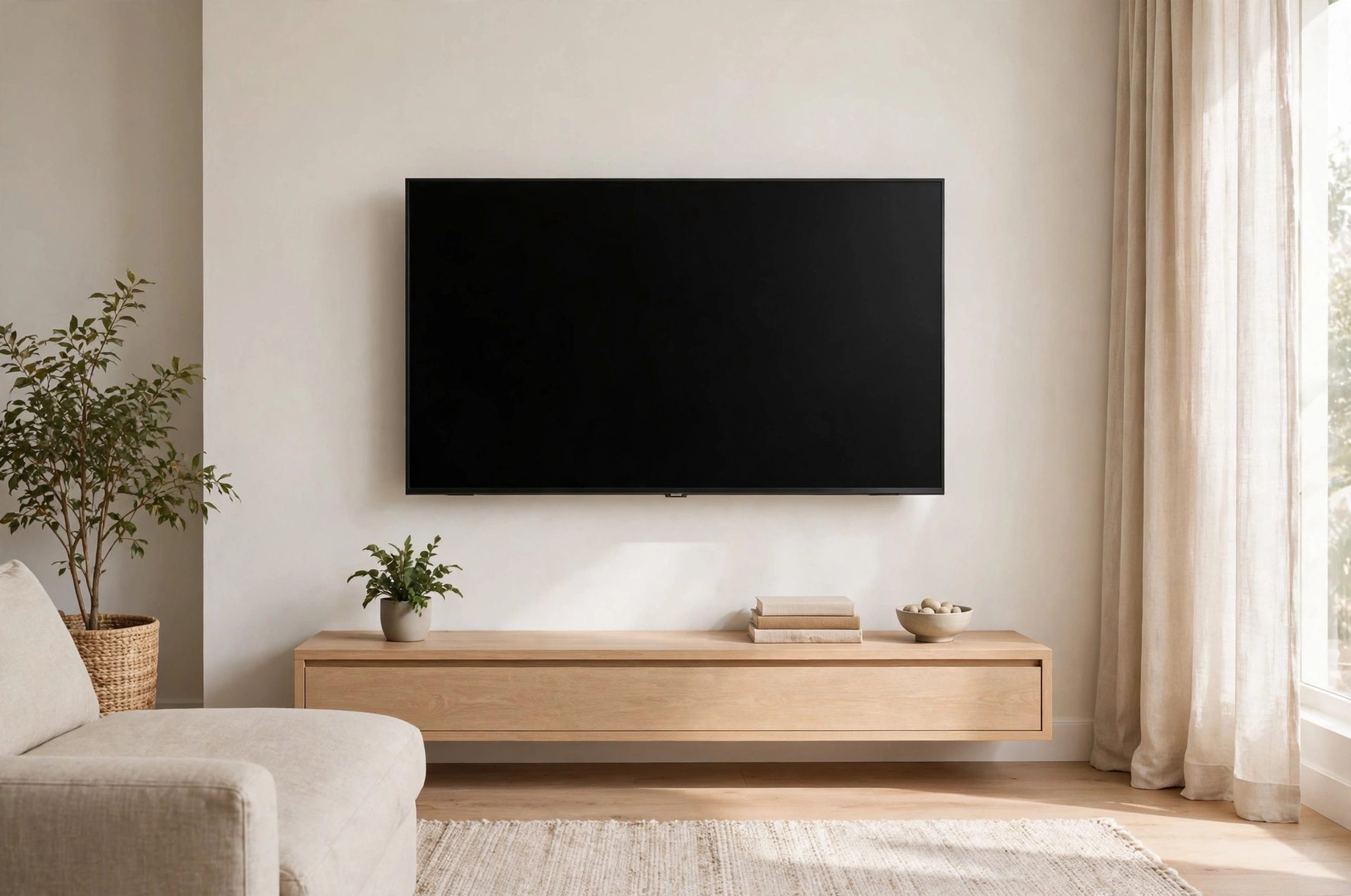
A wall-mounted television looks sleek until you step back and see the truth: a tangle of black cables drooping down the wall like vines. The television was supposed to float. Instead it has a tail. Learning how to hide TV cords on the wall neatly is one of the highest-impact small projects in a living room, an hour of work, and the whole wall looks twice as expensive. Here is what to know about hide tv cords on the wall before you start.
Table of Contents
Table of Contents
- Hide Tv Cords on the Wall: First: Shrink the Problem
- Method 1: Paintable Cord Raceway (Best All-Around)
- Method 2: In-Wall Cable Routing (Truly Invisible)
- Method 3: Cord Covers and Sleeves
- Method 4: Hide Cords Behind Furniture
- Method 5: The Power Bridge Kit (Code-Safe In-Wall Power)
- Method 6: Cord Clips and Cable Clamps
- Method 7: Reroute Through the Stand
- Method 8: Decorative Concealment
- Method 9: The Renter's No-Damage Kit
- Safety Rules Nobody Should Skip
- Match the Method to Your Situation
- The Bottom Line
- References
There is no single right method. The best approach depends on whether you own or rent, how many devices you have, and how invisible you need the cords to be. This guide covers nine methods, from the truly invisible in-wall route to renter-friendly tricks that need no tools at all.
Hide Tv Cords on the Wall: First: Shrink the Problem
When it comes to hide TV cords on the wall, getting the details right makes all the difference.

Many homeowners find that hide TV cords on the wall is easier than they expected once they know the basics.
Before you hide anything, make the bundle smaller. Every cord you eliminate is a cord you do not have to conceal.
Shorten the cables. Most setups use cables far longer than needed. A three-foot HDMI cable between a TV and a soundbar mounted right below it replaces a six-foot coil. Measure the actual distance and buy the shortest cable that reaches with a little slack.
Go wireless where you can. Streaming sticks plug directly into the TV's HDMI port, no cable at all. Wireless soundbars and subwoofers kill speaker wire runs. Fewer boxes under the TV means fewer cords.
Bundle what remains. Hook-and-loop cable ties (the reusable Velcro kind, not zip ties you have to cut) gather the remaining cords into one neat line. One tidy bundle is far easier to hide than five loose cables going five directions.
Mount the power strip. A power strip screwed or stuck to the back of the TV stand, or mounted on the wall behind the TV, gets the plug cluster off the floor. Electronics Hacks' cord-hiding walkthrough shows this wall-mounted strip trick as the cheapest first step. Everything plugs in up high, and one cord runs down to the outlet instead of five.
Method 1: Paintable Cord Raceway (Best All-Around)
Many homeowners find that hide TV cords on the wall is easier than they expected once they know the basics.
The key to hide TV cords on the wall is choosing the right approach for your space and budget.
A cord raceway is a slim plastic channel that sticks to the wall and holds your cables inside it. You run it straight down from the TV to the outlet, lay the cords in the channel, and snap the cover shut. Then you paint it the wall color, and it nearly disappears.
This is the method most people should start with. It needs no cutting, no electrician, and no landlord permission, adhesive-backed raceways peel off cleanly when you move. Measure the wall span, cut the raceway to length with a hacksaw, stick the base to the wall, lay in the cables, snap the cover. Choose a raceway wide enough for your whole bundle; cramming creates bulges.
The painting step is what makes it invisible. Use the same paint as the wall, latex-based, and the channel blends in completely. Bob Vila's cord-concealing guide recommends this exact approach and notes that painted raceways are the best no-cut solution for most homes.
Method 2: In-Wall Cable Routing (Truly Invisible)
The key to hide TV cords on the wall is choosing the right approach for your space and budget.
With a little planning, hide TV cords on the wall can fit even a busy schedule.
If you own the home and want zero visible cords, run them inside the wall. You cut two small holes, one behind the TV, one near the outlet, and fish the cables through the wall cavity between them. When done, there is nothing to see. Guests will think the TV is wireless.
Use a proper in-wall kit. These include wall plates, grommets, and sometimes fish tape, and they are designed for this exact job. Check for studs with a stud finder first and cut between them, never through them. Keep the holes behind the TV and low near the baseboard so the plates stay hidden.
The safety rule that matters: never run a standard power cord inside the wall. Electrical code requires in-wall power to use approved methods, either an in-wall power bridge kit with a proper inlet and outlet, or cables rated for in-wall use. A regular extension cord behind drywall is a fire hazard. When in doubt, hire an electrician for the power part and DIY the low-voltage HDMI and network cables yourself. The in-wall wiring walkthrough at Treasure Valley Solutions covers the step-by-step with code-aware precautions.
Method 3: Cord Covers and Sleeves
With a little planning, hide TV cords on the wall can fit even a busy schedule.
Before you start, it helps to understand how hide TV cords on the wall works in real homes.
Cord covers are flexible sleeves, neoprene, fabric, or braided, that wrap around a bundle of cables and zip or Velcro shut. They do not attach to the wall; they just tidy the bundle into one clean line.
These are best when the TV sits on a stand rather than mounted, and the cords run a short distance to nearby devices. A sleeve turns five messy cables into one neat tube. Fabric sleeves in a color close to your wall or furniture look intentional rather than improvised.
Limitations: sleeves organize but do not hide. The line of cable is still visible, just neater. For a mounted TV with a long vertical drop, a raceway looks better.
Method 4: Hide Cords Behind Furniture
Before you start, it helps to understand how hide TV cords on the wall works in real homes.
A good plan for hide TV cords on the wall saves time, money, and frustration.
The oldest trick still works. A media console directly under the TV hides the lower cable run, the power strip, and the devices themselves. The cords drop straight down behind the console and nobody sees them.
Position matters. The console should sit directly below the TV with minimal gap, so cords do not show in the space between. Choose a console with cable management holes in the back panel; most modern media stands have them. If yours does not, a hole saw and five minutes fixes it.
A tall plant or a decorative basket beside the console covers any last inches of visible cord at the sides. This method costs nothing if you already own the furniture, which makes it the best first move before you buy any hardware. Coohom's TV-friendly layout ideas show how a low media console plus movable seating solves sightlines and cord clutter together.
Method 5: The Power Bridge Kit (Code-Safe In-Wall Power)
A good plan for hide TV cords on the wall saves time, money, and frustration.
For most people, hide TV cords on the wall comes down to a few smart choices.
This deserves its own mention because it solves the power problem properly. A power bridge kit gives you an inlet behind the TV and an outlet down by your devices, connected by in-wall-rated cable. You plug the TV into the inlet; the power travels safely inside the wall; your devices plug into the lower outlet.
It is the code-compliant way to get the invisible look without an electrician rewiring the room. Kits are widely available, install with basic tools, and the finished result has proper receptacles at both ends instead of a cord poked through a hole. If you are doing Method 2, do it with a bridge kit rather than improvising.
Method 6: Cord Clips and Cable Clamps
For most people, hide TV cords on the wall comes down to a few smart choices.
If you are new to hide TV cords on the wall, start with the simplest option and build from there.
For short runs and minor tidying, adhesive cord clips guide cables along a precise path, down the back edge of the TV mount, along the baseboard, behind a leg of the stand. They do not hide cables, but they stop the spaghetti.
Use them to pin the bundled cable tight against the wall so it casts no shadow and does not swing. A cable hugging the wall in a straight vertical line is far less noticeable than one looping outward. Combine clips with a raceway for the cleanest surface-mounted result: clips hold the bundle, the raceway covers it.
Method 7: Reroute Through the Stand
If you are new to hide TV cords on the wall, start with the simplest option and build from there.
When it comes to hide TV cords on the wall, getting the details right makes all the difference.
Sometimes the cleanest path is not down the wall at all. If your TV is on a stand, route everything through the stand's interior. Devices sit on the shelves, cables drop behind them through the back panel holes, and one power cord exits to the outlet.
Drill extra cable holes where you need them; a one-inch hole saw makes clean openings in the back panel. Add adhesive cable clips inside the stand to keep cords off the shelves. The same thinking applies to a wall-mounted monitor at a desk, our desk shelf guide covers cable routing for screen setups. The front stays clean, the sides stay clean, and the only visible cord is the single power run to the wall.
Method 8: Decorative Concealment
When it comes to hide TV cords on the wall, getting the details right makes all the difference.
When hardware is not an option, decor does the job. A tall floor plant beside the TV stand swallows the cable drop completely, and a slim floor lamp on the other side balances the arrangement while giving the remaining cord something to hide behind. A leaning floor mirror or a large basket covers the outlet area. A gallery wall arranged around the TV, frames on both sides, draws the eye away from any remaining cord and makes the TV part of a composed arrangement instead of a lonely screen with a tail.
This is also the answer for brick, stone, and concrete walls where you cannot cut or easily stick anything. Do not drill masonry for a cable run; style around it instead. Our guide to living room wall art has gallery arrangements that incorporate a television gracefully.
Method 9: The Renter's No-Damage Kit
Many homeowners find that hide TV cords on the wall is easier than they expected once they know the basics.
Renters, this is your playbook. Combine three things: an adhesive-backed paintable raceway for the vertical drop, hook-and-loop ties to bundle the cords, and furniture placement to hide the bottom. No holes, no cutting, nothing the landlord can object to.
When you move out, warm the raceway adhesive with a hair dryer on low and peel slowly. Touch up any paint if needed. The whole setup comes down in twenty minutes.
For the outlet end, a cord cover box, a lidded box that holds the power strip and plugs, sits on the floor behind the console and hides the ugliest part of any setup: the plug cluster. These cost little and make a shocking difference.
Safety Rules Nobody Should Skip
The key to hide TV cords on the wall is choosing the right approach for your space and budget.
- Never run standard power cords inside walls. Use a listed power bridge kit or hire an electrician.
- Do not overload outlets. A TV, soundbar, console, and streaming box on one strip is fine; add space heaters or big amplifiers and you need a second circuit.
- Give devices air. Hiding cords is good; sealing devices in an airtight cabinet is not. Electronics need ventilation or they overheat.
- Keep cords away from heat. Do not route cables across fireplace mantels near the firebox or over radiators.
- Check weight ratings. Adhesive raceways and clips have limits. A bundle of thick cables in an undersized raceway will pop the cover.
- Follow a checklist. The City of Jackson's TV cable concealment guide (PDF) walks through the same methods, raceways, in-wall routing, and cord covers, with a renter-friendly emphasis.
The AEANET cord-hiding guide covers these safety points well, including why ventilation and proper in-wall ratings matter more than the cosmetic result.
Match the Method to Your Situation
With a little planning, hide TV cords on the wall can fit even a busy schedule.
Homeowner, mounted TV, want invisible: in-wall routing with a power bridge kit. Weekend project, professional result.
Homeowner, mounted TV, want easy: paintable raceway. One hour, nearly invisible.
Renter, mounted TV: adhesive raceway plus furniture concealment. Zero damage. AEANET's cord-concealment rundown is worth a skim for the common mistakes to avoid, like overloading a single outlet.
TV on a stand: cord sleeves, through-the-stand routing, and a cord box for the outlet. No wall work needed.
Lots of devices: mount the power strip high, bundle aggressively, then raceway the single drop.
The Product Analyst's TV wire guide compares these approaches side by side if you want a second opinion before you buy hardware.
The Bottom Line
Shrink the bundle first, shorter cables, fewer boxes, wireless where possible. Then pick your hide: raceway for most people, in-wall for the invisible look, furniture and decor when you cannot touch the walls. Do it right and the TV finally floats the way it was supposed to, with nothing dangling beneath it. Once you try it, hide tv cords on the wall gets easier each time.
References
AEANET. (n.d.). How to hide TV and cable cords? https://www.aeanet.org/how-to-hide-tv-and-cable-cords/
Bob Vila. (n.d.). 12 genius ways to hide every wire in your home. https://www.bobvila.com/articles/how-to-hide-tv-wires/?utm_source=PostUp&utm_medium=email&utm_campaign=Friday++Jan+4+Newsletter+-+Hide+every+wire
Electronics Hacks. (n.d.). How to hide TV cords and wires? http://electronicshacks.com/how-to-hide-tv-cords-and-wires/
The Product Analyst. (n.d.). How to hide TV wires: 6 cable management tips. https://theproductanalyst.com/how-to-hide-tv-wires/
Treasure Valley Solutions. (n.d.). How to hide wires in a wall mounted TV, step by step. https://treasurevalleysolutions.com/blog/how-to-hide-wires-in-wall-mounted-tv
Was this guide helpful?

About My Garden US
The My Garden US editorial team writes practical, in-depth home and garden guides for American homeowners — tested advice, no fluff.
You May Also Like

Rustic Console Tables for Texas Homes
May 11, 2026 21 views
How to Find Luxury Area Rugs USA Online Deals Without Paying Too Much
September 14, 2026 13 views
Kitchen Island Stools: USA Online Deals and Buying Guide
March 8, 2026 16 views